
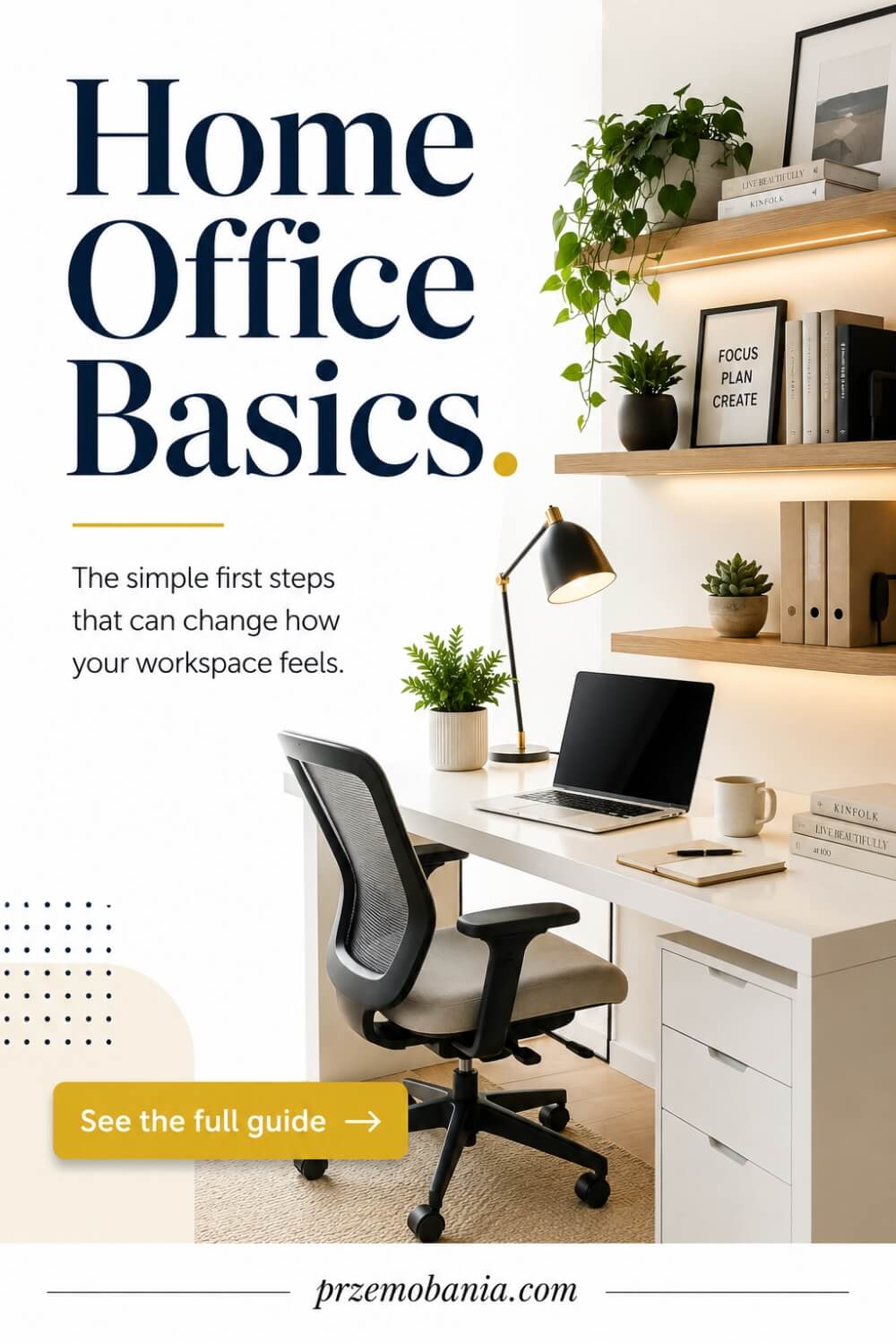
Home Office Basics: 20 Steps to Plan, Design & Organize Your Workspace
I decided to put together this rather grand home office basics guide so you don’t have to ask yourself questions such as:
- Have I ever felt that my home office could quietly change my entire life?
- What if my home office was not just a desk in a spare room, but the doorway to freedom, flexibility, and something deeply personal?
Yes, it can be that powerful! A thoughtfully built home office can give you control over your time, your energy, and your future. It can turn long commutes into slow mornings, noise into focus, and stress into intention. It can become the foundation for work that fits your life instead of fighting it.
I did not start thinking about design because it looked nice on Instagram. I started because I wanted a space that made sense for real life. A place where work feels grounded, calm, and sustainable.
If you have ever wondered whether your space could support the life you truly want, keep reading and let me show you what a home office can really become.
- FREE eBook
- Why Home Office Basics Matter?
- Home Office Setup
- Home Office Layout
- Home Office Electrical Planning
- Home Office Color
- Home Office Desk
- Home Office Chair
- Home Office Storage
- Home Office Technology
- Home Office Lighting
- Home Office Decor Ideas
- Small Home Office Ideas
- Feminine Home Office Ideas
- Masculine Home Office Ideas
- Home Office Built-Ins
- Cozy Home Office
- Home Office Style
- Seasonal Home Office
- Home Office On a Budget
- Home Office Organization
- Home Office Room Combo
- Final Word on Home Office Basics
Grab a FREE eBook!
Why Home Office Basics Matter?
For me, home office basics are not really about buying a fashionable desk, choosing a beautiful chair, or copying a room you saw online. They are about understanding how the space needs to support your body, your concentration, your working routine, and ultimately the life you are trying to build.
I began to understand that much more deeply when my wife needed the comfort and security of working from home while living with chronic illness. I started noticing things I might once have overlooked, such as how the wrong chair could make a difficult day harder, how harsh lighting could become exhausting, or how having everything within comfortable reach could preserve precious energy.
That changed the way I looked at rooms completely. I could not take away the flare-ups or make every difficult day disappear, but I could help create surroundings that asked less from her physically and made working from home feel safer and more manageable.
I could think about where the desk sat, how easily she could reach storage, whether cables were becoming another frustration, where natural light entered the room and whether the whole space felt calm rather than demanding. Those apparently small decisions taught me that good design starts long before you begin decorating.
My love of comfortable interiors goes back much further than that. I grew up in Poland with a mum who filled our home with houseplants, and I learned very early how greenery, warmth and simple personal touches can completely change the feeling of a room.
Later, practical experience taught me to pay attention to how things are built, positioned and used rather than concentrating only on how they look. That combination of comfort and practicality is still how I approach a workspace today because a beautiful room means very little if working inside it leaves you uncomfortable by lunchtime.
If you are tired of the same commute, the same rigid routine and feeling as though your entire life has to fit around somebody else’s working hours, creating a proper workspace at home can represent something much bigger than interior design. It may become the place where you begin building more control over your time, experimenting with remote work, starting something of your own or simply making your existing working day kinder to yourself.
A thoughtful workspace can also give you possibilities that a traditional office rarely offers. You can build your working life around the places and people that matter to you, whether that eventually means spending time in another country, visiting family more often, working closer to someone you love or simply being home when home is where you are needed most.
You do not need an enormous room, an unlimited budget or a photograph-perfect interior to begin. You need to understand the practical layers of the room and make each choice intentionally, because layout, power, colour, furniture, technology, lighting, storage and comfort all affect one another.
That is why I like to build a workspace in stages rather than treating everything as decoration, starting with how the room will function and gradually moving toward how you want it to feel. The twenty areas below are the foundations I would work through when turning an empty room, spare corner or existing workspace into somewhere you can genuinely enjoy using.
- home office setup
- home office layout
- home office electrical planning
- home office color
- home office desk
- home office chair
- home office storage
- home office technology
- home office lighting
- home office decor ideas
- small home office ideas
- feminine home office ideas
- masculine home office ideas
- home office built-ins
- cozy home office
- home office style
- seasonal home office
- home office on a budget
- home office organization
- home office room combo
Home Office Setup
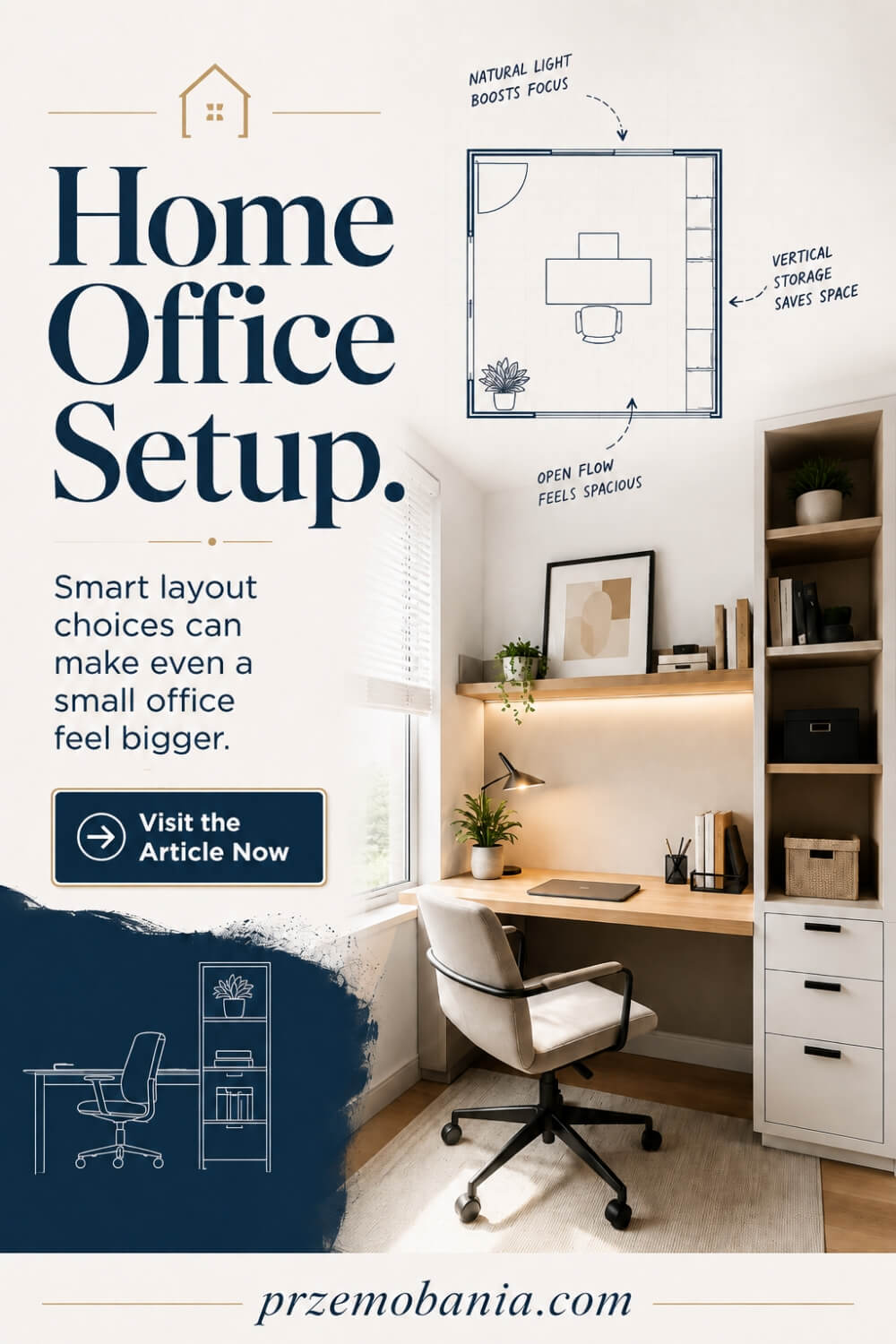
When I think about creating a workspace from an empty room, I do not start with shopping. I start by asking what the room needs to help you do every day. How long will you work there, what equipment do you use, what distracts you, and what makes you comfortable enough to focus? Those answers matter more than choosing a desk because they shape every decision that follows. A successful setup should feel like it was built around your routine, not like you were squeezed into whatever furniture happened to fit.
Before you buy anything, spend time looking at the room as it is. My guide to planning your first home office from an empty space goes deeper into the choices worth making at this stage, from measuring the room to deciding what deserves a permanent place. Notice where daylight enters, where the sockets are, whether the room becomes hot or cold, how much noise reaches you, and where doors or windows limit furniture placement. A few observations can save you from expensive changes later.
I learned to pay attention to those small details because working from home became something more personal in our household. Watching my wife deal with chronic illness showed me how easily an environment can either support you or drain you. A shelf placed too high, a charger that requires constant bending, or a printer positioned across the room may seem insignificant until energy is limited and every unnecessary movement starts to matter.
That experience changed the way I approach home office basics. I now think first about reducing friction. Keep used items close, give your chair enough room to move, make cables easy to manage, and avoid filling every available corner simply because you can. Empty space is useful too. It gives you breathing room and makes the office easier to adapt when your work changes.
I also recommend thinking beyond what you need today. Perhaps you work from a laptop but may eventually add a monitor, microphone, printer, filing system, or equipment for a side business. Leaving some spare desk capacity, accessible power, and flexible storage means your office can evolve without forcing you to start again.
The setup should also reflect how you want to feel when you enter the room. You may need calm, energy, privacy, creativity, or somewhere that feels separate from the rest of the house. There is no single correct answer because the best workspace is the one that supports the person using it.
Start with purpose, then build around comfort and practicality. Once those foundations are right, decorating becomes easier because you are no longer trying to make a poorly planned room look better. You are adding personality to a space that already works. That is when a home office begins to feel less like a spare room with a desk and more like a place that can support your work, your energy, and the life you are trying to create.
Home Office Layout
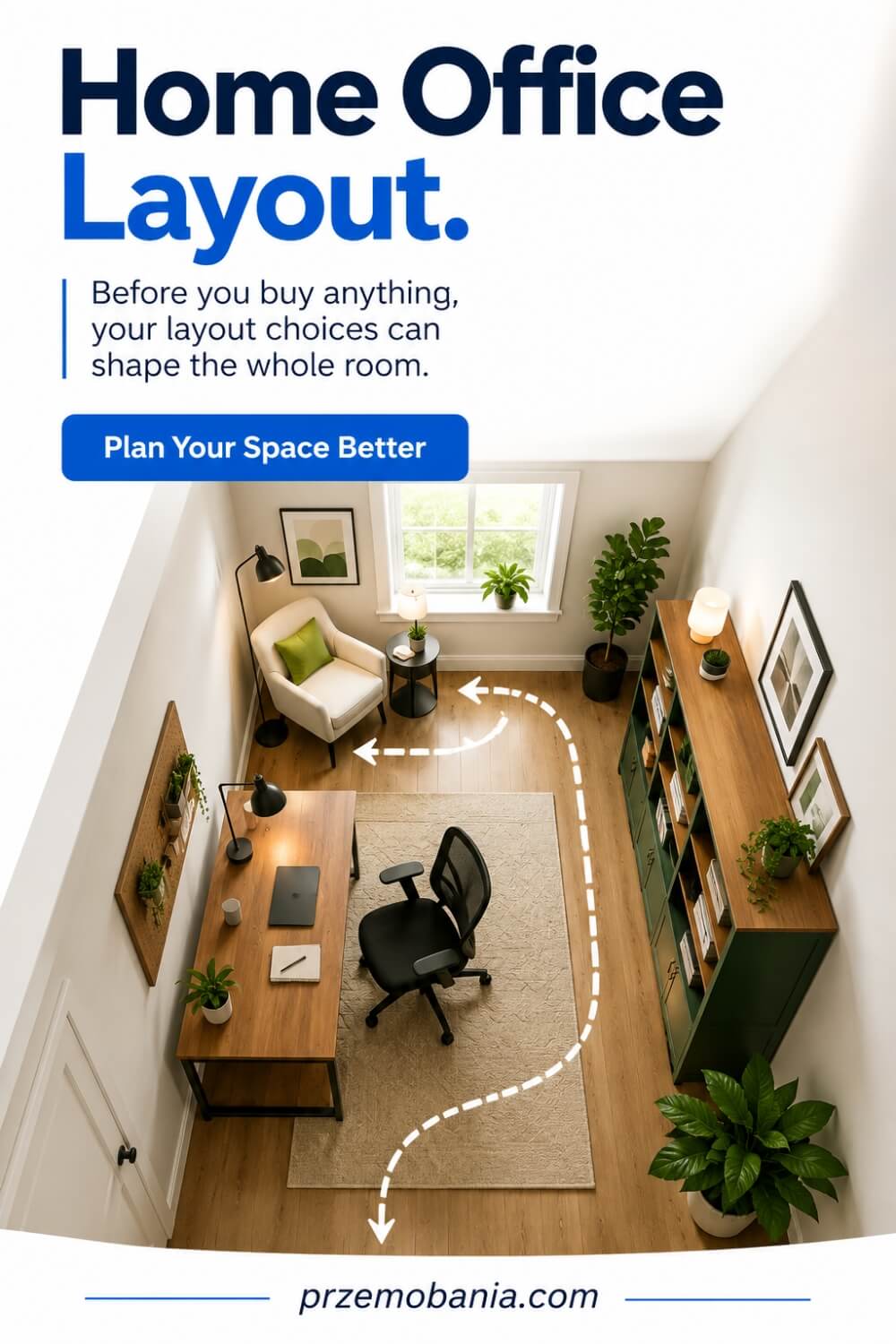
Once the purpose of the room is clear, the next thing I would look at is how everything should sit together. A workspace can contain all the right furniture and still feel awkward if the desk blocks the natural flow of the room, storage interrupts movement, or the chair feels boxed into a corner. I like to think about layout as the point where the room starts to become intuitive. You should be able to enter, sit down, reach what you need, move around, and leave again without feeling as though you are constantly negotiating with the furniture.
Before moving heavy pieces into place, I would measure the room carefully and sketch out a few options. My article on finding the best desk position and room flow looks more closely at how different arrangements can completely change the way a workspace feels. Pay attention to doors, windows, radiators, alcoves, sockets, and anything else that limits where furniture can go. Even a rough floor plan can help you spot problems before they become frustrating.
The desk is usually the main anchor, but I would never assume that pushing it against the nearest wall is automatically the best choice. Think about where natural light comes from, whether glare will hit your screen, what you will see when you look up, and what appears behind you on video calls. Sometimes turning a desk ninety degrees can improve both comfort and the visual balance of the room.
I also think about movement because good home office basics should make the working day feel easier, not tighter. You should have enough space to pull the chair back properly, open drawers fully, reach shelves without twisting awkwardly, and move between different areas without stepping around obstacles. This matters even more when someone has limited energy or pain, because unnecessary movement can add up throughout the day.
Watching my wife work from home made me far more aware of that. On difficult days, a sensible arrangement can mean fewer unnecessary steps, less bending, and less effort spent simply getting through the room. That may not sound dramatic, but when comfort matters, small design choices can make a real difference.
Storage should also support the layout rather than compete with it. Frequently used items belong close to the desk, while things you only need occasionally can sit farther away. If you use a printer, filing cabinet, craft table, or reading chair, place them according to how often you actually use them rather than where they happen to fit.
I would also leave some breathing room wherever possible. A workspace that is packed from wall to wall can feel visually heavy and restrictive, even if everything technically fits. A little open floor space often makes the room calmer and gives you flexibility later.
The best layout is usually the one you stop noticing. Everything feels where it should be, movement feels natural, and the room supports your routine quietly in the background. Once the positioning works, the next step is making sure the room has the power, charging points, and electrical capacity to support everything you plan to use.
Home Office Electrical Planning
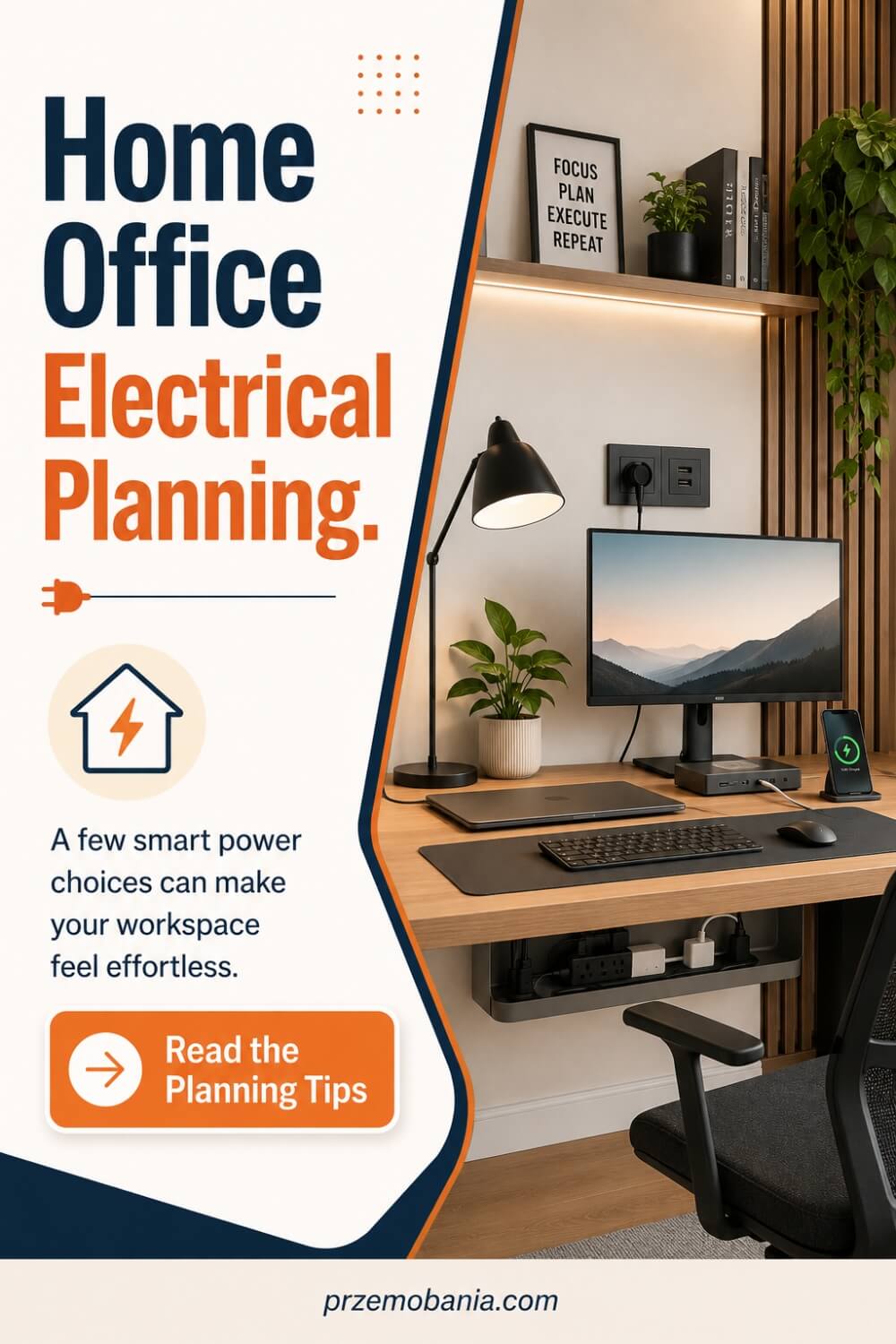
Electrical planning is one of those parts of a workspace that rarely gets much attention until something becomes inconvenient. You can have the right desk, a comfortable chair, and a beautiful room, but if you are constantly reaching behind furniture for plugs or running extension leads across the floor, the space starts to feel improvised. I would always think about power before finalising where everything goes. It is much easier to plan sockets and cable routes early than to redesign the room after your equipment is already in place.
Start by making a simple list of everything that needs electricity. If you want to think through this properly, my article on planning power and sockets for a home office goes into the practical details that are worth considering before you begin connecting equipment. Include your computer, monitors, printer, router, desk lamp, phone charger, speakers, laptop charger, and anything else you use regularly. Once you write it all down, you may realise that your workspace needs far more power points than you first expected.
Then think about where each device will actually sit. A socket on the opposite side of the room may technically be available, but it is not very useful if a cable has to cross a walkway to reach your desk. I prefer to keep permanent equipment close to fixed power while leaving easier-to-access charging points for devices that come and go throughout the day.
This is also where home office basics become closely connected with comfort and safety. Loose cables around chair wheels, extension leads underfoot, and chargers stretched across open areas create clutter and unnecessary hazards. Good cable trays, clips, sensible cable lengths, and clearly organised plugs can make the whole workspace feel calmer.
Watching my wife manage difficult days with chronic illness has made me particularly aware of small physical inconveniences. Having to crawl beneath a desk to reach a socket or repeatedly bend down to swap chargers might seem minor to someone feeling well. When your body is already demanding more from you, those little tasks can become another layer of effort that could have been avoided with better planning.
I would also leave room for your work to grow. You may use one monitor today but add another later, or eventually bring in a microphone, camera, extra lighting, docking station, or other equipment. Planning some spare capacity now can prevent your office from becoming overloaded with adapters and power strips as your needs change.
Charging deserves its own thought as well. Phones, tablets, headphones, watches, and portable devices can quickly cover a desk with cables. Creating one convenient charging area can keep those leads away from your main working surface.
If you need new sockets, changes to fixed wiring, or anything beyond simple plug-in equipment, I would use a properly qualified electrician rather than attempting electrical work yourself. The aim is not only convenience but a workspace that feels dependable and safe.
Once power is planned properly, cables stop dictating where you can work. That gives you much more freedom when you move on to the next layer of the room, where colour begins shaping how the entire space feels.
Home Office Color
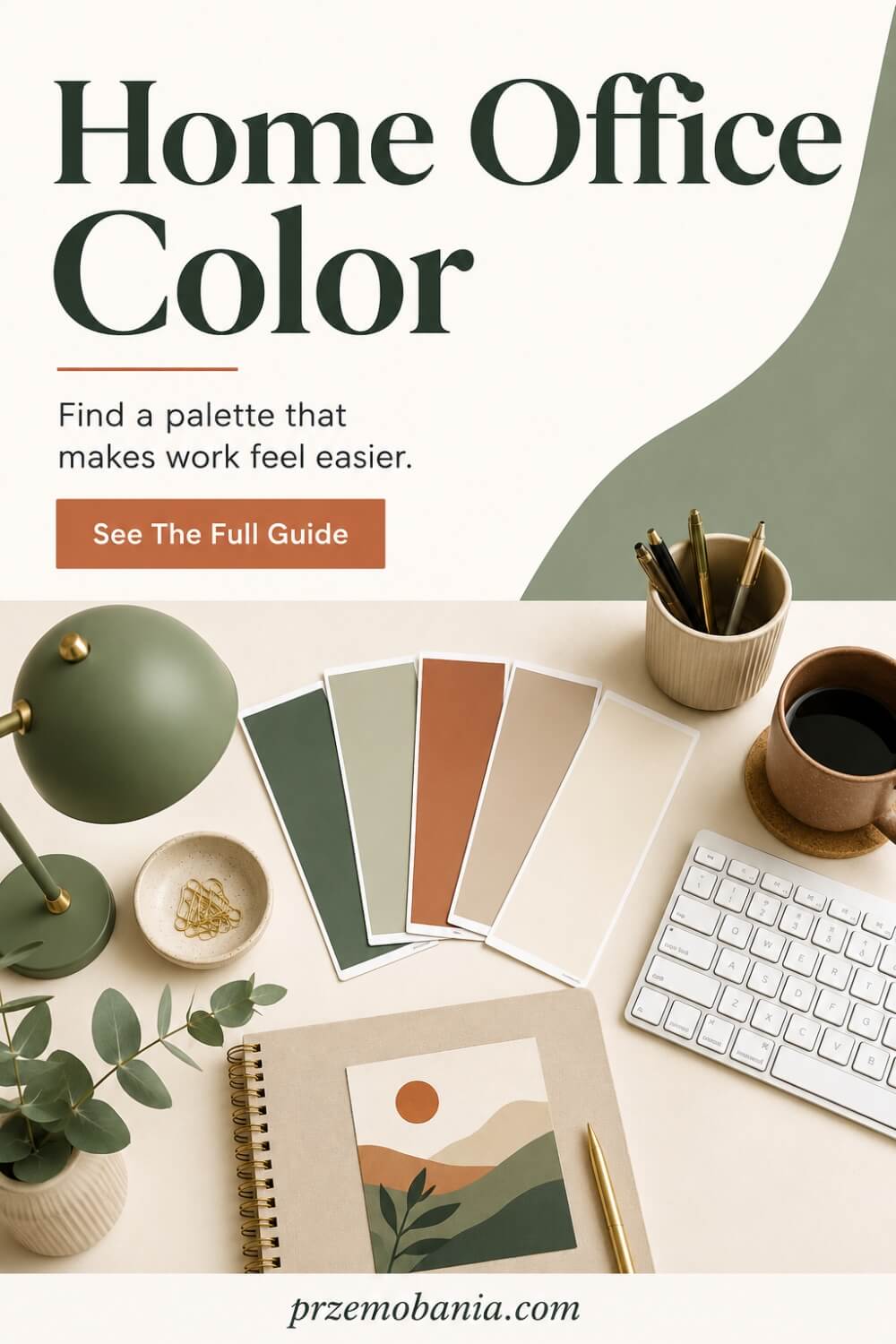
Once the practical foundations are in place, colour is where the room begins to develop its personality. I do not think there is one perfect palette for a workspace because the right choice depends on how you want to feel while you are there. Some people concentrate better in soft, quiet surroundings, while others need a little more warmth or contrast to feel energised. I would always start by thinking about the mood you want to create rather than choosing a paint shade simply because it is fashionable.
Colour also behaves differently depending on the room itself. In my guide to choosing the right colours for your workspace, I look more closely at how light, room size, furniture, and finishes can influence the final result. A colour that looks beautiful in a bright south-facing room may feel completely different in a darker corner with limited daylight. That is why I would test samples on more than one wall and look at them at different times of day before making a final decision.
I have always been drawn to interiors that feel calm, welcoming, and lived in rather than overly polished. My mum played a big part in that because I grew up around houseplants and learned early how greenery, natural textures, and thoughtful colour combinations can make a room feel more comforting. Those details stayed with me, and I still prefer spaces that feel personal rather than designed only to impress.
When you are planning home office basics, colour can also help define the purpose of the room. Soft neutrals can create a quieter backdrop for focused work, while warmer tones can make a workspace feel less clinical. Deeper shades can add character, especially in rooms with good natural light, while lighter tones can help smaller spaces feel more open.
I would also think about what is already in the room before choosing wall colours. Your desk, chair, flooring, shelving, curtains, artwork, and even technology contribute to the overall palette. You do not need everything to match perfectly, but the colours should feel connected enough that the room does not become visually tiring.
If you work long hours, I would be cautious about anything that feels too intense. A colour you love in a restaurant or hotel may become overwhelming when you are surrounded by it for eight hours. Sometimes it is better to use stronger shades through artwork, accessories, shelving, or one feature area rather than covering every wall.
The emotional side matters too. Your workspace should feel like somewhere you want to enter in the morning, especially if you are trying to create more freedom in your working life. A room that feels cold or uninspiring can affect your mood more than you realise.
For me, colour works best when it supports the atmosphere rather than becoming the entire story. Once the palette feels settled, it becomes much easier to choose the desk, chair, storage, and decorative details that will sit within it naturally.
Home Office Desk
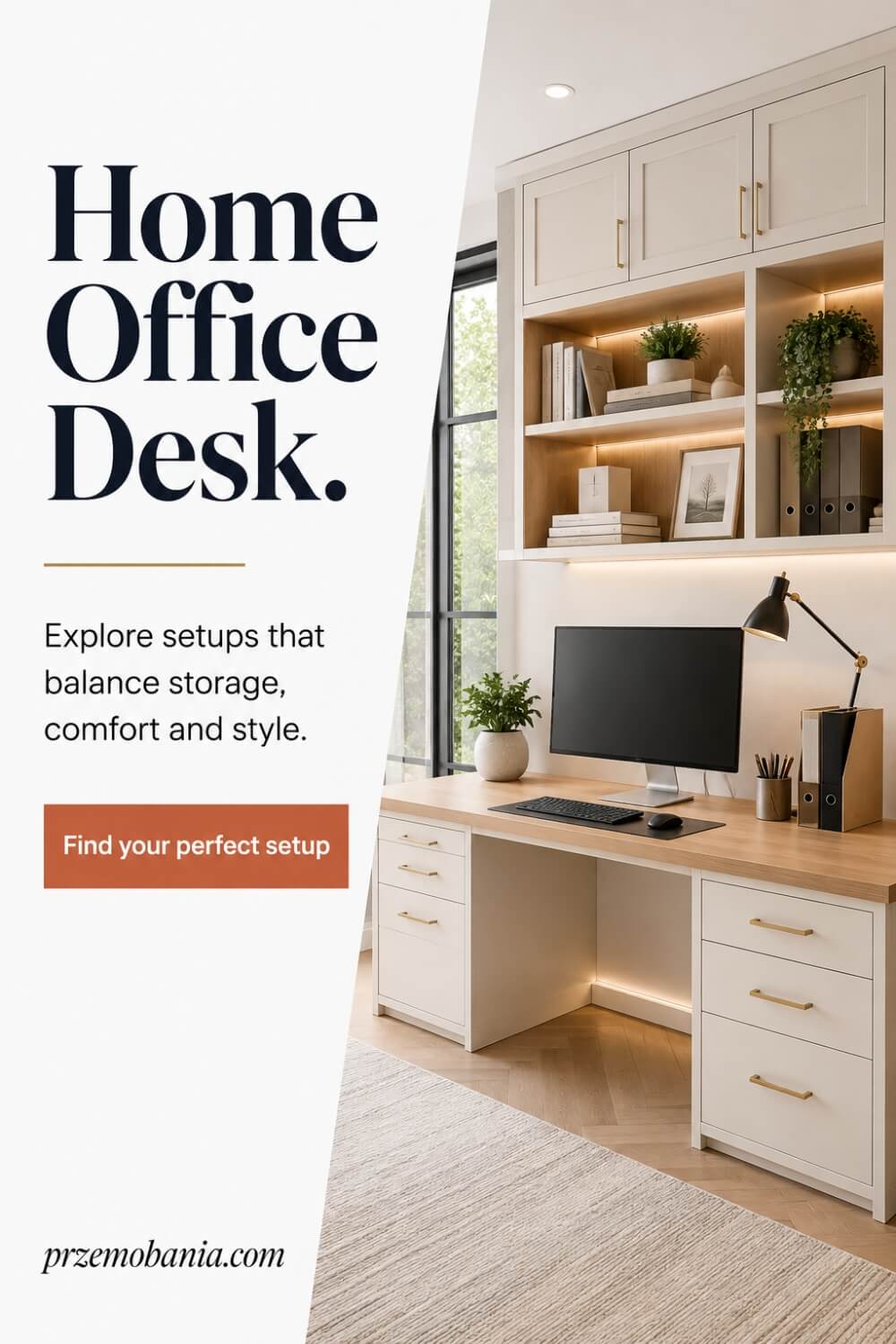
Once you have decided how the room should feel, the desk becomes one of the most important pieces to get right. I would never choose one simply because it looks beautiful in a photograph. Your desk has to fit the room, support the equipment you actually use, give your body enough space to work comfortably, and still leave the office feeling open rather than crowded. Before buying anything, measure the available area carefully and think about what normally ends up in front of you during a working day.
If you are unsure what size, shape, or position would suit your space, I have explored those choices in more detail in my article about finding a desk that actually fits the way you work. Think beyond the laptop itself. You may need room for one or two monitors, a keyboard, mouse, notebook, phone, lamp, speakers, or documents you regularly reference. A desk that looks generously sized in a showroom can become surprisingly cramped once your real working equipment is placed on it.
Depth matters just as much as width. If a desk is too shallow, your monitor can end up uncomfortably close and your keyboard may leave little room for your hands and forearms. A deeper surface can create more breathing space, but in a small room it can also dominate the floor area, so there is always a balance to find.
The shape deserves some thought too. A simple rectangular desk works beautifully in many rooms, while an L-shaped option can provide separate areas for computer work and paperwork. Corner desks can make use of awkward spaces, and compact desks can transform an alcove or unused wall without taking over the entire room.
For me, home office basics should always come back to making the working day easier. Watching my wife work from home has taught me how important it is for frequently used things to be comfortably reachable without constant stretching, twisting, or getting up. When somebody is already managing pain or limited energy, the difference between a desk designed around their needs and one chosen purely for appearance becomes very noticeable.
I also pay attention to what happens underneath the desk. You need enough room for your legs, chair movement, and any footrest you may use. Drawers and storage can be useful, but not if they reduce the space your body needs to sit comfortably.
Consider cable access before making a decision as well. Desks with sensible routes for power leads and monitor cables are much easier to keep organised than surfaces where everything has to hang over the back.
I would rather choose a simple desk that genuinely supports the way I work than an impressive one that creates frustration every day. The best desk almost disappears into your routine because its size, position, and surface work without demanding attention.
Once that foundation is right, the desk becomes the centre of a workspace rather than merely another piece of furniture. And when you know where and how you will work, the next decision becomes much more personal: choosing a chair that can support your body through all those hours you spend there.
Home Office Chair
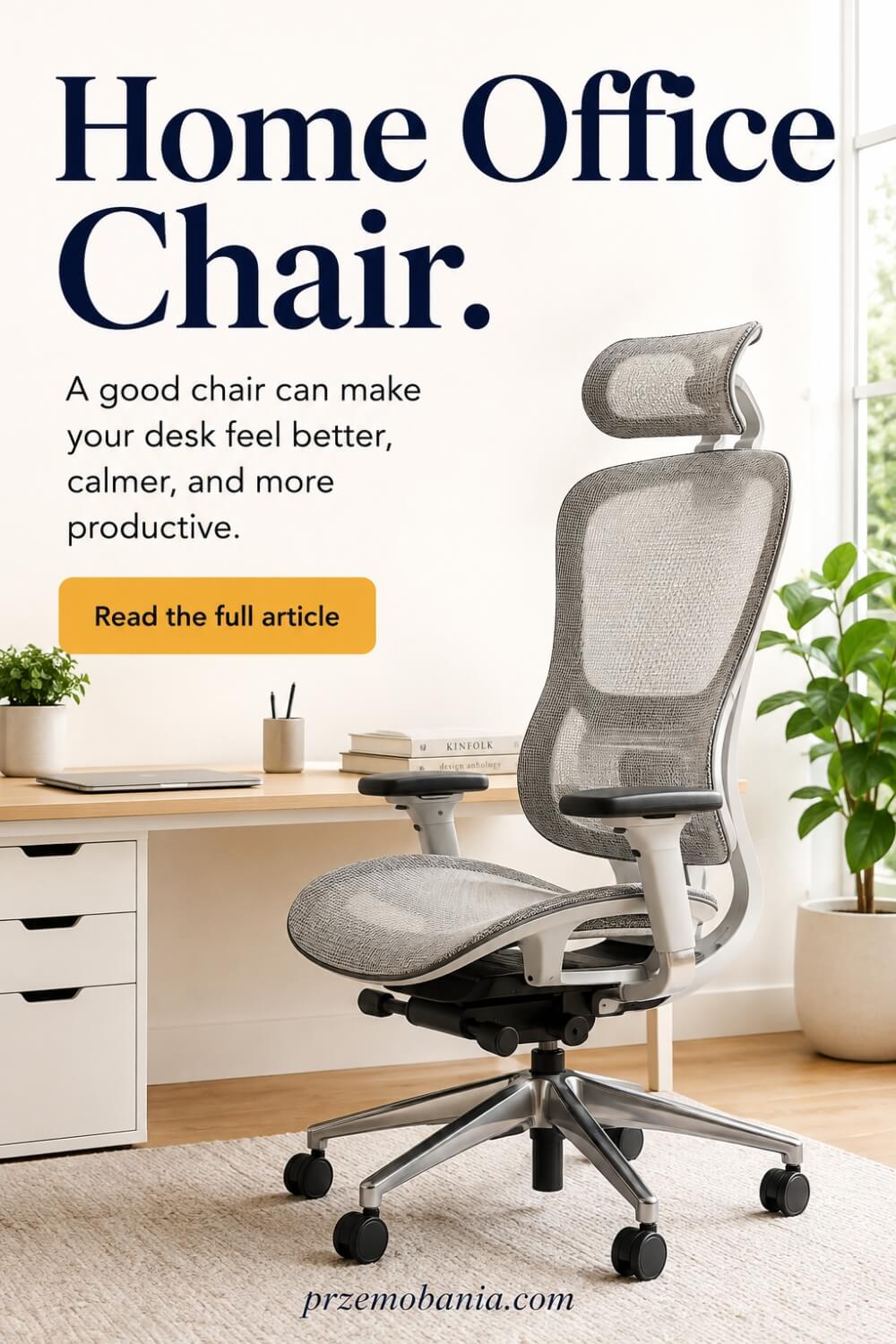
After the desk, the chair is the piece I would spend the most time thinking about because it supports you for hours at a time. A chair can look perfect beside your desk and still become uncomfortable after thirty minutes if the height, seat depth, back support, or armrests do not suit your body. I would never choose one based only on appearance. Sit in it, adjust it, and imagine how your body will feel after a full working morning rather than judging it during a two-minute test.
If you are trying to understand what really matters before buying one, my article on choosing a chair that supports your working day looks more closely at comfort, adjustability, posture, and how the chair should work with your desk. The relationship between the two matters enormously. Your feet should feel supported, your shoulders should stay relaxed, and your arms should be able to reach the keyboard without forcing you to hunch forward.
I have become particularly aware of this through watching my wife work from home while managing chronic illness. Comfort is not a luxury when your body already has difficult days. A chair that creates extra pressure, encourages awkward positioning, or makes getting up harder can turn several hours of work into something far more exhausting than it needs to be.
That experience changed how I think about home office basics because furniture should adapt to the person, not the other way around. Adjustable seat height, useful lumbar support, suitable armrests, and enough room to change position can all make a noticeable difference. No chair will make sitting for long periods ideal, but the right one can reduce unnecessary strain and make movement easier throughout the day.
I would also pay attention to seat depth. If the seat is too long, it can press behind your knees, while one that is too short may not provide enough support. The backrest should allow you to sit comfortably without feeling as though you are being pushed into an unnatural position.
Armrests deserve more attention than they usually get. They can help your shoulders relax, but badly positioned ones may stop you getting close enough to your desk. I prefer adjustable options because they give you more control over how the chair works with your body and workspace.
Think about the floor beneath it too. Wheels that roll beautifully on hard flooring may behave differently on thick carpet, and a chair mat may make movement easier while protecting the surface underneath. Small practical details like this can influence how comfortable the workspace feels every day.
I also believe you should be able to move rather than feeling locked into one position. Even with a supportive chair, standing up, stretching, changing posture, and taking short breaks matter. Your workspace should make those changes easy rather than encouraging you to remain completely still for hours.
The best chair is not necessarily the most expensive one. It is the one that fits your body, works with your desk, adjusts to your routine, and remains comfortable beyond the first impression. Once your desk and chair work together, you have created the physical centre of the office. From there, storage becomes the next piece of the puzzle because everything you use needs somewhere practical to live.
Home Office Storage
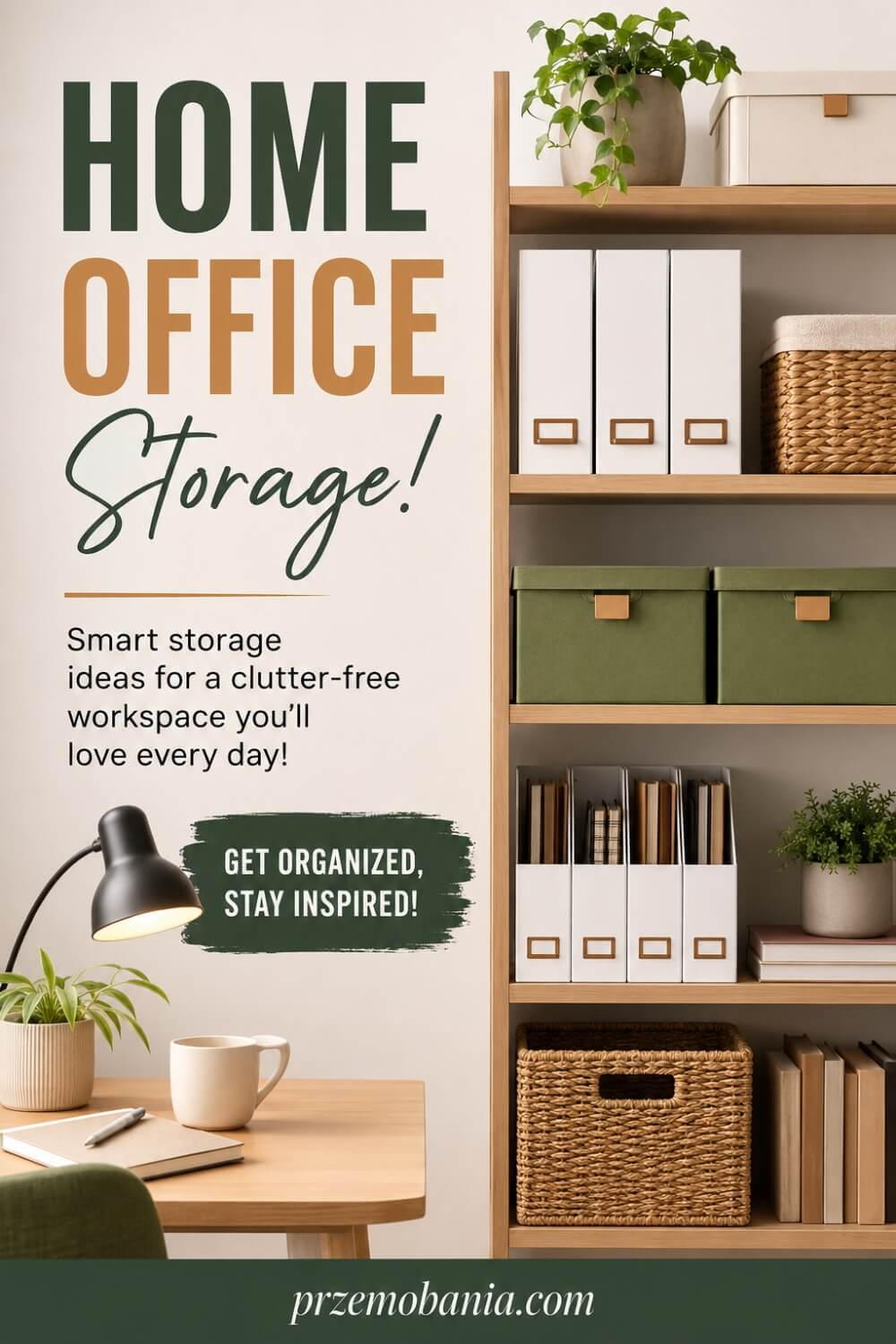
Once the desk and chair are working well together, storage becomes the next thing that can either make the room feel calm or slowly turn it into a source of frustration. I do not believe good storage means hiding absolutely everything away. It means giving the things you actually use a sensible place so you can find them quickly without covering every surface. Before buying cabinets or shelves, I would look at what you genuinely need to store, how often you use it, and whether it should be visible, within reach, or completely out of sight.
If your office constantly feels cluttered even after you tidy it, the problem may be the storage system rather than your habits. I have shared more ideas for creating storage that works around your daily routine because the best solution depends on what your work actually involves. Someone who works almost entirely online may only need a few drawers, while someone dealing with paperwork, books, samples, craft materials, or equipment may need a much more structured approach.
I like to divide storage according to how often something is used. Items you reach for several times a day should stay close to the desk, while weekly or occasional items can live farther away. Things you rarely need can go higher up, deeper inside cabinets, or into labelled boxes where they are available without occupying valuable working space.
This simple idea can make home office basics feel much more practical. You are not organising for the sake of making the room look perfect. You are reducing the number of little interruptions that break your concentration because you cannot find a charger, notebook, document, or piece of equipment when you need it.
Watching my wife work from home has also made me think carefully about accessibility. Storage that requires constant bending, stretching, lifting, or walking across the room may be perfectly usable on a good day but much less practical when energy or mobility is limited. I would rather keep frequently used items comfortably reachable and reserve harder-to-access spaces for things that are rarely needed.
Closed cabinets can be useful when you want the office to feel visually quiet, especially if the room is also part of a bedroom or living space. Open shelving, on the other hand, can make books, baskets, plants, and attractive supplies easier to reach while giving the room more personality. I often like a combination of both because it allows practical clutter to disappear while still leaving some warmth and character on display.
Drawers are especially useful for smaller items, but they can become cluttered quickly without some kind of internal organisation. Simple dividers or small containers can stop cables, stationery, batteries, memory cards, and adapters from becoming one tangled collection.
I would also avoid buying storage before you know what needs to go inside it. Empty cabinets can encourage you to keep things simply because space exists. Start with your belongings, remove what no longer serves your work, and then choose storage that fits what remains.
When everything has a logical home, the office becomes easier to reset at the end of the day and easier to begin using the next morning. With the physical clutter under control, you can then turn your attention to the technology that keeps the whole workspace connected and productive.
Home Office Technology
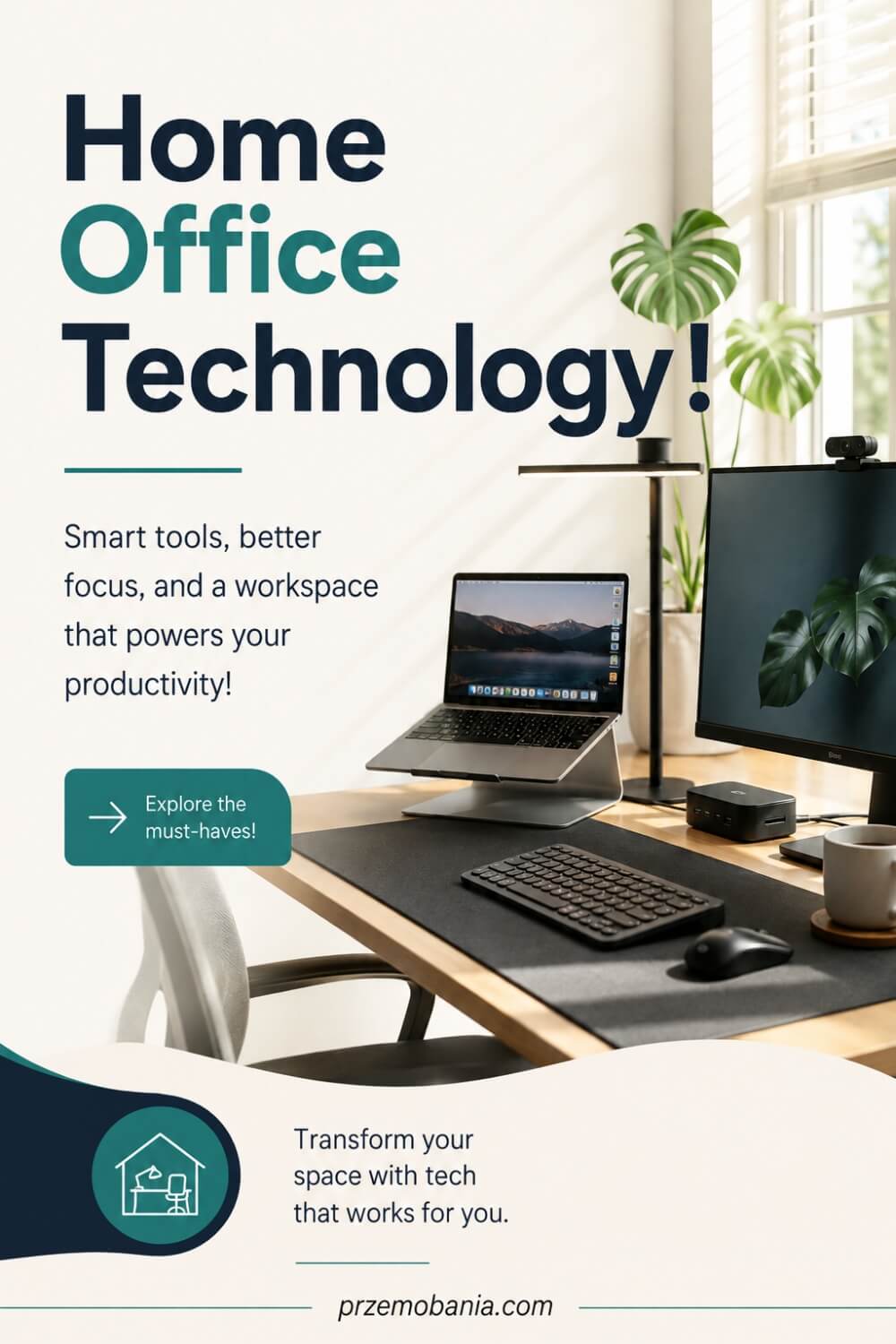
Once storage is under control, technology becomes the layer that keeps the whole workspace running smoothly. I think this is where many home offices become unnecessarily complicated because it is easy to keep adding devices without thinking about how they all work together. A better approach is to start with what your job actually requires, then build around reliability, comfort, and simplicity. You do not need the newest equipment in every category. You need technology that saves time, reduces frustration, and supports the way you work.
If you are deciding what equipment deserves space in your room, I have put together more practical ideas for building a reliable work-from-home technology setup without filling the office with gadgets you barely use. Start with your computer and internet connection because almost everything else depends on them. If your work involves video calls, uploading files, running several programs, or working online all day, stability matters far more than having equipment that simply looks impressive.
Monitors are another area where I would think about your actual routine. One screen may be perfectly enough, while two can make a huge difference if you constantly switch between documents, emails, spreadsheets, research, or creative work. The important part is positioning them properly so you are not twisting your neck or leaning forward throughout the day.
This is where home office basics should stay practical. Technology should remove effort rather than create more of it. A docking station, wireless keyboard, comfortable mouse, reliable webcam, good microphone, or simple headset may improve your working day far more than expensive equipment you do not genuinely need.
I also pay attention to internet reliability because losing connection during an important call or deadline can quickly become stressful. If Wi-Fi is weak in the room, consider whether moving the router, using a wired connection, or improving coverage would make more sense. I would rather solve that properly once than spend every working day hoping the signal holds.
Working from home while supporting my wife has made me appreciate technology that gives you flexibility. When someone is dealing with pain, fatigue, or a difficult flare-up, being able to work comfortably without constantly moving equipment around can make the day easier. A setup that lets you connect a laptop quickly, adjust a monitor, use headphones, and reach everything without fuss can quietly reduce a lot of unnecessary effort.
Cable management matters here too. Every new device usually brings another power lead, charger, or connection, and without a plan the desk can become messy very quickly. Keeping cables labelled, grouped, and easy to access makes troubleshooting much simpler when something stops working.
I would also think about backups and security. Important files should not depend on one device surviving forever. Cloud storage, external backups, strong passwords, and basic security habits can protect work that may have taken years to build.
The best technology setup is the one you barely notice because everything connects, charges, responds, and works when you need it. Once that foundation feels dependable, the next step is shaping the atmosphere of the room with lighting that supports both concentration and comfort throughout the day.
Home Office Lighting
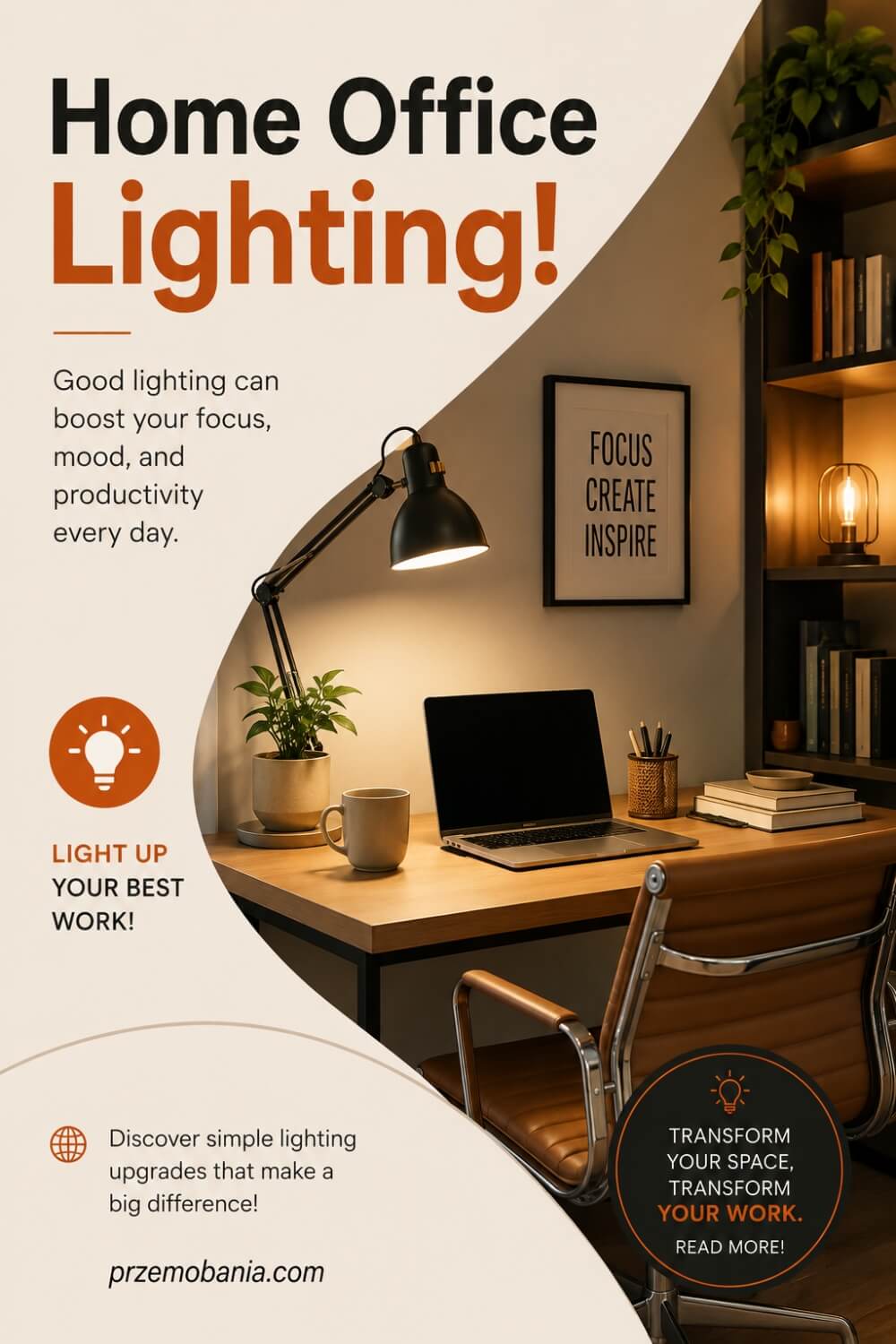
Once the technology is working reliably, lighting becomes one of the biggest influences on how the room actually feels during a long working day. I would never rely on one ceiling light and assume the job is done. The best workspaces usually combine several types of light so the room can change with the time of day, the task in front of you, and the amount of natural light available. Good lighting should help you see clearly without making the room feel harsh, flat, or tiring.
Natural light is always where I like to begin, but it needs to be used thoughtfully. I explore this in more depth in my article about creating a better lighting plan for your workspace, especially when it comes to balancing daylight with task and ambient lighting. Positioning your desk near a window can make the room feel more pleasant, but placing a monitor directly in front of strong sunlight can create glare. Sitting with a bright window behind you can also make video calls more difficult, so the direction of the light matters just as much as the amount.
I would watch how sunlight moves through the room during the day before fixing the desk position permanently. A workspace that feels perfect at nine in the morning may become uncomfortable by mid-afternoon if the sun hits the screen directly. Curtains, blinds, or adjustable shades can give you much more control without removing the benefits of daylight completely.
Task lighting is the next layer I would add. A good desk lamp can make reading, writing, planning, or detailed work much easier, particularly during darker mornings and evenings. I prefer something adjustable so you can direct the light where you need it instead of lighting the entire room more brightly than necessary.
For me, home office basics are also about creating a space that does not exhaust you unnecessarily. Watching my wife deal with chronic illness made me far more aware of how overwhelming a harsh environment can feel on a difficult day. Bright overhead lighting, strong glare, or a dark room with one intense lamp can make an already tiring day less comfortable.
Ambient lighting can soften that feeling. A floor lamp, wall light, or smaller lamp on a shelf can create a gentler background glow that makes the room feel warmer without interfering with your work. This becomes especially useful if you work early in the morning, late in the evening, or during winter when natural daylight disappears much sooner.
I also like decorative lighting, but only when it has a purpose. A small lamp beside a plant, subtle shelf lighting, or a warm light in a darker corner can add depth and personality without making the office look overdesigned. You do not need to fill every surface with lamps.
Think about video calls too. Light falling softly toward your face usually works better than a bright window or lamp directly behind you. You do not need a professional studio setup, just enough balanced light to look clear and natural.
When lighting is planned well, you stop noticing it because the room simply feels comfortable throughout the day. Once that balance is right, you can move into the part many people enjoy most: using decor to make the workspace feel personal, welcoming, and unmistakably yours.
Home Office Decor Ideas
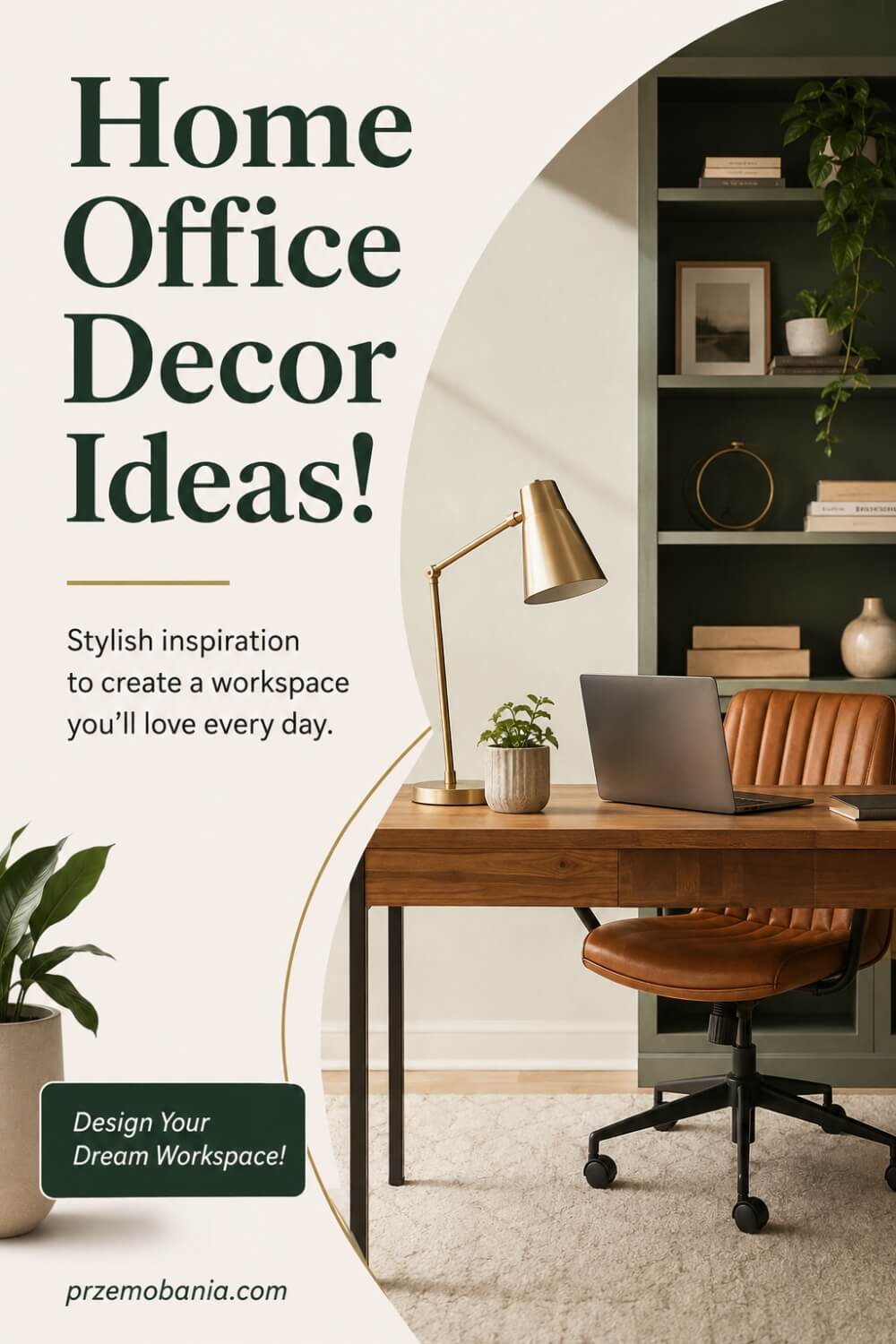
Once the lighting feels comfortable, decor is where the room starts to feel like it belongs to you. This is the part I enjoy because it allows you to bring personality into a workspace without sacrificing function. I do not believe a home office needs to look like a corporate room, and I do not think it should feel like a showroom either. The best spaces usually have a balance between practical working areas and personal details that make you want to spend time there.
If you are unsure where to begin, I have gathered ideas for making a workspace feel more personal and inviting without filling every surface with decoration. Start with the walls, because they give you a large area to work with without taking away valuable desk space. Artwork, framed prints, shelves, a pinboard, or even one meaningful photograph can make the room feel warmer without becoming distracting.
Houseplants are another detail I naturally come back to because they have always been part of how I understand a comfortable home. My mum in Poland sparked that love of greenery in me, and I still think even one well-placed plant can soften the harder edges of desks, monitors, and storage. You do not need to create an indoor jungle. One or two plants in the right places can add life without making the room feel cluttered.
This is where home office basics can become personal rather than purely practical. Once the layout, furniture, storage, technology, and lighting are working well, decor can bring everything together. A rug can help define the working area, curtains can soften the room, and a few carefully chosen accessories can connect the colours and materials already present.
I would be careful not to decorate every empty surface just because it is available. Too many objects can make the office feel visually noisy, especially when your desk already holds equipment and paperwork. I prefer to leave some open space so the room can breathe and the pieces you do choose have more impact.
Texture can make a big difference as well. Wood, fabric, woven baskets, soft curtains, cushions, ceramics, and natural materials can stop a workspace from feeling cold. You can create warmth even if your overall style is modern or minimal.
I also like decor that carries some meaning. A photograph from a place you love, something brought back from a trip, a plant connected to family, or artwork that reminds you why you are building a different kind of working life can make the room feel yours emotionally. Those details matter more to me than simply following whatever trend is popular at the moment.
Your workspace should support concentration, but it should also give you a reason to enjoy being there. If you are trying to work from home more, build something of your own, or create greater freedom around your time, the room can become part of that change.
The goal is not perfection. It is creating a space that feels calm, useful, and personal enough that you want to return to it. Once the decor reflects who you are, the next challenge is making all of these ideas work when the space itself is small.
Small Home Office Ideas
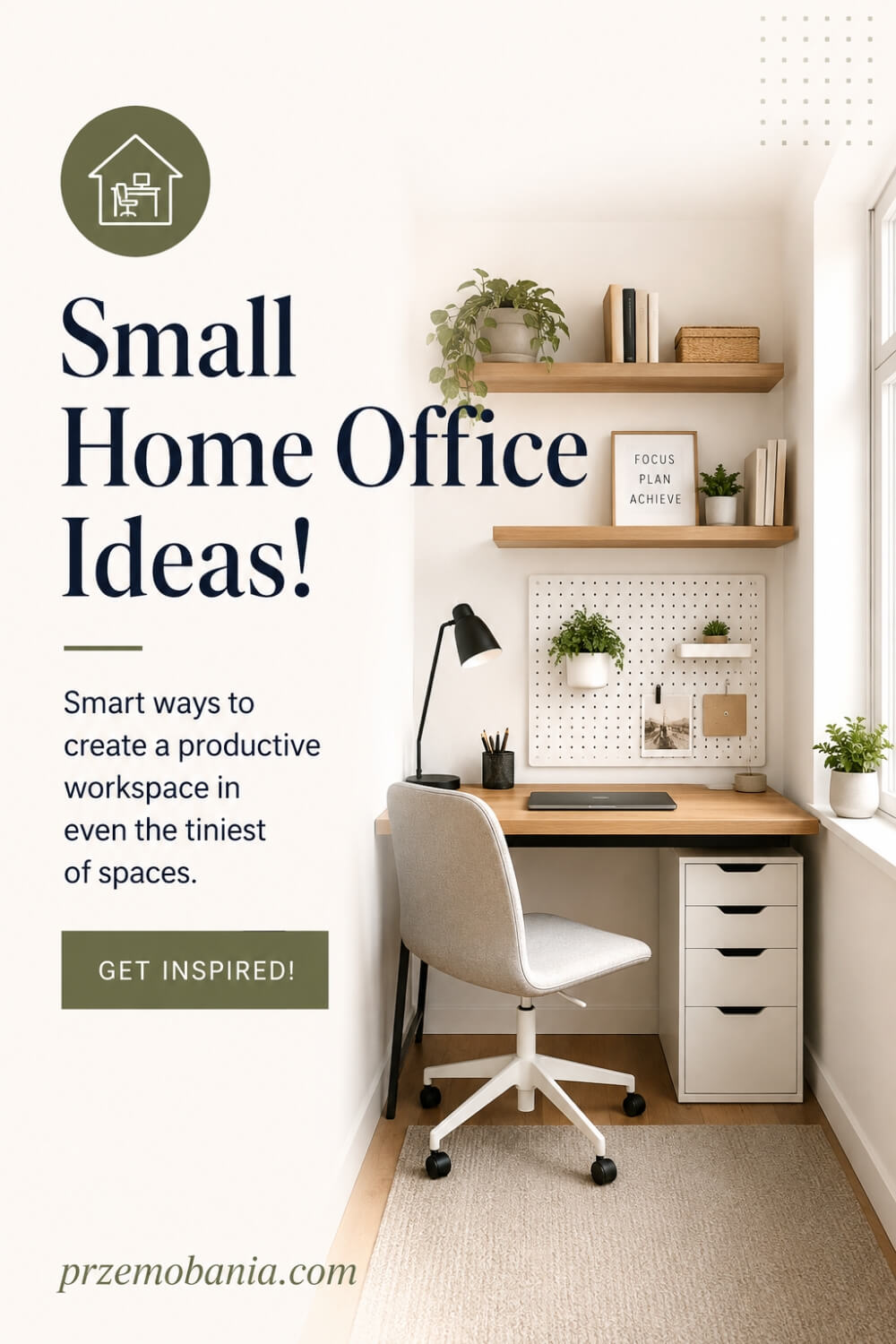
When space is limited, every decision matters more. A small home office can work beautifully, but it needs to be planned with intention because there is less room for furniture that does not earn its place. I would start by looking for the most practical area you have rather than assuming you need a dedicated room. An alcove, landing, bedroom corner, dining area, or hallway can become a useful workspace if it is arranged around the way you actually work.
The key is to make the space feel purposeful without allowing it to take over the room. I share more ideas for making a small workspace feel bigger and work harder because compact spaces often benefit from smarter choices rather than more furniture. A narrower desk, wall-mounted shelves, floating storage, or a slim drawer unit can give you what you need without making the area feel crowded.
I would use vertical space before filling the floor. Shelving above the desk can hold books, baskets, documents, or decorative pieces while keeping the working surface clear. Pegboards, wall organisers, and compact cabinets can also move useful items upward and leave more room around your chair.
This is where home office basics become especially important because poor planning is harder to hide in a small space. If the chair cannot pull back properly, the desk blocks a doorway, or cables run through a walkway, the setup starts to feel frustrating. Measuring first and choosing furniture to fit the dimensions can prevent many of those problems.
I also like furniture that can do more than one job. A desk with built-in drawers, a storage bench, a shelving unit that separates two zones, or a foldaway surface can make a compact office flexible. You do not need every space-saving product you see. The goal is to simplify the room, not fill it with mechanisms and accessories.
Light colours can help a small workspace feel more open, but I would not be afraid of character. A deeper wall colour, patterned artwork, or warm wood can still work if the space remains balanced. Good lighting matters even more in a small corner, particularly if natural light is limited.
Watching my wife work from home has taught me that compact should never mean cramped. There still needs to be enough room to sit comfortably, reach essential items, and change position without knocking into furniture. Saving space is useful only if the result remains pleasant to use.
Keep surfaces as clear as possible and be selective about what stays visible. One plant, a favourite photograph, or a small piece of artwork can give the area personality without creating visual noise.
A small workspace does not have to feel like a compromise. When every element has a reason to be there, even a corner can become somewhere focused, comfortable, and complete. Once you see how much can be achieved with limited space, you can begin exploring how style and personality can shape the office even further.
Feminine Home Office Ideas
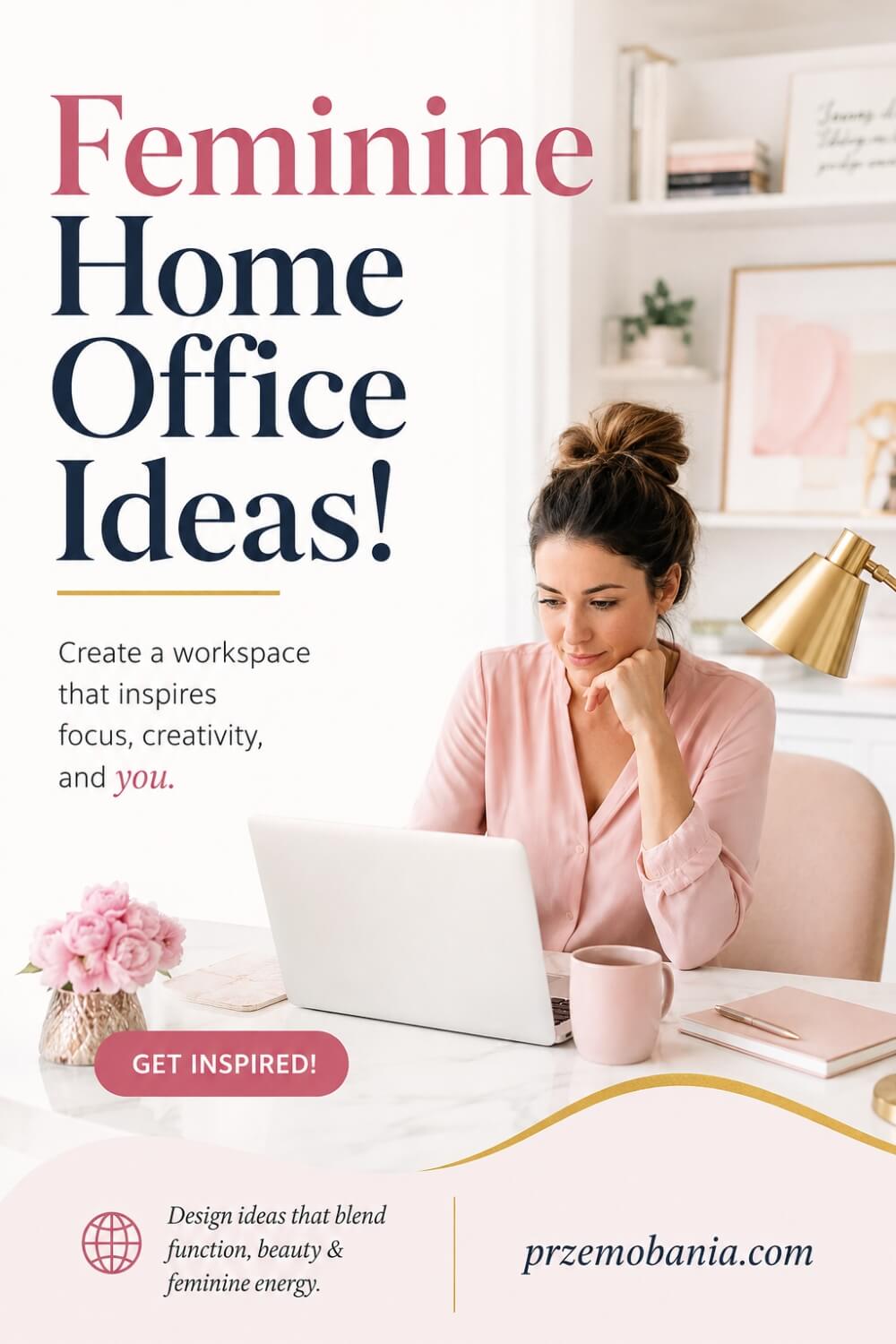
A feminine home office does not have to mean pink walls, floral prints, or anything overly delicate unless that is genuinely your taste. I think the most successful feminine spaces feel personal, comfortable, and thoughtfully put together rather than designed around a stereotype. You might prefer soft neutrals, warm whites, blush tones, muted greens, rich burgundy, elegant black details, or natural wood. The important thing is creating a room that reflects your personality while still functioning as a serious place to work.
If you want to explore different directions, I have shared more inspiration for creating a feminine workspace that feels elegant and practical without sacrificing comfort or productivity. Start with the atmosphere you want rather than a strict colour scheme. Some spaces feel light and airy, while others feel warm, sophisticated, luxurious, or quietly romantic. Once you understand that mood, choosing furniture, finishes, lighting, and accessories becomes much easier.
I would usually keep the largest elements fairly adaptable. A simple desk, comfortable chair, and practical storage give you a strong foundation, while colour and personality can come through artwork, curtains, rugs, lamps, cushions, ceramics, and smaller decorative details. This approach also makes it easier to refresh the room later without replacing expensive furniture.
Texture can play a big role. Soft fabrics, woven baskets, warm wood, brushed metal, glass, and carefully chosen upholstery can make the space feel layered without becoming cluttered. A beautiful desk lamp or elegant storage box can be useful and decorative at the same time.
For me, home office basics should still guide every design decision. A beautiful chair is not a good choice if it becomes uncomfortable after an hour, and decorative shelving is not useful if the things you reach for every day are difficult to access. The room should feel attractive because it works well, not despite the fact that it does.
I have seen through my wife how important it can be to have a workspace that feels safe and comforting, particularly when working from home becomes part of managing difficult health days. A room that feels gentle and familiar can make the working environment less demanding emotionally, even though decor cannot remove the challenges someone is facing.
Plants can work beautifully in this kind of space too. Greenery adds softness and life without forcing the room into any particular style, and it is something I personally love because of the influence my mum had on me growing up in Poland.
I would also include something that feels meaningful rather than simply decorative. It might be a photograph, artwork from a favourite place, a small collection, or an object that reminds you of the life you are working toward.
A feminine office can be minimal, traditional, modern, colourful, moody, luxurious, or completely understated. There are no rules saying it has to look one particular way. When the space reflects the person using it, it starts to feel more authentic, and that same principle applies just as strongly when creating a workspace with a more masculine direction.
Masculine Home Office Ideas
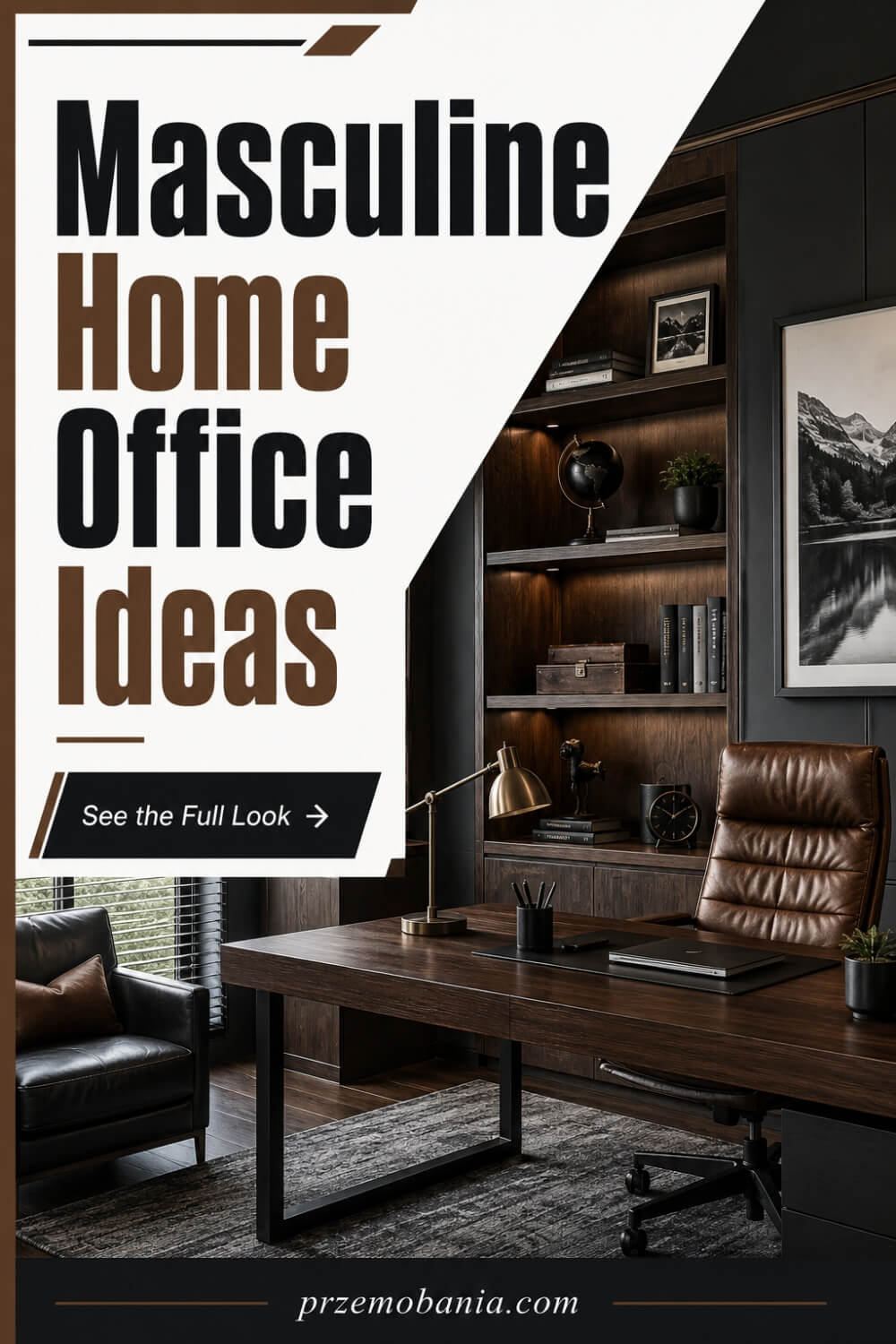
A masculine home office does not need to feel dark, heavy, or overly serious. I think the strongest masculine spaces are usually built around clean lines, useful furniture, confident materials, and a sense of calm rather than trying too hard to prove a particular style. You might prefer deep charcoal, navy, forest green, warm brown, black, natural wood, leather, or stone-inspired finishes, but the room should still feel comfortable enough to spend hours in. The goal is not to create a showroom. It is to create a workspace that feels grounded, practical, and personal to you.
If you are drawn to a stronger, more structured look, I have put together more ideas for shaping a masculine office with character and warmth without making the space feel cold or predictable. I would begin with one or two materials you genuinely like and build around them. Dark wood, matte metal, leather, textured fabric, and simple cabinetry can create a strong foundation, while softer lighting and a few personal details stop the room from feeling too rigid.
Colour can do a lot of the work, but you do not need to cover every wall in a dark shade. A deeper feature wall can add depth while lighter surrounding walls keep the room balanced. If the office is small or receives little natural light, warm neutrals combined with darker furniture may give you the same sense of character without making the space feel enclosed.
Furniture should feel substantial enough to suit the room, but scale still matters. An oversized desk can quickly dominate a smaller office, while a slim desk with darker finishes may create the same visual strength without sacrificing movement. I would always choose proportions based on the room rather than trying to recreate an image you have seen elsewhere.
This is where home office basics still need to lead the design. A chair has to support you properly, storage needs to be easy to reach, lighting should work for long periods, and the desk should suit the equipment you actually use. Style becomes much more convincing when the room functions well underneath it.
I also like masculine workspaces that include something personal rather than relying only on colour and furniture. Books, framed photography, travel memories, artwork, watches, models, music equipment, or objects connected to your work can make the room feel lived in. Those details tell more of a story than buying decorative pieces simply because they match the palette.
Plants can work particularly well too. Greenery breaks up darker colours and harder materials, and I often find that it makes a workspace feel more relaxed without weakening the overall style.
The room should ultimately feel like somewhere you can think clearly and work comfortably. Masculine design can be modern, industrial, traditional, minimal, rustic, luxurious, or a mixture of several influences. Once you stop treating it as a strict formula, it becomes much easier to create a space that feels genuinely yours rather than simply styled to fit a label.
Home Office Built-Ins
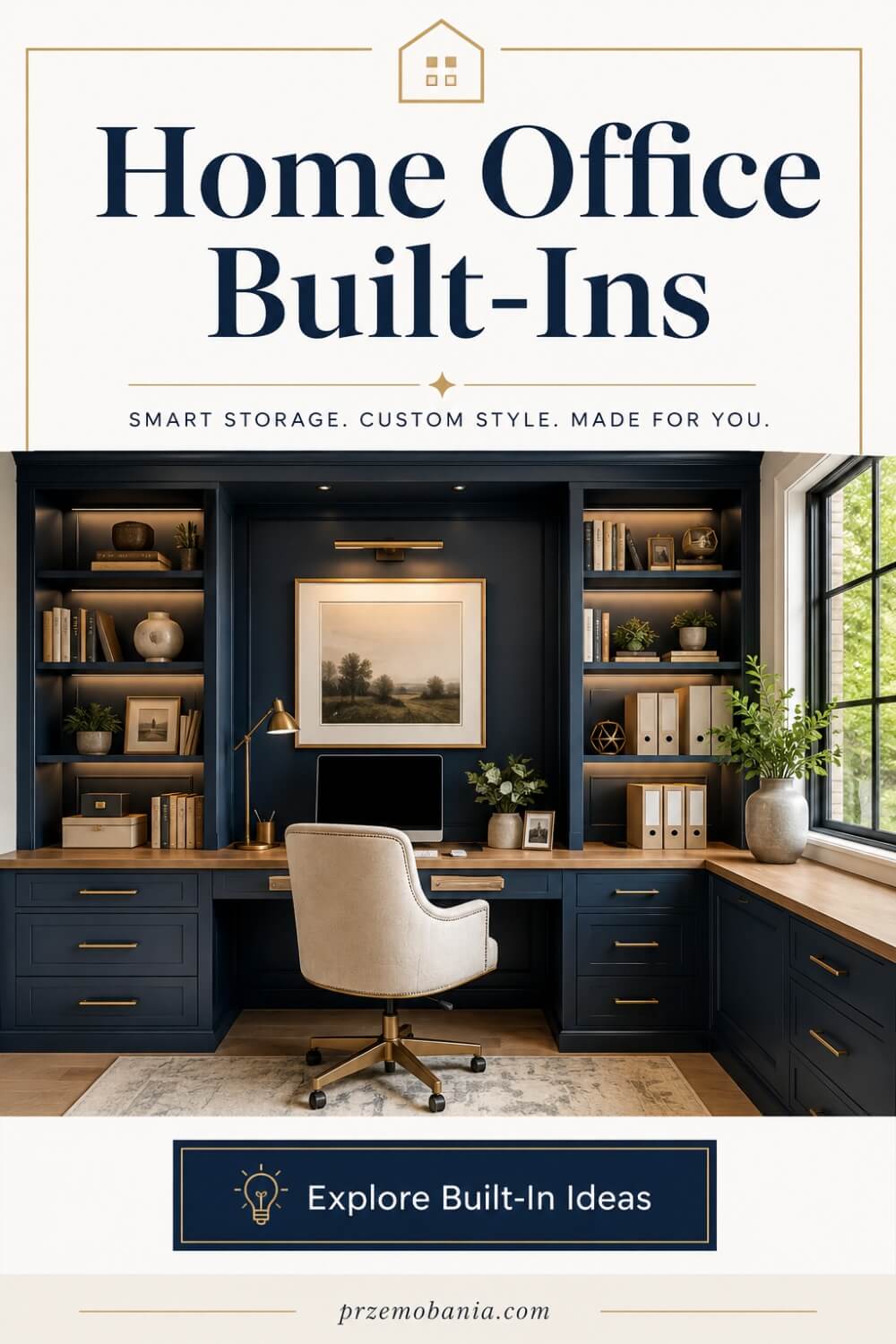
Built-ins can completely change the way a home office functions because they use the room itself as part of the storage and working system. Instead of filling the space with separate cabinets, shelves, and freestanding furniture, you can create something that feels more permanent and more intentional. I especially like built-ins in rooms with awkward alcoves, sloping ceilings, chimney breasts, or narrow walls because they can turn areas that would otherwise be wasted into genuinely useful space. The key is making sure they solve a real problem rather than simply looking impressive.
If you are considering fitted cabinetry, shelving, or a wall-to-wall workspace, my ideas for designing built-ins around the way you actually work can help you think through the practical side before committing to anything permanent. I would start by deciding exactly what the built-ins need to hold. Books, files, printers, office supplies, technology, decorative pieces, and even hidden charging areas all require different depths and proportions, so planning around your belongings makes far more sense than choosing a design first.
One of the biggest advantages is that built-ins can make a room feel calmer. When storage follows the lines of the walls, there are fewer visual interruptions and less wasted space between pieces of furniture. Closed cupboards can hide paperwork, cables, and equipment, while open shelves can hold books, plants, or objects you actually enjoy seeing.
I would be careful not to fill every wall, though. Built-ins can become visually heavy if there is no breathing room, particularly in a smaller office. Sometimes one well-designed wall gives you more than enough storage and leaves the rest of the room feeling open.
This is where home office basics still matter more than appearance. Shelves should be reachable, drawers should open without hitting your chair, the desk height should suit you, and cupboards should not force you to stretch or bend constantly. A fitted design is harder to change later, so getting those practical details right from the beginning becomes even more important.
Watching my wife work from home has made me think carefully about accessibility too. If frequently used items are stored too high, too low, or behind awkward doors, the room may look beautifully organised but still be tiring to use. I would keep everyday essentials within comfortable reach and reserve less accessible areas for things that are only needed occasionally.
Built-ins can also hide technology very effectively. Cable channels, power access, printer cupboards, and discreet charging spaces can keep the room looking cleaner without making equipment difficult to reach. That balance between tidy and practical is something I always look for.
Materials and finishes can help the built-ins feel connected to the rest of the home. Painted cabinetry can blend into the walls, while wood can add warmth and texture. You can also mix closed storage below with open shelves above to keep the room from feeling too formal.
For me, the best built-ins are the ones that make the office feel easier to use every day. They should create order, save space, and give the room a sense of permanence without making it rigid. Once the practical structure is in place, the next step is often softer and more emotional: making the office feel cozy enough that you actually enjoy spending time there.
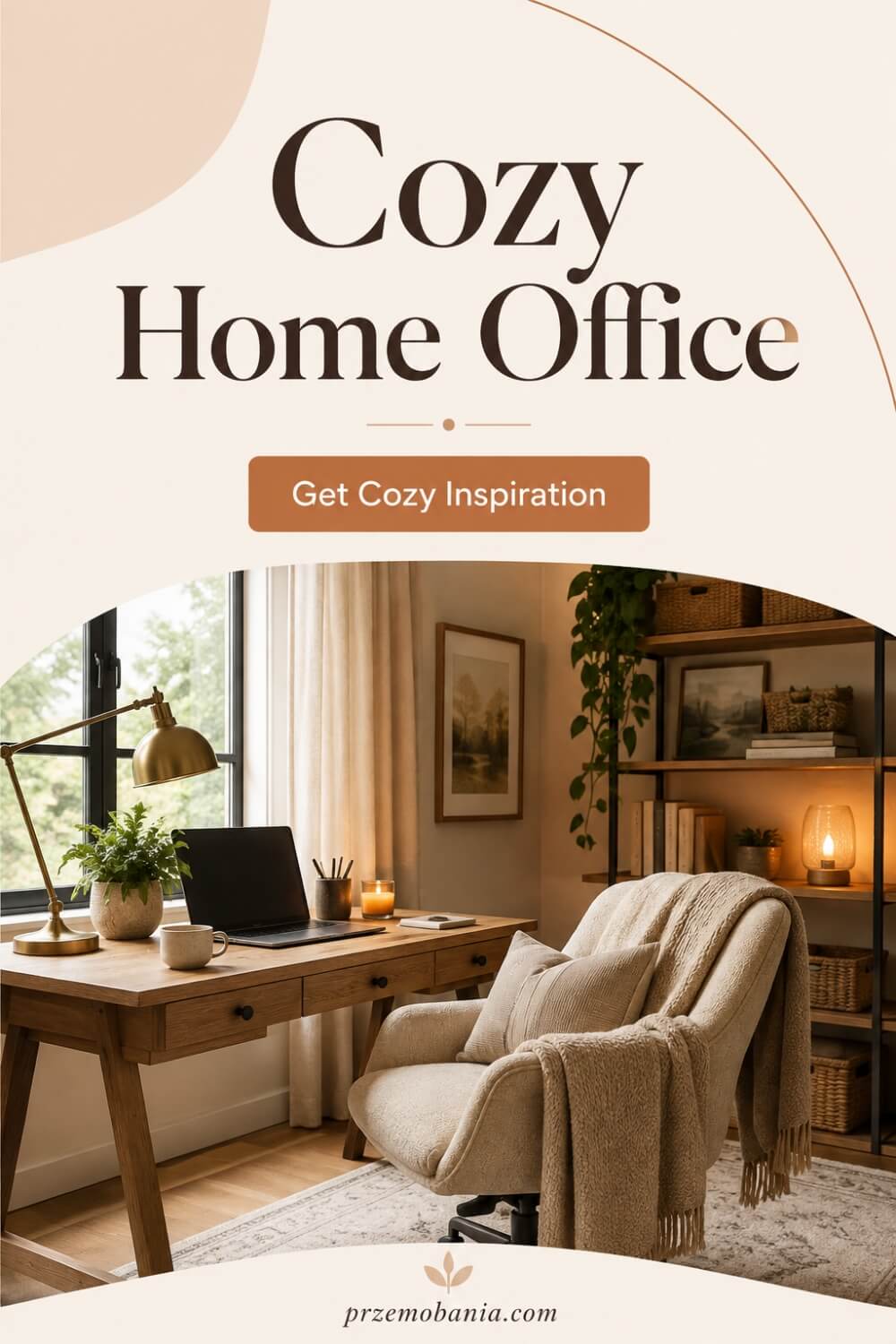
Cozy Home Office
Once the practical structure of the room works, I think comfort becomes much more important than many people realise. A cozy home office is not simply a room filled with cushions, blankets, and warm colours. To me, it is a workspace that makes you feel settled the moment you walk into it, somewhere that feels calm enough to concentrate but welcoming enough that you do not spend the entire day wishing you were somewhere else. When you work from home for hours at a time, that emotional comfort matters just as much as how the room looks.
If your office currently feels cold or unfinished, there are plenty of subtle ways to change that without sacrificing productivity. I share more of them in my ideas for making your workspace feel warmer and more comfortable, where the focus is on creating atmosphere through practical choices rather than simply adding decoration. I would begin with lighting, texture, temperature, and the things you naturally enjoy having around you. Those four elements can completely change how a workspace feels.
Lighting is especially powerful. Instead of relying entirely on a bright ceiling light, I prefer a combination of softer lamps that create warmth around the room while still giving you enough light to work comfortably. A desk lamp, floor lamp, or small light near shelving can make evenings feel far less clinical.
Texture matters too. A rug beneath the desk, curtains at the window, a comfortable upholstered chair, woven storage, or warm wood can soften all the hard surfaces created by screens, desks, and technology. You do not need dozens of decorative objects to make the room inviting. Often, a few carefully chosen materials do much more.
For me, home office basics should always include how the room makes you feel physically and emotionally. Watching my wife work through difficult days has shown me how valuable a calm environment can become when your body is already demanding so much from you. A room cannot remove pain or fatigue, but it can avoid adding unnecessary discomfort and give you somewhere that feels reassuring rather than demanding.
Temperature also deserves attention. A beautiful office will never feel cozy if you are constantly cold, sitting beside a draught, or overheating during the afternoon. Sometimes the simplest changes, such as moving the desk away from a cold window or adding a soft throw within reach, make the biggest difference.
I naturally bring plants into spaces like this as well. Growing up around the greenery my mum loved in Poland made me associate plants with warmth and home, and that feeling has stayed with me. One plant near a desk or shelf can soften the room without making it cluttered.
Personal objects can add another layer. A photograph, favourite book, travel memory, or something connected to the life you are building gives the office meaning beyond work itself.
Cozy does not have to mean crowded. In fact, I think leaving some clear surfaces and breathing room makes comfort easier to appreciate. The aim is to create a workspace where you can concentrate, relax between tasks, and feel supported by your surroundings. Once you have that atmosphere, you can begin defining the wider style of the office and deciding which design direction feels most like you.
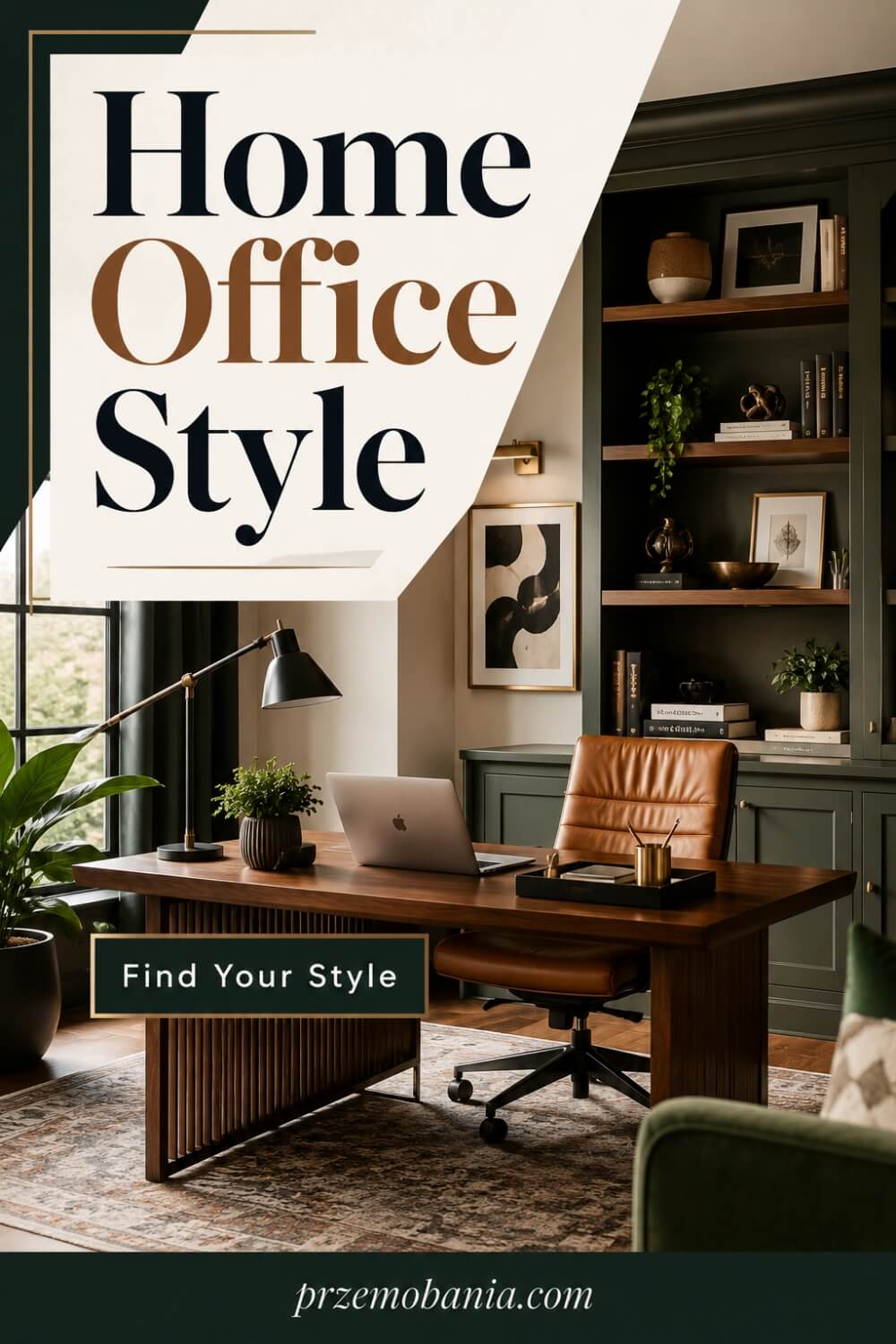
Home Office Style
Once a workspace feels comfortable, the next question is often what kind of style actually suits you. This is where many people get stuck because there are so many directions to choose from, modern, minimalist, rustic, luxury, Scandinavian, industrial, traditional, coastal, contemporary, or something completely personal. I would not begin by asking which style is most fashionable. I would ask which surroundings help you feel focused, calm, motivated, and at home. Your office should reflect how you want to live and work, not simply copy a room that looked good on somebody else’s screen.
If you are still deciding what direction feels right, I have explored different home office styles and how to make them work without forcing the whole room into one strict category. You may love the simplicity of minimalism but still want warm wood and plants, or prefer a modern desk while surrounding it with traditional shelving and softer fabrics. Mixing influences can make the room feel much more natural because real homes rarely fit perfectly into one design label.
I tend to look for consistency rather than perfection. If the main colours, materials, furniture shapes, and lighting feel connected, the room usually comes together even when the individual pieces come from different styles. A black metal lamp can sit beautifully beside a wooden desk, while a modern chair can work with older cabinetry if the overall palette creates some continuity.
This is where home office basics give you a useful foundation. Style should sit on top of good function rather than replacing it. A beautifully styled desk is not much use if it is too small, and a dramatic shelving wall becomes frustrating if you cannot comfortably reach the things you use every day.
I have also learned not to rush this part. Some of the rooms I enjoy most develop gradually as you live with them and understand what is missing. You might begin with a desk, chair, and storage, then add artwork, a rug, lighting, plants, or a better cabinet as your needs become clearer.
That slower approach can also protect your budget. Instead of buying a complete matching collection at once, you can choose pieces because they genuinely suit the room and your routine. It gives the space more personality and often prevents those purchases that feel exciting for a week but wrong six months later.
My own love of interiors has always been connected to the feeling of home rather than following design rules. Growing up around my mum’s plants in Poland taught me how much warmth can come from simple details, and supporting my wife has taught me that comfort should never be sacrificed just to achieve a certain look.
Your style can change too. What feels right when you first start working from home may evolve as your work, taste, or lifestyle changes. That is completely normal.
I think the best home office style is the one that feels quietly recognisable as yours. It supports your work, feels good to spend time in, and gives you enough flexibility to keep changing with your life. Once you have that foundation, even seasonal updates become easier because you are decorating a room with a clear identity rather than starting over every few months.
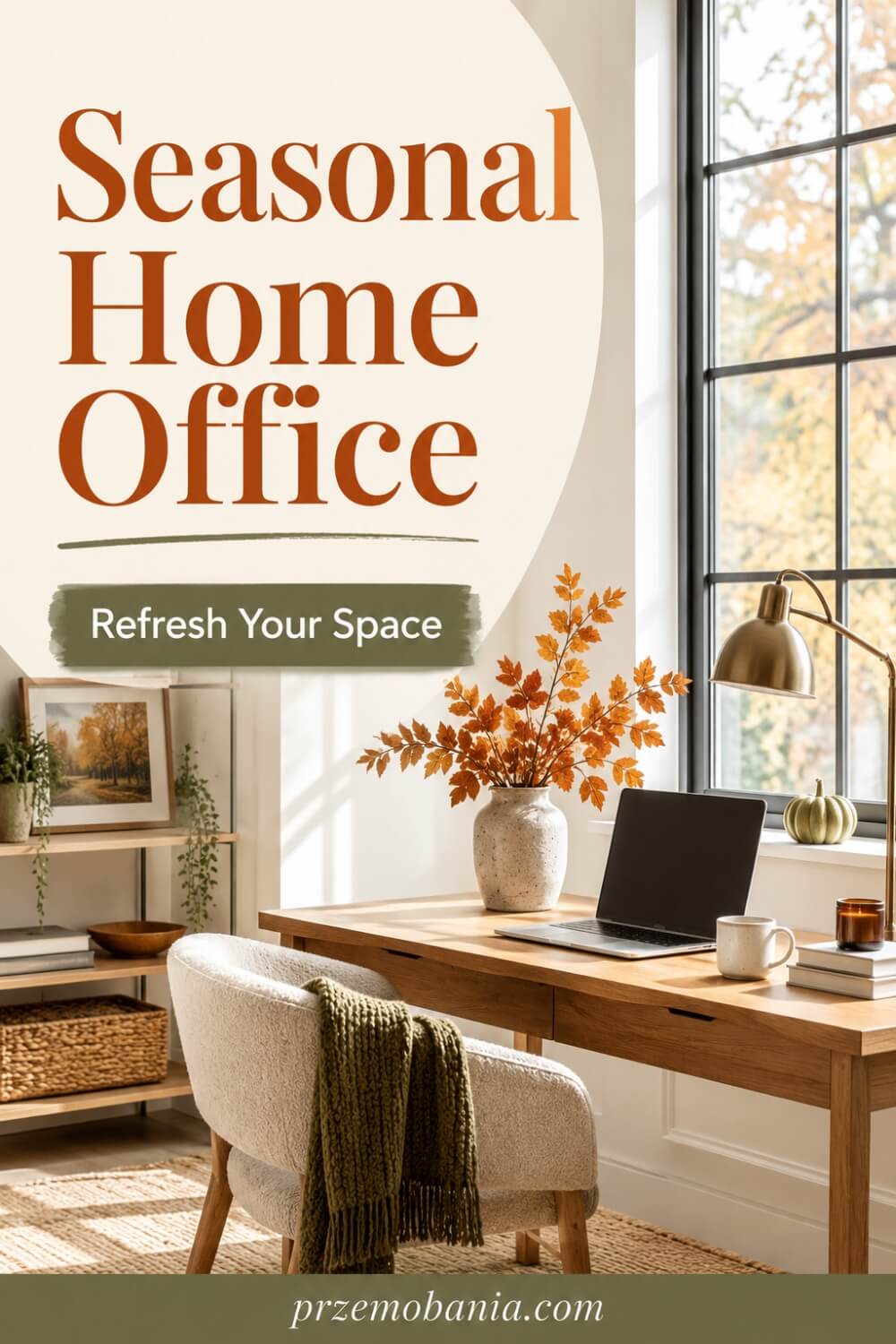
Seasonal Home Office
Once your office has a style that feels like you, seasonal changes can be a simple way to keep the space feeling fresh without constantly redesigning it. I like the idea of letting the room shift gently through the year, because the way we experience a workspace in autumn can feel very different from how we want it to feel in spring or summer. Seasonal updates do not need to be dramatic. Often, a few small changes in texture, colour, lighting, or decoration are enough to make the room feel renewed.
If you enjoy changing your surroundings with the seasons, I have shared more ideas for refreshing your workspace throughout the year in a way that still keeps the office practical. In autumn, that might mean warmer tones, softer lighting, a textured throw, or deeper accessories. In winter, you may want the room to feel more comforting and bright, especially when the days are shorter and natural light disappears earlier.
Spring can be a good time to simplify the space again. I often think of it as a chance to clear away visual heaviness, bring in lighter fabrics, reorganise shelves, and add fresh greenery. Summer can then feel more open, with fewer decorative layers, lighter colours, and a cleaner overall look.
The important thing is not to let seasonal decorating interfere with the way the room works. Home office basics should remain stable underneath everything else. Your desk, chair, storage, lighting, and technology still need to support you properly, even if the room looks slightly different from one season to the next.
I would also avoid filling every surface with seasonal decorations. A few intentional touches usually have more impact than covering the office with ornaments. One wreath, a seasonal print, a different cushion cover, or a change in desk accessories can shift the atmosphere without creating clutter.
Christmas is a good example. You can make the office feel festive with warm lights, a small arrangement, or a few meaningful decorations without turning the workspace into something that distracts you. I prefer seasonal touches that make the room feel warmer rather than busier.
There is also something emotional about letting your workspace reflect the time of year. When you work from home regularly, the seasons can start to blur together, especially if you spend long hours in the same room. Small changes can make the space feel more connected to life outside the office.
I have seen how important that can be when home becomes both a place of work and a place of recovery. For my wife, being able to work from a familiar environment matters enormously, and I think making that environment feel cared for can bring a little comfort during harder periods.
Seasonal decorating should never feel like another task you have to keep up with. It should be enjoyable, simple, and easy to change when you feel ready. Use what you already own where possible, rotate a few pieces, and let the room evolve naturally.
The goal is not to create a different office four times a year. It is to keep the space feeling alive and personal while preserving everything that already works. And once you start thinking this way, it becomes much easier to make those changes affordably rather than assuming every refresh requires a new shopping list.
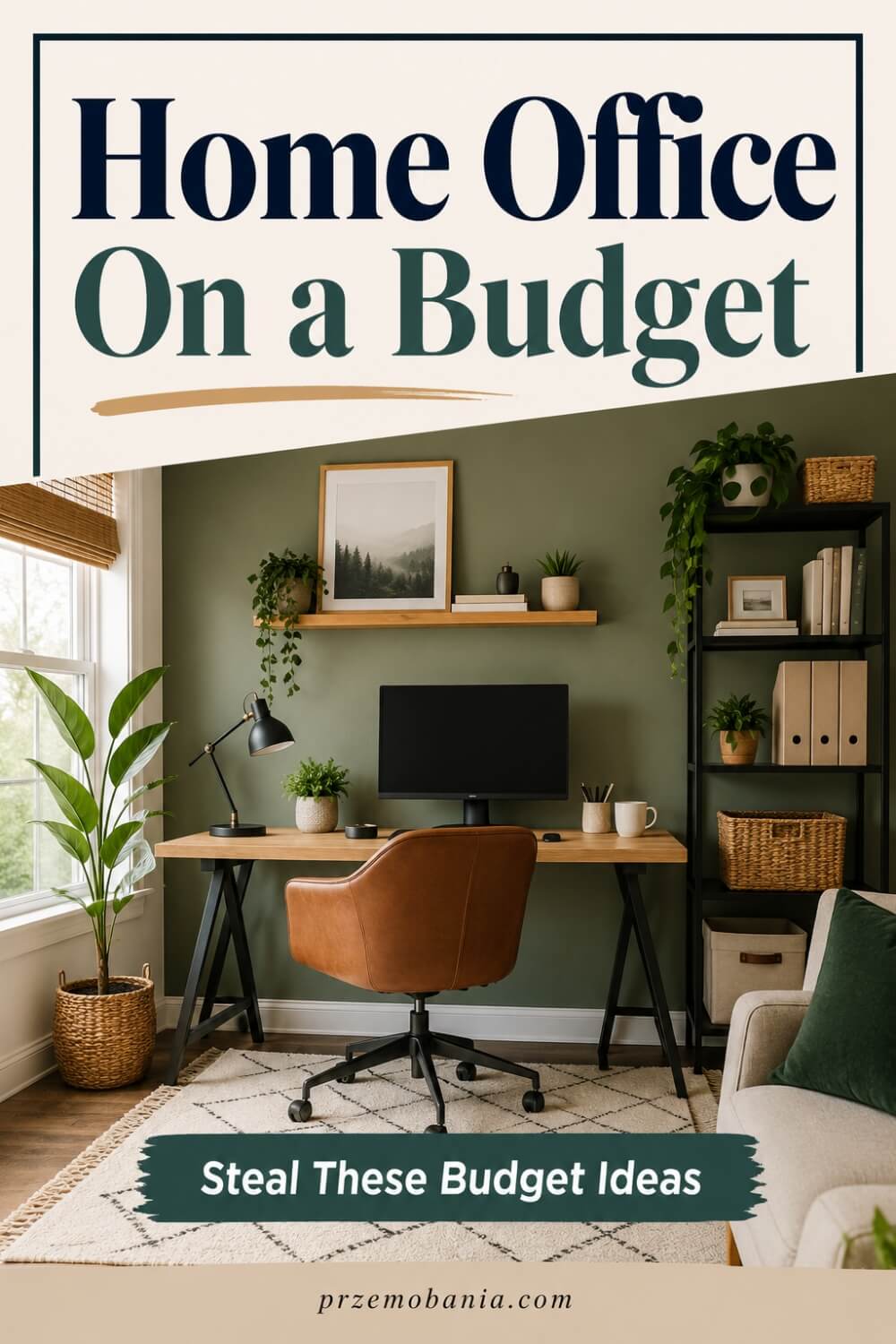
Home Office On a Budget
Creating a home office on a budget does not mean settling for a room that feels temporary, uncomfortable, or uninspiring. Some of the most practical workspaces come from making careful choices rather than spending heavily from the beginning. I would start by deciding which items genuinely affect the way you work every day and which things can wait. A supportive chair, a desk that fits properly, reliable lighting, and enough power for your equipment usually deserve more attention than decorative extras you can add gradually.
Before buying anything new, look carefully at what you already own. I share more ways to build a comfortable workspace without overspending because a good office can often begin with furniture and accessories already sitting elsewhere in your home. A small dining table may become a desk, an unused bookcase can provide office storage, and baskets or boxes can organise supplies without requiring an expensive matching system. Reusing what works gives you more money to spend where quality really matters.
I would also avoid trying to finish the entire room in one weekend. That pressure often leads to buying things quickly because you want the office to look complete. Living with a simple setup for a few weeks can show you what is genuinely missing, which means your next purchase solves a real problem rather than filling an empty corner.
This is where home office basics can protect your budget. When you understand your layout, working habits, storage needs, lighting, and technology first, you are less likely to spend money correcting avoidable mistakes. Measuring before buying a desk costs nothing, but it can stop you from ordering furniture that overwhelms the room or leaves you with nowhere to move your chair.
Second-hand furniture can be another brilliant option. Desks, cabinets, bookcases, lamps, and solid wooden furniture often appear locally for much less than their original price. Some pieces only need cleaning, new handles, paint, or a little imagination to fit beautifully into a workspace.
I would still be selective. Cheap is not automatically good value if something becomes uncomfortable, breaks quickly, or needs replacing within months. I would rather spend more on one item that affects me every day and save on accessories that are easy to change later.
Decor is one area where you can make a big difference for very little money. A plant cutting, framed printable, second-hand lamp, repainted shelf, or rug moved from another room can make the office feel more finished without turning the makeover into a major expense. My mum’s love of plants taught me that warmth does not need to come from expensive objects.
A limited budget can actually force you to become more intentional. Instead of filling the room immediately, you build it slowly around what genuinely improves your working life. That often creates a workspace with more personality because each piece has been chosen for a reason.
The goal is not to make your office look expensive. It is to make it work beautifully for the money you have available. Once you stop measuring the room by how much you spent on it, you can focus on something far more useful: keeping everything organised so the workspace continues to function well every day.
Home Office Organization
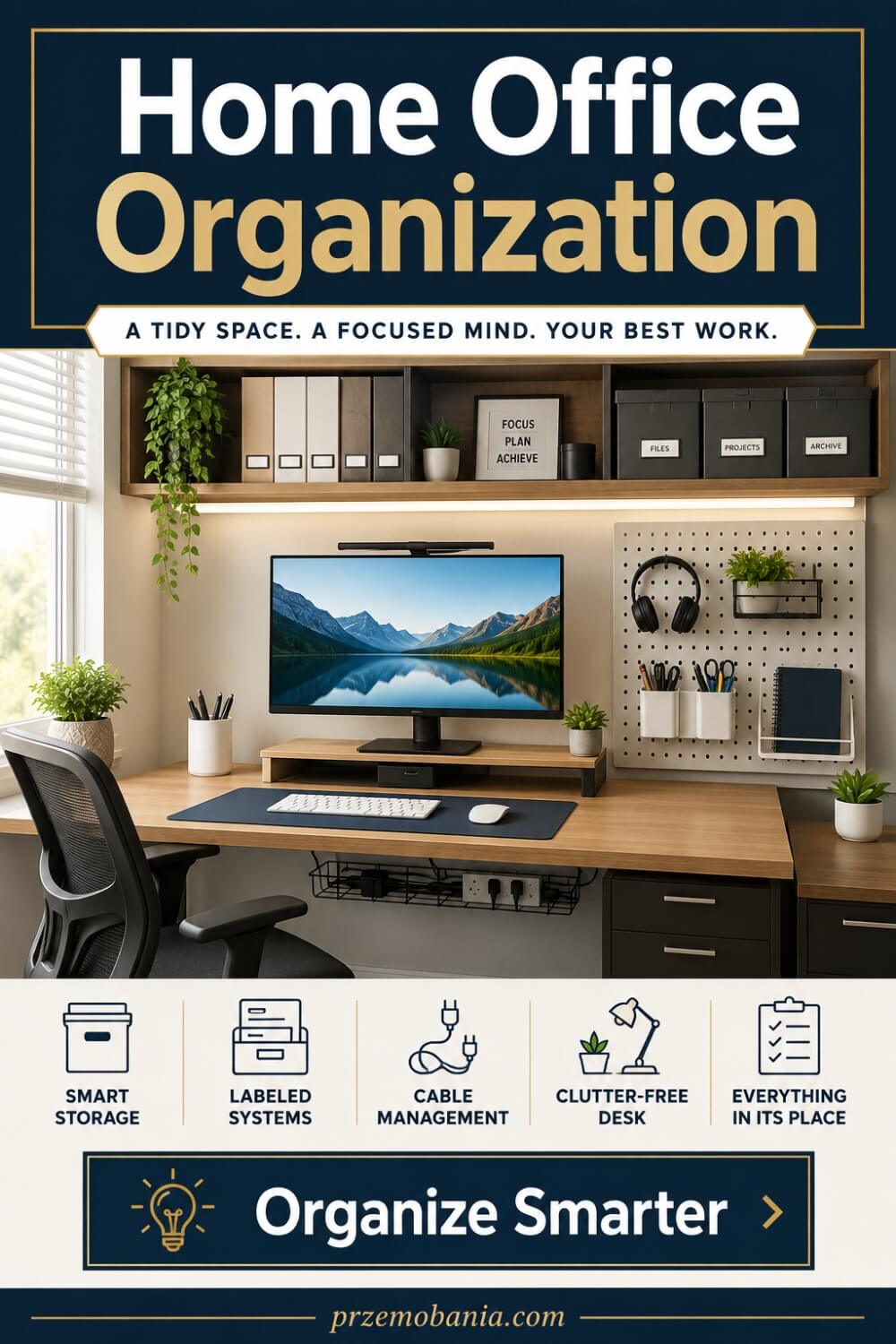
Once you have created a workspace that fits your budget, keeping it organised is what helps that investment continue to work for you. I do not think organisation means making every drawer look perfect or labelling absolutely everything. It means creating simple systems that reduce the number of little decisions you have to make during the day. When you know where your documents, chargers, notebooks, cables, and everyday tools belong, the room becomes easier to use and much easier to reset when work is finished.
If clutter keeps returning no matter how often you tidy, I would look at the system rather than blaming yourself. I explore this more deeply in my ideas for creating an office organization system that is easy to maintain because the best setup is one that works with your habits instead of fighting them. Start by noticing what tends to pile up. Papers, receipts, cables, notebooks, packaging, and random office supplies usually gather where there is no obvious place for them to go.
I would organise according to frequency of use. Things you need every day should be close and easy to reach, while weekly or occasional items can sit farther away. The less you use something, the less valuable your prime desk and drawer space should be to it.
That is where home office basics become much more practical. A beautiful workspace can still feel stressful if every surface becomes a holding area. Clear zones for paperwork, technology, supplies, and personal items help prevent one category from taking over the entire room.
Paper is often the biggest problem, so I like to make quick decisions with it. Keep what you genuinely need, file important documents, scan what makes sense digitally, and remove the rest. A simple in-tray can also stop loose papers from spreading across the desk while you are dealing with them.
Cables deserve their own system as well. Label chargers if you have several that look similar, group related leads together, and keep spare cables in one drawer or container. When everything has a home, you spend less time searching and less money replacing something you already own.
Watching my wife work from home has also made me appreciate organisation as a way of saving energy. On a difficult day, being able to reach what you need without searching through cupboards or moving piles around can make work feel slightly easier. The system does not need to be elaborate to be useful.
I would also create a simple end-of-day reset. Put paperwork away, return supplies, clear cups or plates, close unnecessary tabs, and leave the desk ready for tomorrow. Even five minutes can make the next morning feel calmer because you are not beginning the day by dealing with yesterday’s mess.
Do not try to organise every part of the office at once. Fix the areas that create the most frustration first, then improve the rest gradually. Organisation works best when it becomes almost invisible, because the room simply supports you without demanding constant attention. Once everything has a logical place, the final challenge is making a workspace function when it also needs to share its room with another purpose.

Home Office Room Combo
When a home office has to share space with another room, the challenge is not fitting a desk somewhere. The room needs to work for both purposes without either feeling like an afterthought. A bedroom-office should feel restful at night, a library-office should remain comfortable for reading, and a living-room workspace should not make the whole room feel like you never leave work. I would begin by deciding which function needs priority, then build the layout around that reality.
The easiest way to make a shared room feel intentional is to create visual separation between the two uses. I explore practical options for combining a home office with another room without making either side feel compromised. That separation might come from furniture placement, a rug, shelving, wall colour, a curtain, or positioning the desk so it belongs to one zone. You do not need a divider for the room to feel organised.
A bedroom-office needs care because work can easily creep into the space where you are supposed to switch off. If possible, I would avoid placing the desk where it becomes the first thing you see from bed. Closed storage can help, because putting paperwork and equipment away at the end of the day creates a clearer boundary between working and resting.
A library-office can work beautifully because the two functions naturally complement each other. Bookshelves provide storage and character, while a comfortable chair can serve both reading and thinking time. Make sure the desk area still has enough lighting, power, and space to function rather than becoming squeezed between shelves.
Living-room and dining-room combinations often need flexibility. A compact desk, attractive storage, or furniture that blends with the rest of the room can stop the workspace from feeling visually separate in the wrong way. If the desk remains visible all evening, keeping cables and paperwork under control becomes important.
This is where home office basics help you make better decisions because function has to come before decoration. Think about noise, privacy, video calls, lighting, storage, movement, and whether another person needs to use the room while you are working. A beautiful setup will still frustrate you if its second purpose conflicts with your working routine.
Watching my wife work from home has made me appreciate rooms that can adapt rather than demand one fixed way of living. When energy is limited or a difficult day changes the plan, having a flexible space can make staying productive feel more manageable without forcing the household to revolve around work.
The best room combinations feel balanced. You can work properly when you need to, then allow the office to recede when the working day ends. Whether you are combining an office with a bedroom, library, guest room, hallway, living room, or another corner of your home, the goal is not to hide the workspace completely. It is to make both functions feel deliberate, comfortable, and capable of existing together without one constantly stealing from the other.
Final Word on Home Office Basics
Creating a home office is never about placing a desk in a corner and hoping it works. By the time you think through setup, layout, power, colour, furniture, storage, technology, lighting, decor, space limitations, style, budget, organisation, and the way a room may serve more than one purpose, you see the bigger picture. Every choice affects the next one, and the strongest spaces come from making those choices with intention rather than rushing to make the room look finished.
That is what home office basics mean to me. They are the foundations that help a workspace support your body, concentration, routine, and the life you are trying to build. A beautiful room can inspire you, but if the chair hurts, the lighting strains your eyes, the cables are everywhere, or the desk is covered in things that have nowhere to go, beauty loses its value.
Watching my wife work from home while dealing with chronic illness changed the way I understand all of this. I began noticing things I might once have considered small, such as how far she needed to reach, whether a chair made a difficult day harder, or whether the room felt calming when her energy was low. I could not remove the challenges her body placed in front of her, but I could help make the environment around her less demanding.
That is one reason I care about spaces that work for real life. Some days you may feel focused and productive, while other days you may need more comfort, flexibility, or fewer obstacles between you and the work that needs to be done.
The same idea applies even if chronic illness is not part of your life. You may be tired of commuting, working under fluorescent lights, or feeling as though your week belongs to somebody else’s schedule. A home office can become the first step toward changing that. It might support remote work, a small business, freelance work, writing, studying, or something you are beginning to imagine.
For me, that possibility of freedom matters deeply. Working from home can give you more control over where your time goes and, in some cases, where you live or travel while you work. It can help you spend time with someone you love, return to places that matter to you, or build your day around life instead of constantly fitting life around work.
I think of Italy because it means so much to my wife, and I think of Poland because it is where my mum lives and where my love for plants, interiors, and home began. The idea of working while staying connected to those places makes a home office feel like more than a decorated room. It becomes part of a larger life you are deliberately creating.
You do not need to complete everything at once. Start with the room you have, the budget you have, and the needs you have today. Improve the layout before buying furniture, solve the lighting before adding decor, organise what you own before purchasing storage, and let your style develop naturally.
Your office should evolve with you. Your work, taste, technology, and life will change. A workspace designed with flexibility, comfort, and purpose can change alongside all of that without losing what made it useful.
If there is one thing I hope you take from everything above, it is that you deserve a working environment that supports you rather than drains you. You do not have to recreate somebody else’s perfect office. Build the space around your own body, habits, ambitions, and circumstances.
When you do that, even a small desk in a quiet corner can become something powerful. It can be the place where you earn, create, learn, recover, plan, and slowly build more choice into your life. And to me, that is what makes a home office worth creating properly.
If this resonated with you, leave a comment and tell me about your own home office journey, and feel free to explore the FREE eBook to go even deeper into building a life that truly fits you.


Przemo Bania is a blogger and writer who helps people get out of their traditional jobs to start a blogging career. Przemo also runs a health blog advocating for endometriosis and fibromyalgia…
