
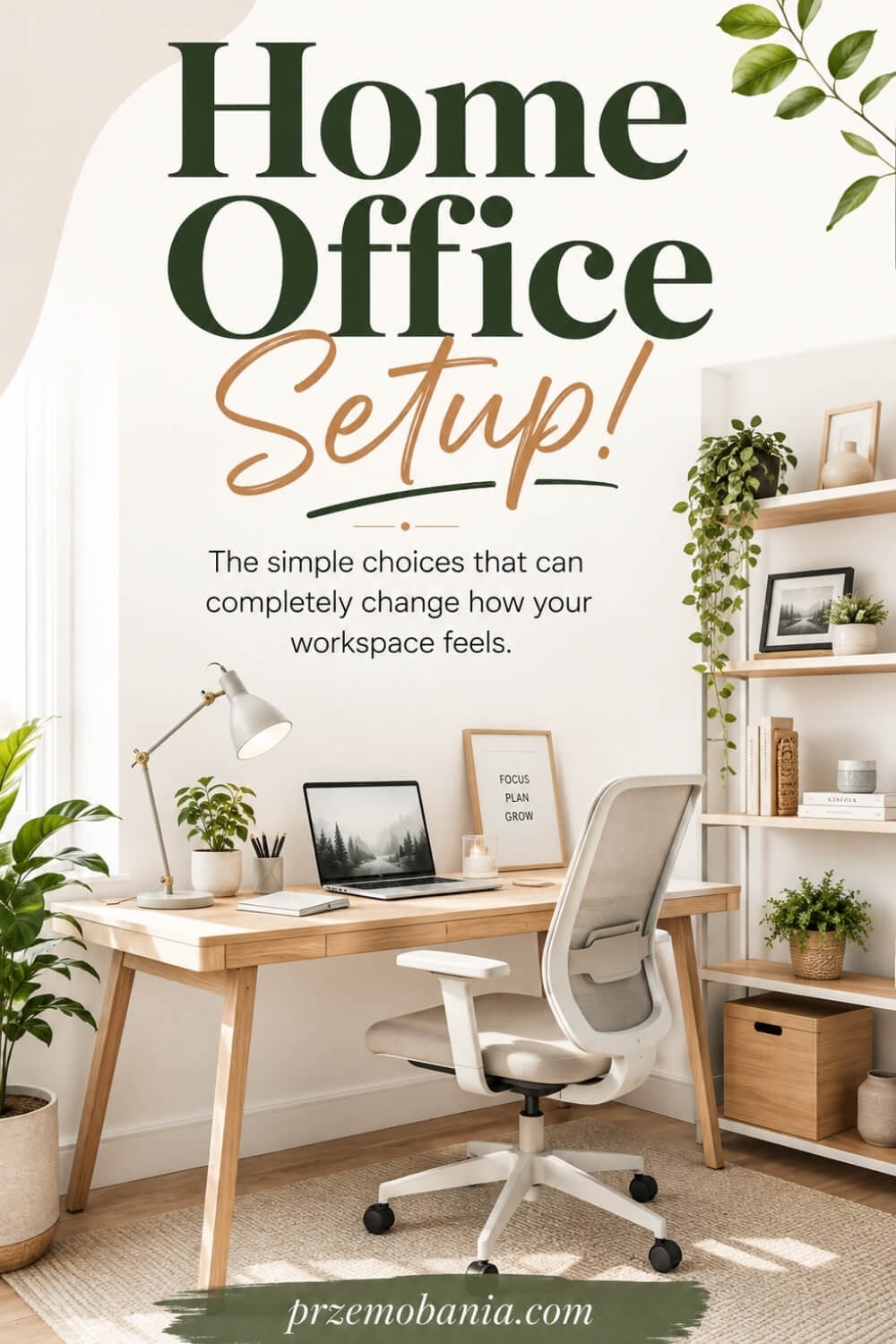
Home Office Setup
Have you ever wondered why one workspace makes you want to sit down and create, and another makes you restless before you have even opened your laptop? Your home office setup is the practical foundation that decides whether your space supports your body, focus, equipment, routine, and the way you actually work. If you have been staring at an empty room, a spare corner, or a desk that simply does not feel right, I know how frustrating it is when you cannot work out what to fix first.
A good home office setup combines a dedicated work zone, supportive seating, a suitable desk, correctly positioned screen and input devices, enough light, safe power and cable management, reliable connectivity, practical storage and a layout that supports focused work, comfort and regular movement.
I write this as a passionate blogger whose life changed when my wife became chronically ill, but also as someone whose love of interiors began in childhood through my mum; years later, those two parts of my life came together when I helped my wife create a workspace that made working from home more comfortable, while building my own cosy office where I could write, design and earn money from blogging, and alongside that personal experience and my love of home décor, I have included all the sources I used at the bottom of this article so I can keep learning rather than pretending I already know everything.
This matters far beyond making a spare room look good in photographs. The latest ONS working-arrangements dataset was released on 14 August 2026 and covers 1 to 26 July, while figures from that series show 14% working from home only and another 27% working on a hybrid basis during the period, putting some form of home working at roughly four in ten.
The room itself is not simply a backdrop either: UK HSE guidance stresses comfortable, sustainable posture, suitable equipment, lighting, movement and breaks, while a small motion-capture study found lower shoulder ergonomic risk at an optimised workstation than at a dining-table laptop arrangement.
That is why I want to begin before the decorating starts, because seemingly small choices about where you sit, what you can reach, where daylight falls and how your equipment fits together can quietly decide whether your office helps you through the working day or starts fighting you by lunchtime.
Before you buy a single piece of furniture, it helps to see how setup fits into the practical foundations of a comfortable workspace, because layout, power, furniture, lighting, storage, technology and décor begin influencing one another much earlier than most of us expect.
How to Plan Your Home Office Setup Properly
Once you know what a good workspace needs to accomplish, the next step is deciding how those pieces should work together in your actual room. The first decision is not which desk looks best on Pinterest, but what you genuinely do during a normal working day.
Write down what you use repeatedly: a laptop, one or two monitors, a notebook, printer, microphone, drawing tablet, paperwork, chargers, headphones or anything else that regularly lands within reach. That simple inventory tells you far more about the desk surface, storage and power you need than a photograph of somebody else’s perfectly styled office ever will.
Measure the room before buying furniture, including the wall lengths, window positions, door swing, radiators, sockets and the space required to pull your chair back comfortably. Then decide where the main work zone can sit without turning circulation through the room into an obstacle course.
A beautiful desk becomes frustrating very quickly if your knees feel trapped, your screen sits off-centre or every cable has to stretch towards the opposite wall. I prefer to plan the chair, desk and screen as one working unit first, because changing one of them can alter the height, reach and position of everything around it.
For regular screen work, UK HSE guidance recommends keeping the screen directly in front of you, roughly an arm’s length away, with the top around eye level, while the keyboard should sit just below elbow height and the mouse should remain close enough that your arm does not keep reaching sideways. If you rely on a laptop for prolonged work, raising the display and using a separate keyboard and mouse can help you position the screen and your hands independently.
Lighting deserves the same early attention because it affects where the desk works best rather than simply what lamp you buy afterwards. Plan natural light together with general room lighting and focused task lighting, then check where glare or strong contrast may appear on the screen at the times you normally work.
Power should be mapped before décor too, especially if your workstation includes monitors, speakers, charging docks, lamps or a printer. Storage should be based on what needs to stay within arm’s reach, what you use occasionally and what can live somewhere else, because forcing every possession around the desk usually creates visual noise rather than convenience.
Think about sound as well, particularly if you take calls, record content or share your home with somebody else during working hours. Curtains, rugs, upholstered furniture, bookcases and even the position of the desk can influence how exposed, echoey or distracting a room feels.
Leave enough open space to stand, stretch, change position and walk away from the screen instead of designing every centimetre around furniture. A thoughtful home office setup should also have some flexibility, because the way you work next year may not be identical to the way you work today.
When my wife’s health changed, I began to understand how much a room can either take from you or quietly give something back, because on difficult days even reaching, twisting, moving a chair or searching for something you need can feel like one demand too many.
There were days when I could not change what her body was putting her through, but I could move a screen, adjust a chair, bring something closer or make the room feel calmer, and sometimes that small act of care meant more to me than having the most beautiful office imaginable. That experience changed how I design workspaces, and these are the practical lessons I now want you to think about before spending money on yours:
- Start With How You Work
- Measure Before Buying Anything
- Choose the Right Desk Position
- Build Around Your Body
- Place Screens at Eye Level
- Plan Lighting in Layers
- Sort Power and Cables Early
- Give Everything a Home
- Leave Space to Move
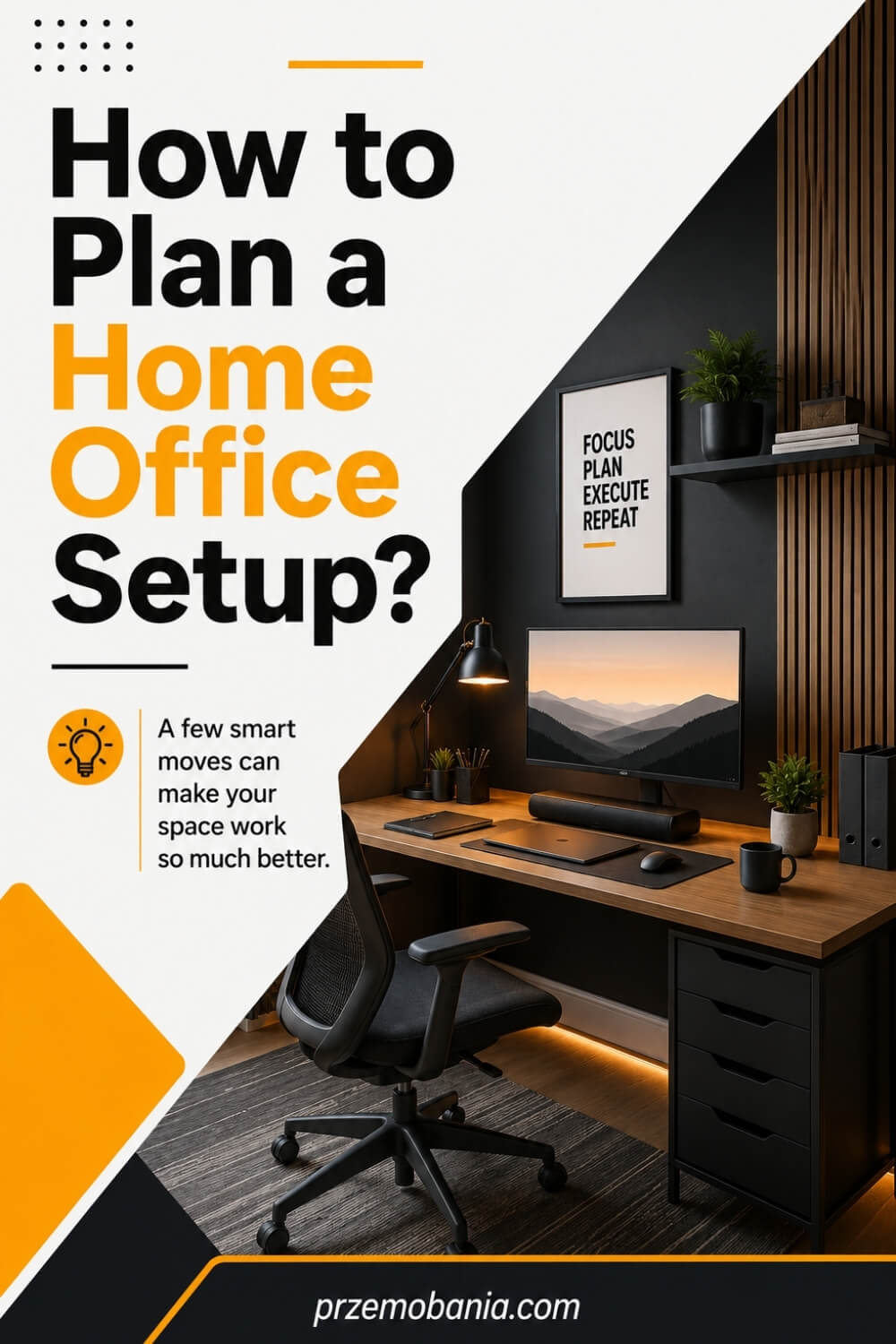
Start With How You Work
Before you choose furniture, watch yourself work for a few days. Notice when you reach for paper, whether you switch between typing and calls, how often you stand up, which devices stay plugged in, and what constantly ends up scattered around you. Your routine should shape the room, not the other way around.
If you spend hours writing, you may need clear desk space and a screen directly in front of you. If you create content, join video calls or manage paperwork, you may need equipment zones, better background control and storage close to hand. I learned this through blogging because my office slowly changed as my work changed, and each improvement came from solving a real annoyance rather than copying somebody else’s setup.
The best workspace starts with an honest question: what do you repeatedly do here? Once you answer that, every decision becomes easier, from desk depth to lighting, storage and where your chair should face.
Measure Before Buying Anything
A tape measure can save you from some surprisingly expensive mistakes. Measure every wall, the height and width of windows, the position of radiators, sockets, doors and built-in furniture, then note how much clearance you need for drawers, cupboards and your chair. I like to sketch the room roughly on paper before I buy anything because dimensions make attractive furniture much easier to judge realistically.
Do not assume a desk that technically fits will work comfortably. You still need room to sit down, move your chair, open storage, reach power and walk through the space without constantly squeezing sideways. In a smaller room, those extra centimetres matter more than you expect.
This is also where I would check desk depth carefully if you use a monitor. A shallow surface can force the screen too close to your face, while an oversized desk can swallow a compact office, so measure the equipment as well as the room.
Choose the Right Desk Position
Desk position changes almost everything that follows, including glare, privacy, storage access, cable routing and how the room feels when you sit down. I usually test more than one orientation before deciding, because the most obvious wall is not always the best working position. Sit where the desk might go and look around before moving heavy furniture into place.
Try to avoid placing the screen directly in front of a bright window or with intense daylight immediately behind it, as both can make viewing uncomfortable. Side-on natural light often gives you more control, especially when blinds or curtains are available, but every room behaves differently throughout the day.
Also think about what is behind you if you make video calls and what you face while concentrating. I work better when the office feels intentional rather than boxed in, so I treat the view from the chair as part of the design, not an afterthought.
Build Around Your Body
Your body should not have to adapt to furniture that was chosen purely because it looked good. Start with a chair height that lets your feet feel supported and your shoulders stay relaxed, then bring the work surface and equipment into a position that allows your elbows, wrists and hands to work naturally. Comfort comes from the relationship between these pieces, not from buying one item labelled ergonomic.
This became especially meaningful to me while helping my wife work from home. When your energy or comfort can change from one day to another, little things such as reaching too far, twisting repeatedly or sitting with unsupported feet stop feeling little at all. A room should remove unnecessary effort wherever it can.
Pay attention to pressure points after an hour, not just during the first minute you sit down. If something causes you to hunch, lean, crane your neck or keep shifting to escape discomfort, adjust the setup rather than teaching yourself to tolerate it.
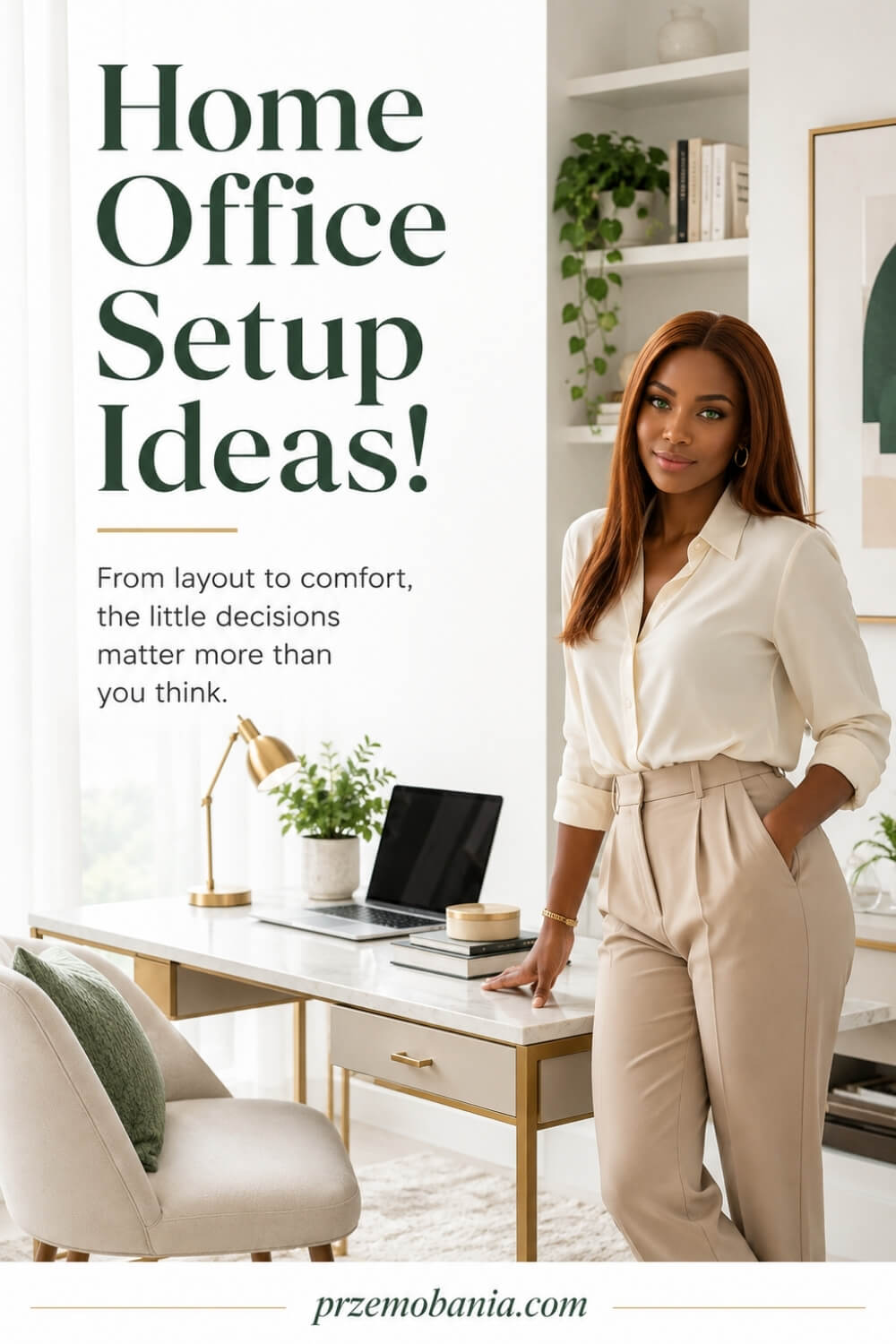
Place Screens at Eye Level
A screen should meet you where you naturally sit rather than pulling your head towards it all day. For a typical desktop monitor, I aim to keep it directly in front of the main seating position, roughly an arm’s length away, with the upper part of the display around eye level. Your exact position may vary with screen size, eyesight and whether you use more than one display.
Laptop users often struggle because the keyboard and screen are physically attached. Raising the laptop can improve the viewing height, but once you do that, a separate keyboard and mouse become important so your hands are not lifted awkwardly with it. That simple change can make a temporary-looking desk feel much more like a proper workstation.
If you use two monitors, decide which one is genuinely primary. Keep the screen you look at most directly ahead and position the secondary one close beside it, rather than spending the whole day rotating your neck between two equally distant displays.
Plan Lighting in Layers
Good office lighting is rarely one bright ceiling light trying to do everything. I prefer to combine daylight, general room lighting and a focused desk or task light so the space can adapt between dark winter mornings, sunny afternoons and late evening work. Each layer has a job, and together they make the room feel much calmer and easier to use.
Watch what happens to your screen at different times of day before fixing the desk permanently. Reflections can appear hours after you first test a room, particularly when low sun hits glass, glossy furniture or a pale wall. Blinds, curtains and adjustable lamps give you much more control than relying on one fixed light source.
Colour temperature also changes the mood, but function comes first. You need enough light to read, write and move safely without creating harsh contrast around the monitor, then you can use warmer decorative lighting to make the office feel welcoming when the working day slows down.
Sort Power and Cables Early
Power planning is boring until you get it wrong, and then you notice it every single day. Count what needs electricity before positioning the desk, including monitors, laptop chargers, lamps, speakers, printers, docking stations and anything you charge regularly. Then check where the sockets actually are and whether the route between them and the workstation can stay safe and tidy.
I prefer to keep frequently used connections accessible rather than burying everything behind furniture. Cable trays, clips, sleeves and mounted power strips can reduce the mess beneath a desk, but they work best when you decide where devices will live first. Otherwise you end up organising cables that will need to be moved again.
Leave a little capacity for future equipment too. Blogging taught me that workstations grow over time, and having one sensible spare power option is far easier than rebuilding the entire cable system because you added another monitor, light or charger six months later.
Give Everything a Home
Clutter usually returns when an item has nowhere obvious to go. Instead of buying storage simply to fill the room, divide what you own into what you use every day, what you need occasionally and what can be stored away from the desk. The closer something is to your hands, the more often you should genuinely need it.
I keep the working surface as clear as possible because visual noise can make even a beautiful office feel unfinished. Drawers are useful for small items, shelves work well for things you want visible, and closed cupboards can hide paperwork, cables or supplies that would otherwise dominate the room. The trick is matching the type of storage to the behaviour.
Do not create a complicated organising system you will never maintain. If you naturally drop notebooks beside the desk, give them a slot there; if chargers always gather in one place, create a charging zone. A practical home office works with your habits while gently making them easier to manage.
Leave Space to Move
It is tempting to use every empty wall and corner, especially when the room is small, but a workspace needs breathing room. You should be able to pull your chair back, stand up, walk around the desk and reach frequently used areas without bumping into furniture. That open space is functional, even though you cannot store anything on it.
Movement also matters because sitting in one position for hours is not what the body is designed to do. I like having a reason to stand occasionally, whether that means placing a printer, filing area or drink station a short distance away rather than keeping absolutely everything within arm’s reach. The office then encourages small changes of position naturally.
This is another lesson my wife’s experience reinforced for me. A room can look stunning and still feel demanding if every movement requires twisting or squeezing through tight gaps. I would rather leave one corner beautifully empty than fill it with furniture that makes daily work harder.
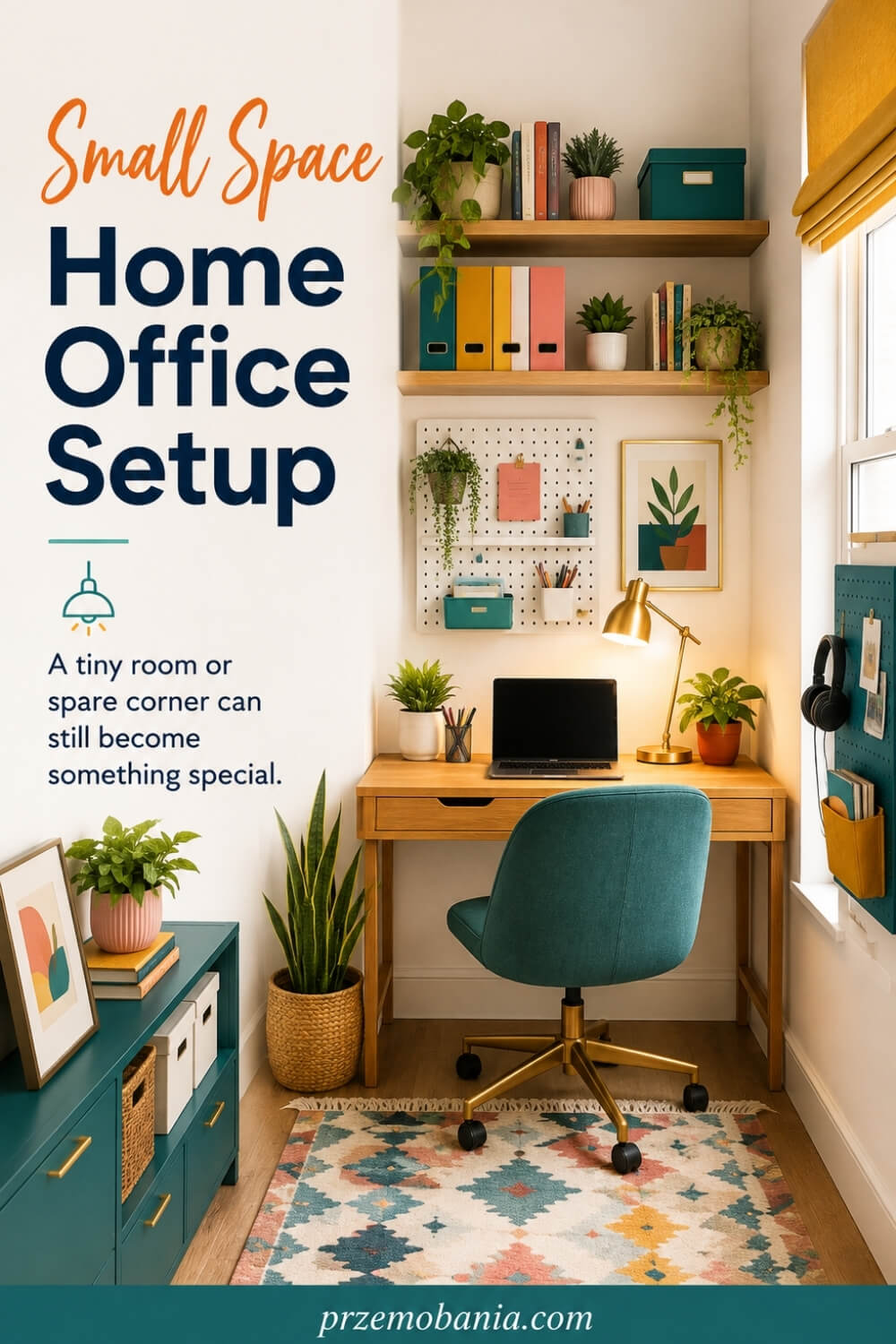
Why Your Home Office Setup Must Adapt Over Time
One mistake I made early in my blogging journey was treating a workspace as something you finish, photograph and then leave alone. I used to think that once the furniture looked right and everything had its place, the job was done. The truth is that your work changes, your habits change, your equipment changes and sometimes your body changes too.
The most useful home office setup I have ever helped shape was not the prettiest room I had ever designed, but the one that slowly became easier for my wife to use when her health became unpredictable. There were periods when she could work reasonably comfortably and other periods when simply getting through her working hours asked far more from her than anybody looking through our window could ever have understood. Some days I would watch her sit down already tired, knowing she still had hours of work ahead of her, and I desperately wanted the room around her to demand as little from her as possible.
Other days, even a small inconvenience such as something being too far away, having to change position repeatedly or needing to get up unnecessarily could become another irritation on top of everything her body was already dealing with. That changed the questions I ask whenever I design a workspace, because I stopped thinking only about what could be added and started thinking seriously about what could be removed. Instead of asking, “What would make this office look more impressive?”, I began asking, “What could make the next eight hours easier?”
We kept the things she genuinely needed close enough to reach naturally, made everyday routines simple and allowed the room to change when a particular arrangement stopped working for her. We also stopped treating every empty space as something that needed decorating, because sometimes a clear surface, an easier route through the room or one less object competing for attention creates more value than another beautiful accessory. Watching her taught me that good interior design is not about proving how clever you can be with a room; it is about noticing the person who has to live and work inside it.
I cannot remove my wife’s difficult days for her, and accepting that as her husband has been one of the hardest things I have ever had to learn, but I can still make her surroundings a little kinder when those days arrive. If your office can change with your work, your energy and the realities of your life instead of forcing you to keep adapting yourself to the room, you are no longer simply decorating a place to work; you are creating a workspace that continues looking after you long after the furniture has been assembled.
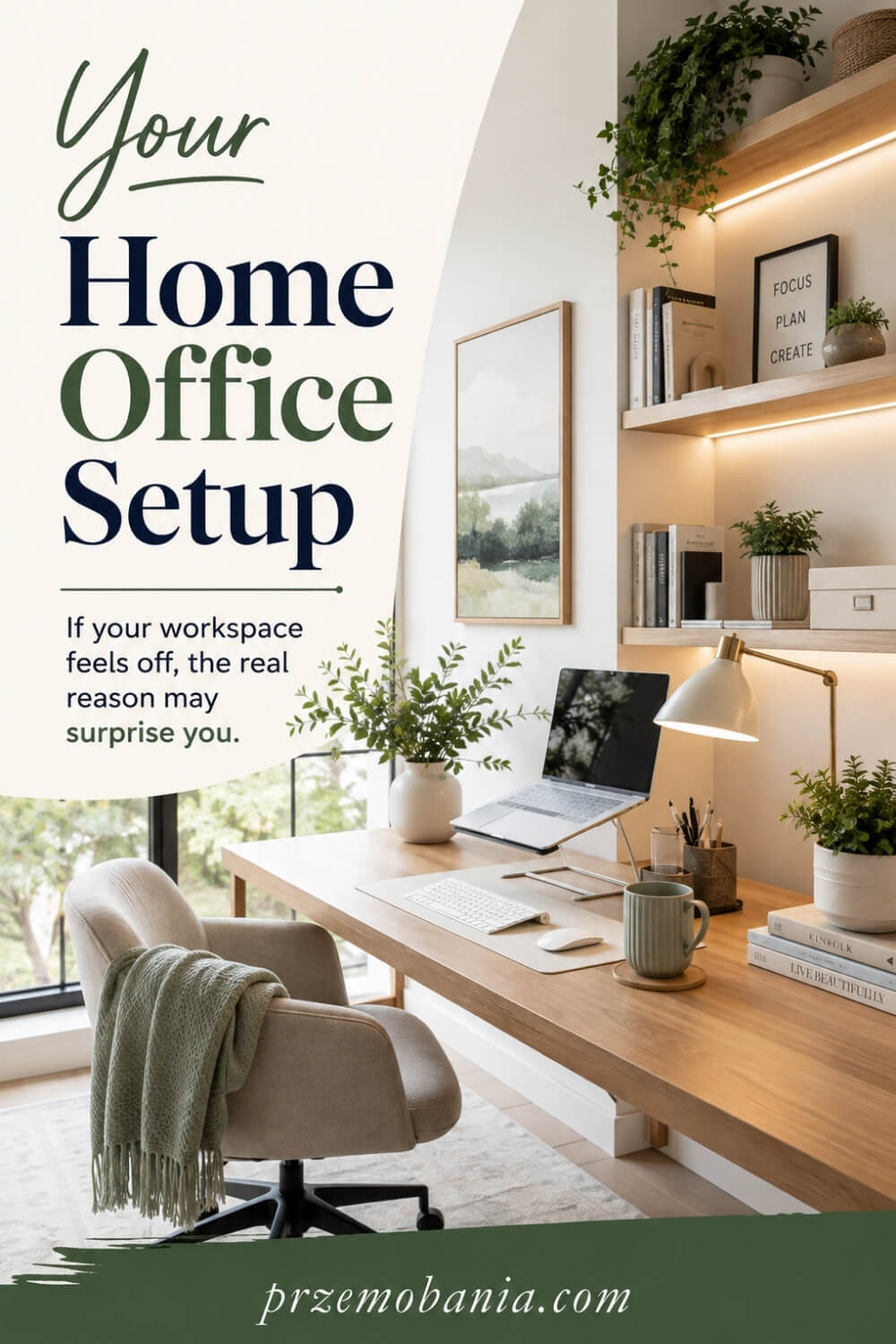
Why Your Home Office Setup Must Adapt Over Time
One mistake I made early in my blogging journey was treating a workspace as something you finish, photograph and then leave alone. I used to think that once the furniture looked right and everything had its place, the job was done. The truth is that your work changes, your habits change, your equipment changes and sometimes your body changes too.
The most useful home office setup I have ever helped shape was not the prettiest room I had ever designed, but the one that slowly became easier for my wife to use when her health became unpredictable. There were periods when she could work reasonably comfortably and other periods when simply getting through her working hours asked far more from her than anybody looking through our window could ever have understood. Some days I would watch her sit down already tired, knowing she still had hours of work ahead of her, and I desperately wanted the room around her to demand as little from her as possible.
Other days, even a small inconvenience such as something being too far away, having to change position repeatedly or needing to get up unnecessarily could become another irritation on top of everything her body was already dealing with. That changed the questions I ask whenever I design a workspace, because I stopped thinking only about what could be added and started thinking seriously about what could be removed. Instead of asking, “What would make this office look more impressive?”, I began asking, “What could make the next eight hours easier?”
We kept the things she genuinely needed close enough to reach naturally, made everyday routines simple and allowed the room to change when a particular arrangement stopped working for her. We also stopped treating every empty space as something that needed decorating, because sometimes a clear surface, an easier route through the room or one less object competing for attention creates more value than another beautiful accessory. Watching her taught me that good interior design is not about proving how clever you can be with a room; it is about noticing the person who has to live and work inside it.
I cannot remove my wife’s difficult days for her, and accepting that as her husband has been one of the hardest things I have ever had to learn, but I can still make her surroundings a little kinder when those days arrive. If your office can change with your work, your energy and the realities of your life instead of forcing you to keep adapting yourself to the room, you are no longer simply decorating a place to work; you are creating a workspace that continues looking after you long after the furniture has been assembled.
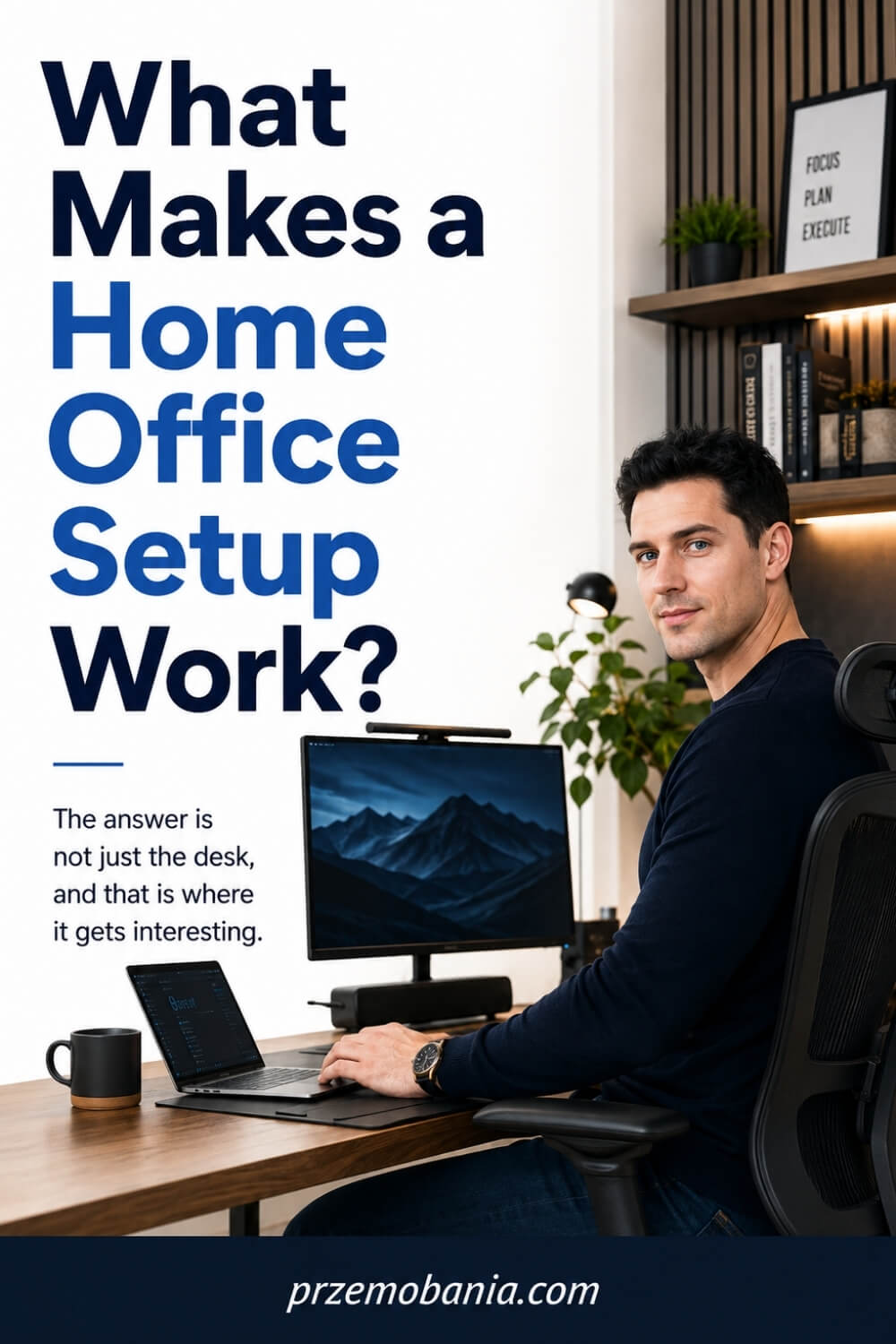
Reduce Visual Distractions Around You
Your eyes keep taking in far more of a room than you consciously notice, so the area around your desk can either help your focus or keep interrupting it. I would start by removing anything that has no useful or emotional reason to be in your direct view, especially piles of paperwork, packaging, spare cables and half-finished household jobs.
That does not mean making your office cold or empty. I prefer a few deliberate objects, such as a framed print, one plant, a favourite book or something personal, with enough clear space around them to breathe. Closed storage can be especially useful for the things you need but do not need to see all day.
When I simplified my own workspace, I noticed I spent less time visually scanning the room and more time staying with the task in front of me. A calmer desk will not magically create concentration, but it removes dozens of tiny invitations to look elsewhere.
Improve Sound and Acoustic Comfort
Sound can make a beautiful office surprisingly difficult to work in, especially when hard floors, bare walls and large windows allow every noise to bounce around the room. If your space feels echoey, start with softer materials you would probably want there anyway, such as curtains, a rug, upholstered seating, fabric blinds or a well-filled bookcase.
You do not need to turn a spare bedroom into a recording studio. The aim is simply to soften harsh reflections and reduce the amount of unwanted sound that reaches you while you are thinking, speaking on calls or recording content. Even moving the desk away from a noisy shared wall can sometimes make more difference than buying another gadget.
I learned to take sound seriously because concentration is fragile when you work from home. When the room feels quieter and less exposed, it becomes easier to settle into work instead of spending half your energy reacting to what is happening beyond the door.
Separate Work From Home Life
One of the hardest parts of working from home is that there is no commute telling your brain that the working day has started or finished. I try to create that separation through small physical habits, such as opening the office, switching on the task light, setting out what I need and then reversing those actions when I am done.
If your office shares a bedroom, dining room or living area, give the work zone a clear boundary. A cabinet, screen, rug, different wall treatment or simply a disciplined habit of putting equipment away can stop work from visually following you into the evening. The boundary does not have to be expensive to feel real.
I know how easy it is to keep blogging because there is always another article, image or statistic waiting. A room that helps you stop is just as valuable as one that helps you start, because productivity means very little if your workspace quietly steals all the time you were meant to enjoy outside it.
Add Personality Without Adding Clutter
Your office should feel personal enough that you enjoy being there, but personality does not require filling every shelf. I would choose a small number of things that genuinely mean something to you, whether that is artwork, a photograph, a plant, a favourite material, a colour you love or an object connected to your work.
The easiest way to avoid clutter is to give decorative pieces space around them rather than treating every empty surface as unfinished. Repeating a few colours or materials across the room can also make separate objects feel intentional, even if they were collected over years rather than bought as one matching set.
My mum helped ignite my love of interiors when I was young, and that is probably why I have never believed a practical room has to feel soulless. The best spaces tell you something about the person using them, but they whisper rather than shout, leaving enough visual calm for the work itself to remain the main event.
Create a Calmer Daily Routine
A well-designed office becomes even more useful when the routine around it is simple. I like to reset the desk at the end of the day, return cups and papers to where they belong, plug in anything that needs charging and leave the first task for tomorrow easy to see rather than arriving to yesterday’s mess.
That tiny reset removes decisions from the beginning of the next morning. You can sit down and start instead of spending your first ten minutes searching, clearing space or deciding what deserves attention. Regular pauses matter too, so build moments to stand, refill water, look away from the screen and change position rather than treating uninterrupted sitting as proof that you worked hard.
Watching my wife cope with days when energy was limited taught me to respect routines that save effort. When a room is prepared and predictable, it asks less from you, and sometimes that small reduction in friction is exactly what helps you get through the work that matters.
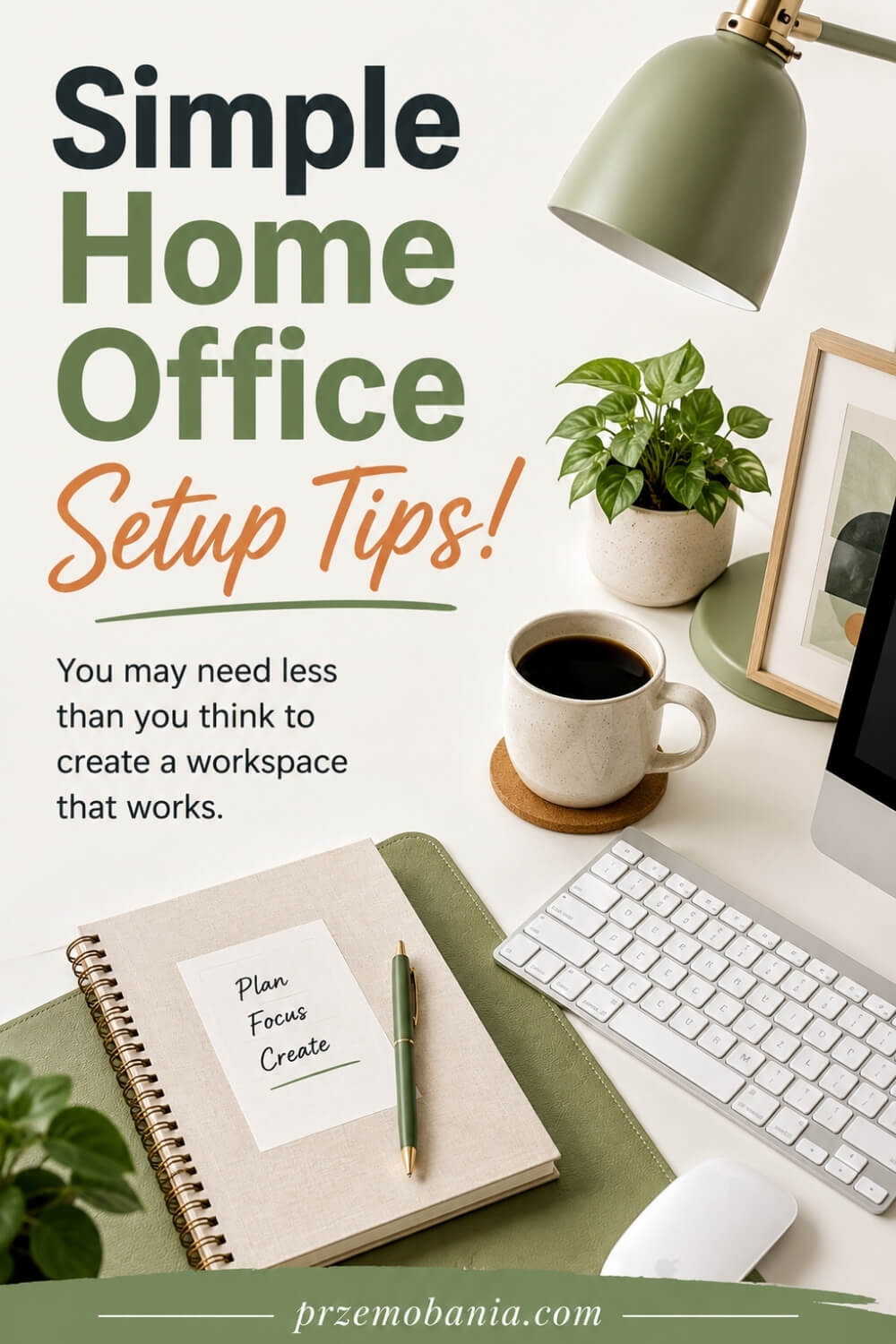
How a Home Office Setup Can Support Your Working Day
There is a point where furniture, lighting, storage and decoration stop being separate decisions and begin working together as one environment. That is when your home office setup starts influencing not only how the room looks, but how smoothly you move through the hours you spend inside it.
For my wife, that difference became very real because her ability to work could change dramatically from one day to another. On better days, the office helped her settle into her routine, while on harder days, familiar placement, easy access and fewer unnecessary movements meant she did not have to waste precious energy fighting the room as well as everything else.
Watching that changed how I think about productivity in my own office too. I used to associate a productive workspace with getting more done, but now I see it just as much as creating conditions that allow you to keep working without draining yourself unnecessarily.
That might mean having water within reach, keeping frequently used documents in the same drawer, choosing a chair position you can adjust easily or arranging your work so you naturally change posture during the day. It can also mean recognising when an arrangement that once worked no longer suits you and giving yourself permission to change it rather than assuming you are the problem.
As a blogger, I spend long periods writing, researching, designing and looking at screens, so I have learned that small irritations become surprisingly large after hundreds of repeated working hours. A drawer that catches, a lamp that cannot be adjusted properly or an awkward place for a notebook might sound insignificant until you interact with it ten times every day.
The same principle applies emotionally because your surroundings can either make work feel welcoming or make you want to escape from the room before you have even begun. There have been times when I have sat at my own desk working while knowing my wife was struggling nearby, and although no beautiful room can remove that reality, having spaces designed around both of our needs has given our home a little more gentleness during some very difficult periods.
That is ultimately what I want you to take from this: do not judge your workspace only by how impressive it looks when nobody is using it. Judge it by how well it supports the real version of you who arrives there tired, busy, distracted, ambitious, inspired or simply trying to make it through another working day.
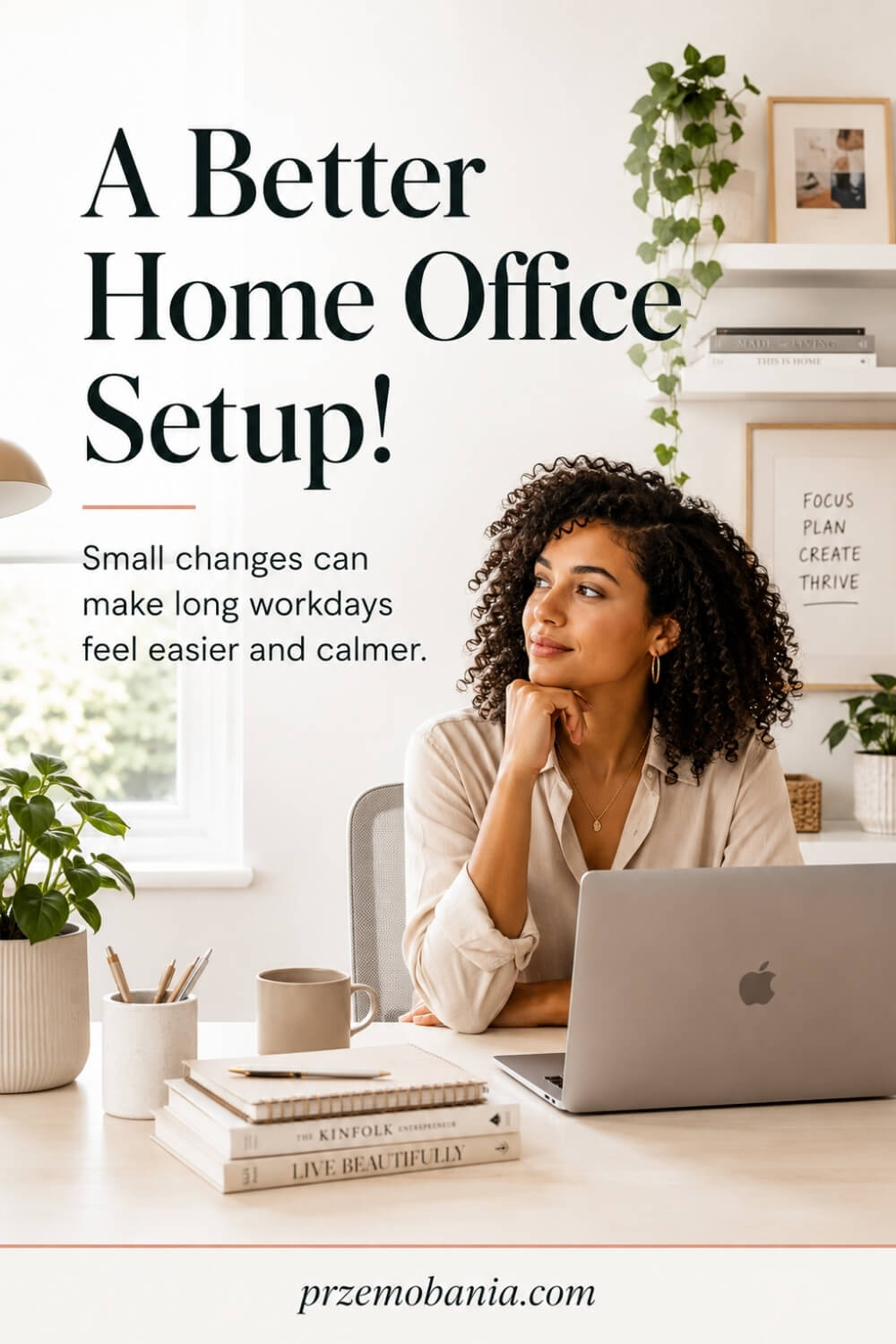
How to Make Your Home Office Setup Feel Truly Yours
Once a workspace supports your body and your routine, the final layer is making it feel like somewhere you genuinely want to return to. I have always believed that a room should tell you something about the person who uses it, because a perfectly functional office can still feel strangely lifeless if none of your personality has made it into the space.
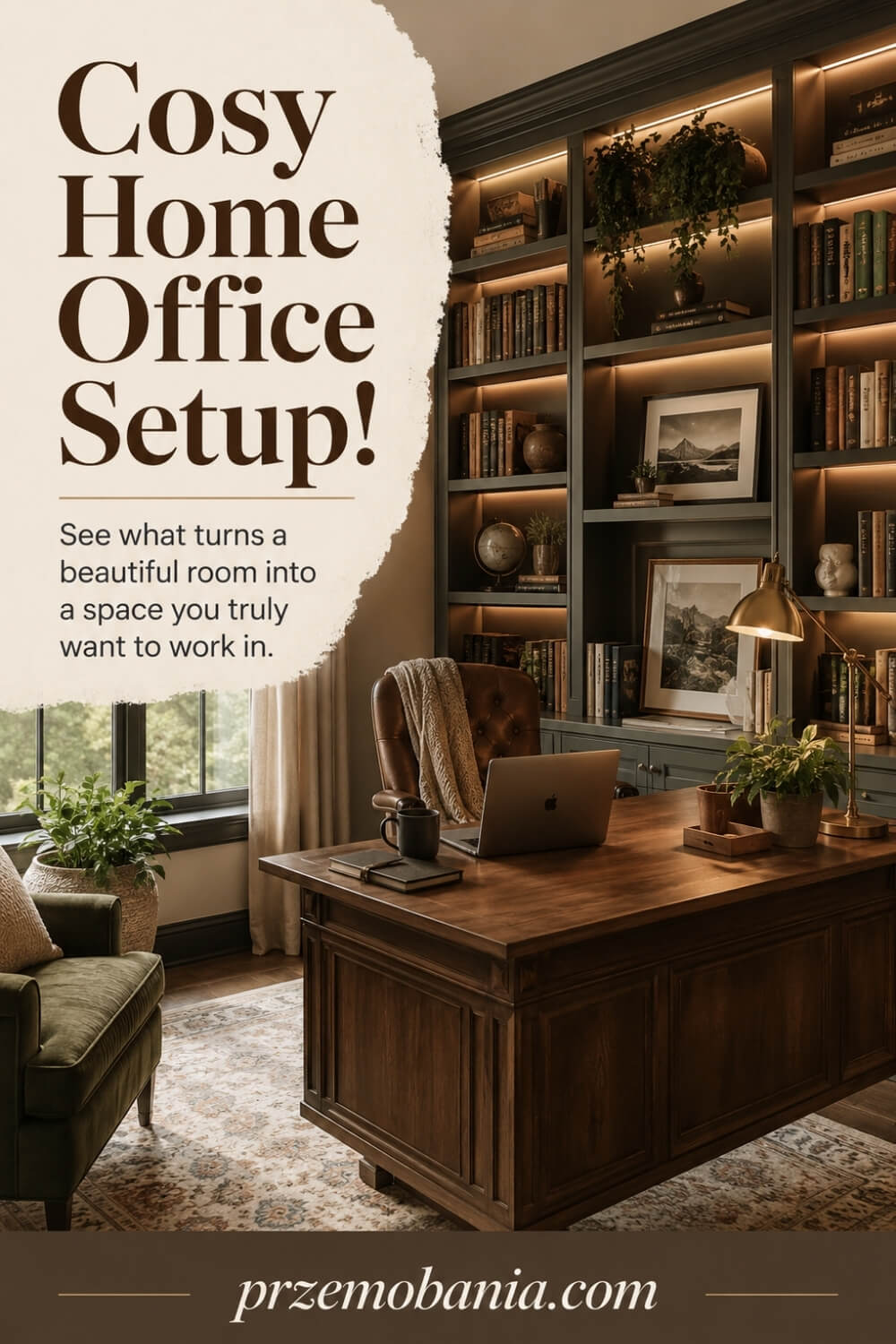
For me, that might mean warm textures, a desk I enjoy sitting at, carefully chosen artwork, books connected to my work and small details that remind me why I started blogging in the first place. Your home office setup does not need to follow one particular interior style, because the most convincing spaces are usually built around the person rather than around whatever happens to be fashionable this year.
I learned this especially strongly when we were adapting our home around my wife’s working life. I did not want her workspace to feel clinical simply because comfort had become more important, so we tried to make practical decisions without losing the warmth, familiarity and sense of home that mattered to both of us.
That balance matters because working from home means spending a significant part of your life in the same surroundings. If the room feels temporary, impersonal or disconnected from the rest of your home, you may technically have somewhere to work without ever feeling properly settled there.
My own office became more meaningful when I stopped trying to make every corner look finished and started choosing only things that either helped me work or made me happy to see them. Some of the best changes cost very little because moving a favourite object, removing something distracting or changing what I could see from my chair altered the feeling of the entire working day.
There have been difficult periods when my wife and I have both needed our workspaces for very different reasons, hers to help her continue working despite what life was asking from her, and mine to write, build something of my own and keep believing that our future could become a little easier. That is why I no longer see a home office as simply a room containing work equipment; I see it as a deeply personal part of the home where comfort, ambition, creativity and ordinary life meet.
Final Word on Home Office Setup
By the time you reach this point, I hope you can see that creating a workspace is not really about buying a desk, placing a chair beside it and filling the walls with attractive décor. It is about building a room around the way you live and work, with enough thought behind every decision that the space begins making your day easier instead of quietly creating more problems.
A good home office setup starts with observation. You notice what you use, how you move, where your attention goes, what makes you uncomfortable and which small frustrations keep repeating. From there, the room becomes easier to plan because every choice has a purpose. The desk has enough depth. The chair works with your body. The screen sits where you can view it comfortably. Lighting supports the task in front of you. Storage keeps useful things close without allowing clutter to take over.
What I would never want you to do is chase somebody else’s perfect office. A beautiful photograph can inspire you, but it cannot tell you whether that room would work for your body, your job, your equipment or your daily routine. Your space has to earn its place in your life, and that often means choosing comfort, flexibility and simplicity before decoration.
I learned this more deeply after my wife became chronically ill. Watching somebody you love try to continue working when her body is already asking so much from her changes how you see ordinary things. A chair position, a reachable drawer, a quieter room or one less unnecessary movement can suddenly matter in a way you never understood before.
There have been days when I wanted to fix everything for her and could not. I could not remove difficult hours, but I could listen, adjust something, bring what she needed closer or make the room feel calmer. Those experiences changed the way I approach interiors because I no longer believe successful design is measured only by how impressive a room looks.
The same thinking shaped my blogging workspace. I wanted somewhere comfortable enough for long writing sessions, organised enough to keep my mind clear and personal enough that I enjoyed building something from home. It has changed over time because my work has changed, and I expect it will continue changing.
Give yourself permission to do the same. You do not need to finish everything, spend a fortune or get every decision right the first time. Start with the biggest sources of friction, improve them one by one and pay attention to what feels better afterwards.
The best workspace is not the one strangers admire most. It is the one that quietly supports you on ordinary mornings, demanding afternoons, creative evenings and those difficult days when simply getting started requires more effort than anyone else can see. If your office helps you work with more comfort, focus and confidence while still feeling like part of your home, then you have created something valuable for your future.
You do not need a showroom-perfect office to work well from home. You need a space that understands what your days really ask of you. Build it slowly, adjust what feels wrong, protect your comfort and let the room grow with you. Small changes made for the right reasons can completely change how it feels to sit down and begin.
I would love to hear about your own workspace, what is working for you and what you are still trying to improve, so leave me a comment below and do not forget to check out the FREE chapter of my eBook at the bottom of this post.


Przemo Bania is a blogger and writer who helps people get out of their traditional jobs to start a blogging career. Przemo also runs a health blog advocating for endometriosis and fibromyalgia…
Related Questions You May Be Asking About Home Office Setup
1. What should I prioritise first when setting up a home office?
Start with how you actually work rather than how you want the room to look. Measure the space, identify your essential equipment, choose a comfortable desk and chair relationship, then position your screen, lighting and power sensibly. Once those foundations work properly, storage and décor become much easier to add without creating expensive mistakes.
2. Where is the best place to put a desk in a home office?
The best position depends on your windows, sockets, available wall space and how you use the room. I usually prefer a location where daylight reaches the workspace without shining directly into the screen. You should also have enough space behind the chair to move comfortably and a practical route to storage, power and frequently used equipment.
3. How much space do I need for a comfortable home office?
You do not necessarily need an entire room. A compact corner can work extremely well if the desk fits your equipment and you still have enough room to sit, stand and move without feeling trapped. What matters more than overall floor area is using the available space intelligently and avoiding furniture that overwhelms the room.
4. Can I create a good home office setup on a small budget?
Absolutely. I would spend first on the areas that affect your working day most, particularly a suitable chair, desk position, lighting and practical organisation. Many improvements cost very little, such as rearranging furniture, clearing visual clutter, raising a laptop safely, managing cables or repurposing storage you already own. You can add decorative upgrades gradually.
5. How can I make my home office feel less distracting?
Begin by reducing what sits directly in your field of vision. Keep only frequently used items on the desk, move unrelated household clutter elsewhere and give paperwork a defined storage place. You can also reduce interruptions by improving sound control, keeping your phone away from immediate reach and creating a simple routine that signals when focused work begins.
6. How often should I change or update my home office?
There is no fixed schedule because your workspace should change when your needs change. Review it whenever you add equipment, develop discomfort, change jobs or notice repeated frustrations. I also like to reassess the room seasonally because daylight, temperature and working patterns can shift. Small adjustments are usually more useful than completely redesigning everything at once.
Home Office Setup References
- https://www.ons.gov.uk/peoplepopulationandcommunity/wellbeing/datasets/publicopinionsandsocialtrendsgreatbritainworkingarrangements
- https://www.hse.gov.uk/msd/dse/good-posture.htm
- https://www.hse.gov.uk/msd/dse/home-working.htm
- https://www.hse.gov.uk/home-working/employer/display-screen-equipment-at-home.htm
- https://pmc.ncbi.nlm.nih.gov/articles/PMC9347120/
- https://pmc.ncbi.nlm.nih.gov/articles/PMC10350503/
- https://pmc.ncbi.nlm.nih.gov/articles/PMC9722330/
- https://pubmed.ncbi.nlm.nih.gov/34030954/
- https://en.wikipedia.org/wiki/Ergonomics
- https://www.architecturaldigest.com/gallery/best-home-office-decor-ideas
- https://www.architecturaldigest.com/gallery/home-offices-slideshow
- https://www.ikea.com/gb/en/rooms/home-office/how-to/a-home-workspace-set-up-to-meet-your-needs-pube3d02d20/
- https://www.finehomebuilding.com/2010/04/29/home-office-design-guidelines
- https://www.fellowes.com/uk/en/catalog/workspace-ergonomics/resources/pg/how-to-set-up-the-perfect-home-office
