
Can you refill your printer without lifting it off its shelf? Plan a printer station with the machine open and in use. The dimensions of a closed printer tell you whether it will sit on a shelf. They cannot tell you whether a sheet will feed from the back, a scan will fit beneath the shelf above, or the output tray will block the route past your desk.
Start with the printer you own or the exact model you are considering. Get its manual and a sheet of paper. Follow one complete job from loading the blank sheet to retrieving the finished page. That short sequence reveals which dimensions and storage decisions matter in your room.
Measure the printer while its trays, lids and access panels are in use.
I find a shelf much easier to judge with a real task in mind. With a printer, that means following a sheet from the paper pack to the person collecting the finished page.
- Make a working measurement card
- Pick a location by following a typical print job
- Arrange blank paper, output and supplies separately
- Plan for the awkward jobs
- Choose a station for three common rooms
- Allow for a replacement without wasting today's space
- Run a five-task trial
- Final Word on Planning a Printer Station
Make a working measurement card
Measure the machine or use the manufacturer’s drawings for its closed width, depth and height. Then open each part used in ordinary work: input support, output tray, scanner lid and paper cassette. Note which parts must stay open while printing and which only need occasional access.
| Measurement | How to check it | What it determines |
|---|---|---|
| Operating depth | Measure rear-most to front-most point with working trays extended | Whether the printer projects into the room |
| Loading height | Load your usual sheet or lift the scanner lid | Clear height above the machine |
| Service access | Check the manual for covers, consumables and jam access | Which side must remain accessible |
| Support surface | Compare the machine’s feet, total size and loaded weight with the furniture specification | Whether the proposed surface suits the machine |
There is no single clearance that suits every printer. A front-loading laser printer and a rear-feed inkjet can use a shelf very differently. A scanner lid that opens just far enough for one sheet may still leave you struggling to place a page accurately on the glass.
Work through an example shelf
Suppose a printer body is 37 cm deep and its open output tray projects another 18 cm beyond the body. The operating depth in this simplified example is already 55 cm before allowing for rear connections or a rear feeder. A shelf that appears generous at 45 cm deep may leave a tray projecting into a walkway.
Measure the actual projection rather than adding the complete length of removable trays. Some of a tray’s length remains inside the body when open. Where the manual gives an operating footprint, use that as your starting point and then check the location with your actual paper and connections.
Pick a location by following a typical print job
People often choose the printer’s home by looking for a spare socket or empty shelf. Include the work either side of printing. Where do you collect blank envelopes? Where can you set down a signed sheet while loading another? Where will a second person stand while taking their pages?
If you print once a fortnight, an accessible sideboard across the room may be perfectly convenient. If you alternate between marked-up proofs and screen edits several times an hour, the same trip can interrupt your work. Count how often you touch the machine, including scanning and changing paper, before giving it valuable desk space.
A stable, level surface is a basic requirement. Epson’s paper-feed guidance is one manufacturer’s example. Read your own model’s instructions for ventilation, supported paper and environmental conditions, and check the furniture’s load rating. A cabinet that closes neatly around the printer is only appropriate if it can be used as the manual requires.
Compare three furniture arrangements
A separate table gives open access from several sides and can make sense for a shared printer. Its disadvantage is the floor area it takes, particularly once a drawer or tray extends. Put a cardboard outline on the proposed table top before moving the machine.
A sideboard can combine consumables and printer in one place. Check that opening the cupboard for paper leaves room to operate the printer above. A high cupboard may conceal supplies attractively while making the control panel difficult to see from a seated position.
A desk return can work well for frequent proofing if you can retrieve pages comfortably. Keep enough surface for the actual work beside it. A printer that fits by taking over the only clear space for a notebook has simply moved the shortage somewhere else. Use the guide to home office storage to decide which supplies can live farther from your chair.
Arrange blank paper, output and supplies separately
Keep one accessible spot for the paper you feed most often. Leave spare stock in its packaging according to the supplier’s guidance. Store special stock such as labels or photo paper so you can identify the type and feed direction without opening several packets.
For a shared station, define an output landing place. It might be a clean tray beside the machine where someone can gather a multi-page job. Avoid using that spot for unopened mail, test prints and spare sheets at the same time. The person collecting the next job should be able to see what is theirs.
Handle two paper types without guesswork
Imagine that you usually print drafts on ordinary A4 and occasionally print a finished design on heavier stock. Put a plain-language label on each packet with the paper name, size and any settings you have verified for that combination. Keep a successful sample with the special stock if surface or orientation is hard to distinguish.
When changing back, return unused special sheets to their packet and restore the normal printer settings. A quick note beside the tray is enough when several people share it. That small reset is often more valuable than another drawer full of paper accessories.
Plan for the awkward jobs
Find the cover you would open to replace ink or toner. Can you open it fully with the printer in position? Could you follow the manufacturer’s jam-clearing instructions without turning the machine sideways on a shelf? A station that handles ordinary pages but makes every refill a furniture move needs a different position.
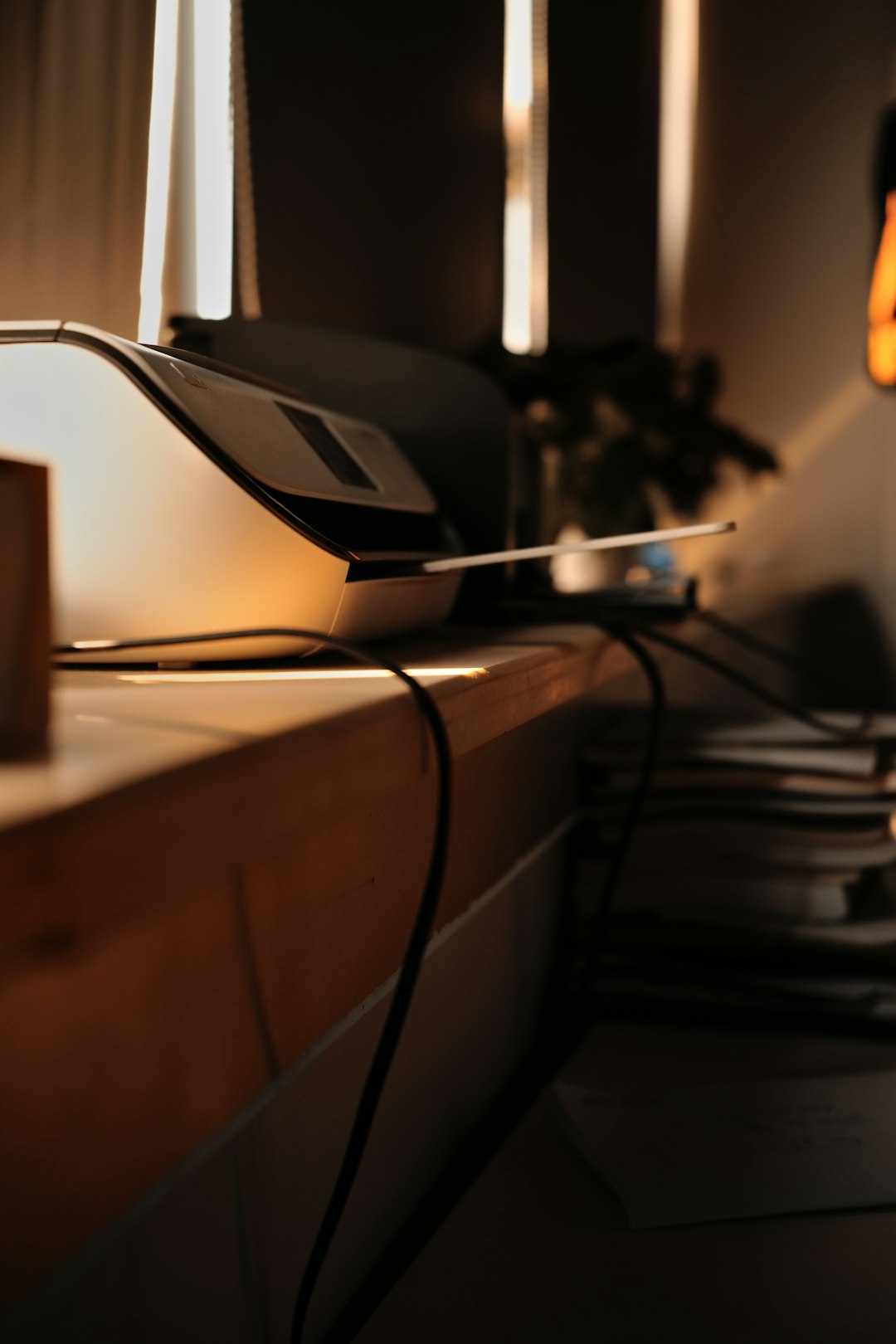
Check connection access without pressing or pinching the leads. If you need a wired link to a computer, measure the real cable path around furniture. If the machine normally prints wirelessly, send a test page from the place where you actually work. The station is only convenient if the connection you intend to use works there.
Adapt the station for the person using it
Have each regular user try loading paper, seeing the controls and collecting a page. Someone who works seated may prefer a lower position than a person who prints standing. A deep top can make a low position awkward if every button sits far back.
If work and home users share a room, agree how promptly documents will be collected. Put confidential work through the arrangements your employer requires. Even ordinary school forms and personal correspondence are easier to keep separate if the output tray is cleared after each job.
Choose a station for three common rooms
In a bedroom-office, start with when the other person uses the room. A printer that is accessible during the day may be awkward if it wakes, runs or needs attention while someone sleeps. A position outside the bedroom may suit a shared machine better. If the printer stays in the room, make sure its ordinary controls and supplies remain accessible when the bed is in use.
In a living-room office, look at what the proposed furniture already does. A sideboard might also contain table linen that someone needs at mealtimes. Open its doors with a person standing at the printer and the output tray extended. If moving the print supplies to one end lets both tasks happen, you may avoid buying a separate unit.
In a rented flat, a freestanding station can spare you the need to fit shelving. Move a piece you already own into position only if it is suitable for the machine’s weight and footprint. Keep the furniture and equipment instructions together. When the room changes again, you can check the next location without relying on how secure the previous one felt.
Make a one-sheet output route
Pick the last print job that caused confusion. Perhaps it was a two-page form that had to be signed, scanned and put in an envelope. Draw four boxes on paper for blank stock, collected output, temporary work surface and finished destination. Trace the actual sheet between them. If two of those boxes are the same crowded part of the desk, identify where the mix-up happened.
Try the job again with a single change. A clean folder labelled “to sign” beside the printer might separate unsigned pages from completed forms. If you rarely handle paper, simply leaving a clear space beside the device may be enough. Removing the overlap is more important than adding storage for its own sake.
Allow for a replacement without wasting today’s space
If you have yet to buy the printer, shortlist the models you would realistically use. Compare their working footprints and service access. A shelf planned around the smallest closed box can rule out your preferred scanner or paper path. Equally, there is little reason to reserve half a desk for a large device when your work only requires occasional short documents.
Keep the shelf height adjustable if the existing furniture supports it and doing so preserves the required strength and stability. If a future machine might be larger, record which dimension has room to grow. “Extra width at left, no spare height” gives a more useful future buying constraint than a photograph of an empty shelf.
Decide which stock deserves the nearest shelf
Spend a week noting which packets you actually open. Someone who regularly prints labels may need them beside the device while a spare ream of ordinary paper can live farther away. For another household, it will be exactly the reverse. Place the active packet where you can read its marking before removing it.
For less frequent jobs, keep the relevant supplies together. An envelope, the approved paper and a note of the last successful manual-feed orientation can travel to the machine as one small bundle. This lets infrequent tasks share the printer without permanently taking over the station.
Run a five-task trial
Load the usual paper, print a page, scan a sheet if your machine supports it, take the output away and open the normal refill cover. Repeat the sequence while someone sits at the desk or passes through the room. Check for a chair, cupboard or door that works on its own but clashes when both are in use.
Give each failure a concrete fix. If the tray catches a coat sleeve, try another orientation or move the station outside the route. If refills are inaccessible, change the shelf or location. If blank sheets spill into output, add a divider before buying more furniture.
When you can complete those five jobs without moving the printer, blocking the room or hunting for supplies, you have a station sized for the work it does. Save the measurement card with the manual so the next furniture change starts with the open dimensions.
Final Word on Planning a Printer Station
Before you give a printer its permanent shelf, do the job that asks the most of the space. Refill the tray, collect a long sheet, then open the access panel named in the manual. A station that gives your hands room for all three is much easier to live with than one measured around the closed printer.
Which part of using your printer needs more room? I’d love to hear in the comments. You can also read the free chapter of my cosy home office eBook.

Find Out More About Me

Przemo Bania is a blogger and writer who helps people get out of their traditional jobs to start a blogging career. Przemo also runs a health blog advocating for endometriosis and fibromyalgia…
Related Questions You May Be Asking About Planning a Printer Station
Can my printer sit sideways on a narrow shelf?
Try the entire paper journey in that position. Check which direction the sheet emerges, where you read the control panel and whether the cables turn comfortably. Follow the support and clearance directions for your model before committing to the shelf.
Where should I put partly used photo paper?
Keep it in its recommended protective packaging and retain the instructions identifying the printable side. A simple note inside the cupboard can record the orientation for your printer and tray. Check the manual again when changing paper type.
What should I measure if I expect to replace my printer?
Write down the shelf opening, front overhang available during use and clear space above and behind. Keep those as separate measurements. Two printers with similar closed dimensions can need very different working space to feed a thick sheet.
Planning a Printer Station References
- Canon TR160 guide to loading plain and photo paper
- Canon GX4000 guide to the rear flat tray for paperboard
