
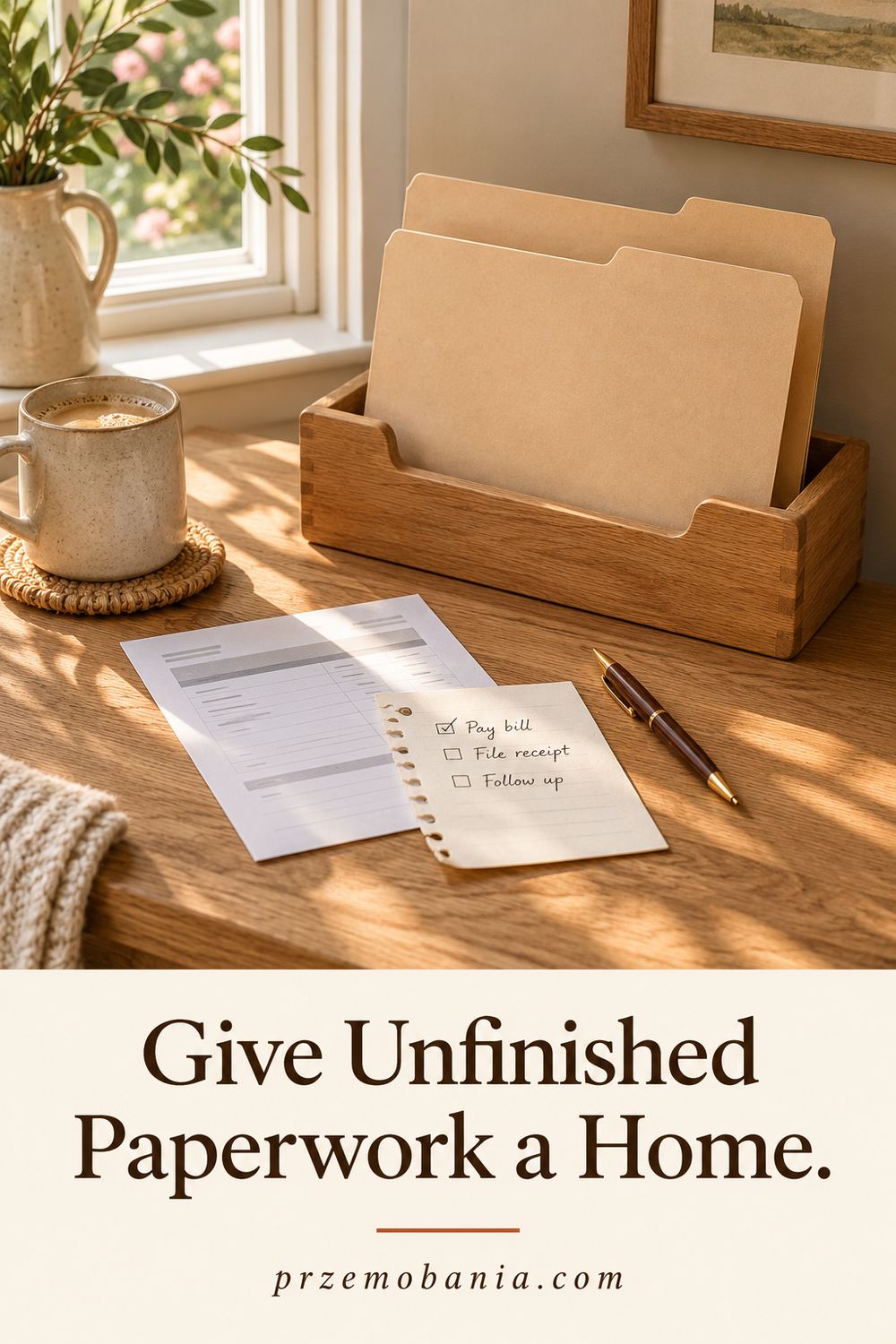
Start with the sheet that keeps moving from your keyboard to the dining table. What needs to happen before you can put it away? If the answer is “I need to check the amount” or “the supplier owes me a date”, that sheet belongs in a working file. Giving it a permanent home among old invoices makes it harder to remember what happens next.
A home filing system for active paperwork needs three things: somewhere to collect new paper, a visible record of the next action and somewhere to put the papers that support it. You can try the whole arrangement with an old envelope, two folders and a sheet of scrap paper. Only buy a box or tray once you know what will go in it.
Sort one working week before choosing furniture
Choose a small, representative pile. A week’s post, the notebook pages beside your laptop and the documents for one current job are more revealing than a cupboard of old records. Put anything confidential out of view while you work.
Read each item far enough to finish the sentence “I am keeping this here because …”. You might be waiting for a revised quotation, checking a delivery against its packing slip or consulting a drawing while writing a proposal. Those three sheets can concern the same client and still need different treatment today.
Separate a task from its supporting sheets
Imagine that you need to ring a printer about a proof. The task is the phone call. The proof, the quotation and your pencil corrections are the material you need during the call. Write one reminder and put all three sheets in one named folder. Writing a reminder on each sheet makes a single phone call look like three unfinished jobs.
If the paper only repeats information already filed in an appropriate place, decide whether you need the physical copy at all. Follow any retention instructions that apply to your work. This guide deals with finding current work and gives no disposal dates for business, tax or employer records.
Give each stage a physical place
Start with an inbox small enough to lift. A shallow tray or an empty document wallet can work. Its job is to collect papers you have yet to consider. Once you have decided what happens next, move the paper on. A second unsorted tray labelled “miscellaneous” usually just increases the distance between you and a decision.
| Place | What belongs there | When it leaves |
|---|---|---|
| Inbox | An unopened delivery note or a new request | When you decide who needs to act |
| Action folder | A proof to mark up or a quotation to compare | When you do the work or hand it over |
| Waiting folder | The copy you need when another person replies | On reply or on your chosen follow-up date |
| Current reference | A layout or brief still used during the job | When the job ends or a newer version replaces it |
The table describes four uses. You may only need two physical folders. A freelancer handling three jobs can keep one folder per job and a single action list for all three. Someone processing unrelated household and office correspondence may find “Action” and “Waiting” folders easier. Pick the arrangement that makes it quickest to find the sheet when someone rings.
Make labels answer a real question
“Admin” is easy to write but gives little help when you are trying to find a missing parcel. “Desk order, replacement top” tells you which conversation lives in the folder. Add a short identifier when two similar jobs are running together, such as the room name or the last few characters of an order reference.
For shared storage, agree on words both people would use aloud. One person might say “proof” and another “print sample”. Put both on the tab if that avoids creating a second folder next month. Put private details inside the folder when its spine faces into a shared room.
Set up a next-action sheet you can use at a glance
Draw four columns headed Job, Next move, Who and Review date. Write a verb in the second column: compare, ring, send or check. “Office chair” names an object. “Ask for the missing castor” tells you what you can actually do.
The review date is the day you need to look again. A supplier might promise an answer on Thursday, in which case Friday morning could be a sensible review point. If you also have a hard deadline, record it separately. Otherwise it is easy to mistake the final due date for the day you should start chasing a reply.
Follow one job from arrival to closure
Suppose a new print proof arrives on Monday. Put it in the inbox until you have opened the envelope and checked the name. Write “Summer leaflet: compare proof with approved copy, Tuesday”, then put the proof and approved copy together in a folder labelled “Summer leaflet”.
On Tuesday you email two corrections. Leave the papers together, move the folder to Waiting and change the next move to “Check revised proof if no reply on Friday”. When the corrected proof arrives, mark the earlier sheet as superseded so you cannot approve the wrong one during a hurried call.
Once you approve the final version, transfer the material you need to retain to the appropriate project record. Cross off the line on your action sheet and empty the working folder. An empty, reusable folder is a useful sign that the job has finished.
Choose storage by testing retrieval
Place the active file where you can retrieve a sheet with one hand while seated or standing in your normal working position. A high shelf might look tidy yet require you to put the phone down whenever somebody calls. Test with an actual folder containing your thickest current set of papers.
Open the folder fully in its intended place. Check whether tabs catch on the shelf above, papers slide behind the desk or a cupboard door collides with your chair. The wider guide to home office storage can help you decide which supplies and completed records can move away from this prime spot.
If you work at the dining table, try a lidded carry box with upright folders and the action sheet clipped inside. Make its overnight home within easy reach of the table. A box that needs unpacking into five smaller piles every morning costs more effort than it saves.
Adapt the system to the way you read and reach
Large handwritten tabs can be easier to distinguish than small printed labels. Use position as well as colour: Action on the left, Waiting on the right, for example. Anyone who sees the colours differently can still use the arrangement.
If lifting a packed file is uncomfortable, keep fewer jobs in each folder and store completed work elsewhere. When paper volume varies, leave room for one unusually thick project. A box already packed tight on an ordinary Monday cannot absorb a busy week.
Review the papers when you already review your week
Choose an existing moment, such as planning Friday afternoon’s work. Read the action sheet first. For each row, check that the next step is still yours, that any promised reply has arrived and that the supporting papers are where you expect.
Next, look for folders without a row. Some may be current reference and need no task. Others may be jobs that quietly stalled when a date changed. Finish by returning genuinely new papers to the inbox and taking completed material out of the working area.
Diagnose a pile that keeps coming back
If loose paper builds up beside the tray, look at the top three items before buying another organiser. Large drawings may physically resist a small wallet. A confidential letter may need a closed location. A paper form awaiting a signature may need a clip beside your outgoing post. Each problem points to a different adjustment.
If the Waiting folder grows while the inbox stays empty, improve the review dates. If the same sheet repeatedly moves between Action and Waiting, write down exactly who has the next move. If everything ends up in Current reference, ask what decision each sheet still supports.
Choose between a project folder and a date file
If most incoming paper relates to a handful of long-running projects, organise the physical papers by project and put dates on the action sheet. That way a proof, its covering letter and your annotated brief stay together when the deadline moves. Filing the three sheets independently by day would split the evidence you need for a single call.
If your work consists of many unrelated, date-specific tasks, try the opposite approach. Make one wallet for the current week and one for later dates, with the review list at the front. This suits a reply slip needed on Wednesday and a collection note needed on Friday. Move a sheet as soon as its date changes so an old slot cannot quietly hide it.
Handle a job with two owners
Imagine you share a small office with someone who processes orders while you handle design approval. A customer returns a marked proof with a question about delivery. Keep the original proof in the design job folder and give the delivery question its own line on the shared list, naming the person who will ring the carrier.
Add a cross-reference to the job rather than making two working copies that could acquire different corrections. When the carrier replies, record the answer with the original and close the delivery line. The person approving the design can now find the current promise without searching someone else’s pile.
Set a sensible boundary between paper and digital
Some items start as a letter and continue by email. Choose which record will carry the current decision. If approval happens in your work system, put its reference on the paper folder. If the physical signed document is the record you need to retrieve, make its folder name easy to find from the electronic job note.
Consider a contractor who sketches a revised shelf layout on paper, photographs it and then receives a further dimension by email. Without a clear current version, the first sketch may still look authoritative when furniture is ordered. Write the revision date and source of the new dimension on the working copy, following the record-keeping practice for the job. Keep any required original intact.
Test the link between the two locations by starting from a message and finding the physical sheet, then starting from the sheet and finding the latest decision. If either route depends on remembering the month or the colour of a folder, improve the job name or reference.
Know when the system is working
Pick one live job and try to answer three questions without searching a second location. What happens next? Who is doing it? Where is the paper needed for that step? If one answer is missing, change that part of the system first.
The best result is a desk you can clear at the end of a day without losing your place. Tomorrow, the working papers and the next-action sheet should let you start with the job itself.
