

Six months from now, could you tell which power supply arrived with your work monitor? When work equipment arrives at home, record what was supplied, who owns it, its condition and which accessories came with it. Do this while each box is open and its contents are still together. In six months, two black power units can look identical even though only one belongs with the monitor you have been asked to return.
Use your employer’s inventory or handover procedure if there is one. A short personal locator note can fill the practical gap between an official asset register and the drawer where you put the spare stand.
Record each item, its owner, condition and matching accessories while the carton is open.
I prefer a short record someone can actually use to a perfect-looking inventory that never gets updated. The best details are the ones that settle a question at handover.
- Lay out one box at a time
- Make a handover record with separate fields
- Work through a monitor and dock arriving together
- Close the loop on differences
- Run a quick return rehearsal
- Write the record for the person receiving the return
- Separate a change of room from a change of holder
- Final Word on Receiving Work Equipment at Home
Lay out one box at a time
Choose a work surface where a monitor stand, cables and paperwork can stay together while you check the delivery. Leave the next box closed. If similar accessories arrive for a dock and a monitor, unpacking everything into one pile can undo the information provided by the packaging.
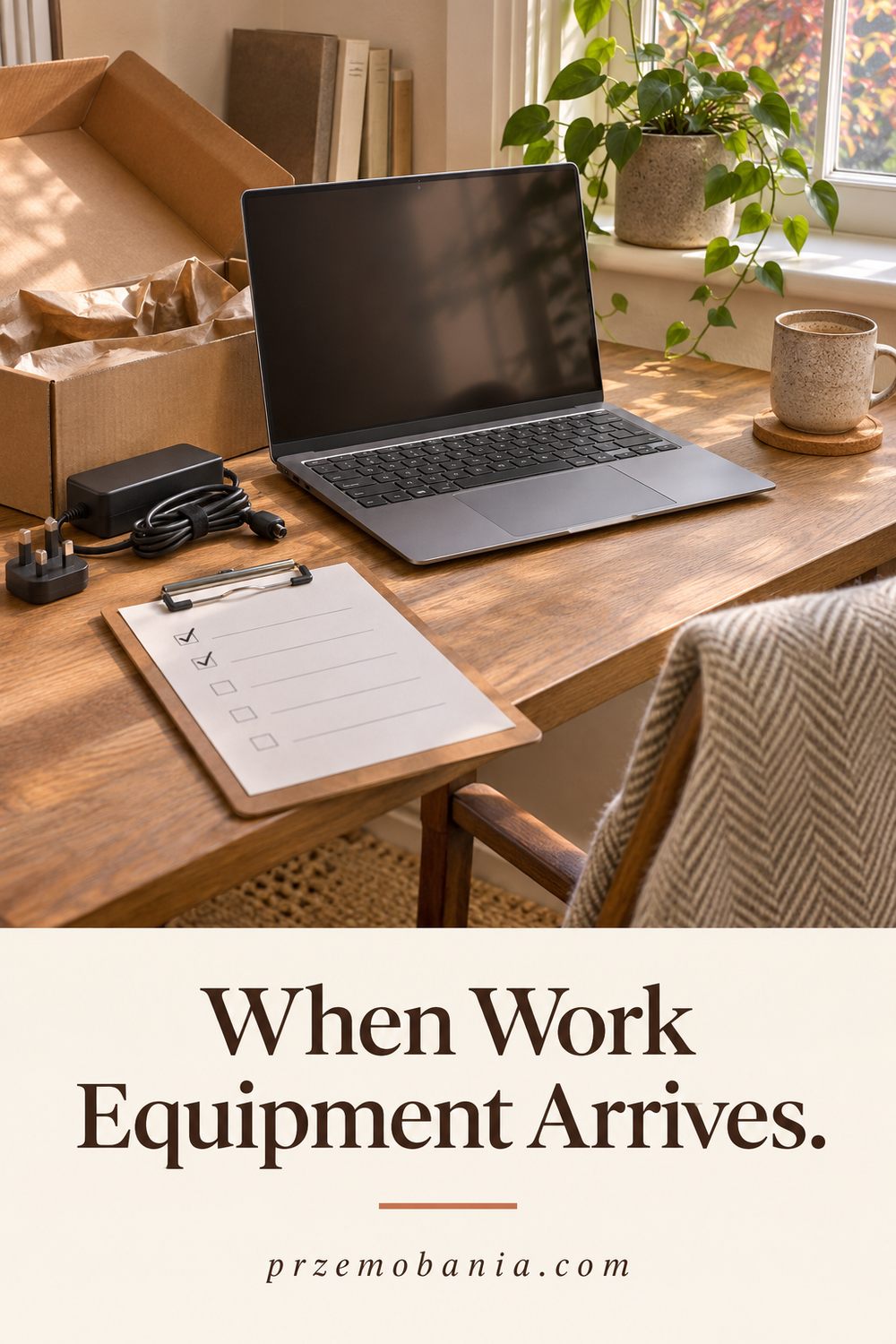
Read the dispatch note and compare it with what you can see. Write down the device name, model and employer asset tag where requested. The label on a carton may describe a family of models, so check the label on the device as well. Record identifiers only in the work-approved location.
Keep the description useful at home
A note such as “monitor, adjustable stand, base, supplied power lead and one display cable” is more useful during a return than “screen set”. If two leads look alike, describe a visible distinguishing feature or label a storage pouch. Leave permanent asset labels readable and follow your employer’s rules about marking equipment.
Check the condition as received. Describe what you see in ordinary language, such as “small chip on rear left of base”. If your employer permits photographs, use the approved method and keep personal papers, faces and screens out of the frame.
Make a handover record with separate fields
| Field | Example entry |
|---|---|
| Owner and item | Employer-issued monitor, model recorded in work inventory |
| Arrived with | Stand, base, power lead, display cable |
| Condition on receipt | Small mark on rear of stand; reported with delivery reference |
| Working location | Desk in spare room |
| Unused parts and carton | Second cable in work kit pouch; original foam in labelled carton |
| Action still open | Confirm whether an additional adapter was included in this order |
A useful record tells you both what you have and what you have yet to resolve. If the dispatch note names an adapter you cannot find, write “listed, not located” instead of marking the full bundle received. Check folded cardboard and accessory compartments before disposing of anything.
Keep passwords, recovery codes and personal login details out of this list. The inventory’s purpose is equipment identification. Put it where you are authorised to keep work records and can still access the relevant contact details if a device stops working.
Work through a monitor and dock arriving together
Suppose one box contains the screen and another contains the dock that connects it to the laptop. You will use both every morning, yet the employer may replace or recall them separately. Give them separate rows even if they share one shelf at home.
On the monitor row, list its stand and cables. On the dock row, list its supplied power unit and host cable. If an accessory has a detachable lead and brick, note both pieces. A photo of the assembled desk rarely shows the part numbers tucked underneath it.
Decide what happens to the boxes
Follow any packing or returns instructions you were given. A shaped foam insert for a screen can be difficult to replace, while an ordinary outer shipping carton may not need to stay. Ask before discarding return packaging when the answer affects how you would send the equipment back.
If storage is tight, keep the carton in a different room and record its exact location. Place loose accessories in a marked container with the same plain-language name as the row. A future collection should not require opening every household box marked “cables”.
Close the loop on differences
Use the normal work contact or ticket process to report missing or damaged items. Include the information they ask for, the order or asset reference and a precise description. Keep the acknowledgement or ticket reference with your handover record.
When a replacement arrives, update both sides of the record. It should show what you now possess and what happened to the original. Two monitors appearing on a list might otherwise look like a spare that has been misplaced when one was actually collected last month.
Account for items that move between home and the office
A hybrid worker may keep the monitor at home and carry the dock or headset into the office twice a week. Give a mobile item a normal home and a temporary location. “Headset usually in desk drawer, travels in laptop bag on office days” is easier to maintain than changing the whole inventory at the end of every commute.
If a work accessory is swapped during an office visit, record the change through the employer’s normal procedure while the details are available. For example, you might bring back a different dock after a desk-support appointment. Update the model or asset reference where required and note which charger came home with it. Otherwise your carefully checked delivery record will be accurate for the original box and misleading for the current desk.
Leave personal items off the employer-issued count. You can still give your own things a recognisable pouch or storage place so a personal mouse or spare adapter stays out of a future collection.
Run a quick return rehearsal
Without unplugging the equipment, point to every item you would need if the dock alone had to go back tomorrow. If you cannot identify the power unit or locate the original instructions, revise the note now. Do the same exercise for any personal item sitting beside the work kit so it does not accidentally get returned.
Keep this record alongside your home office setup checklist for beginners. Once you know what was issued, where its loose parts live and who handles a discrepancy, you can get on with setting up the workspace without losing the history of the delivery.
Write the record for the person receiving the return
Imagine a colleague opening your carton at the other end of the loan. They can see a black dock, a power supply and two cables. What would let them recognise the items that belong to their department without having to ring you? Start with the asset identifier supplied by work and use the equipment description that appears in its own inventory or handover message.

If two accessories have no separate asset numbers, describe the differences that a person can actually observe. “Short lead supplied in the dock carton” helps more than “my spare lead”. A photograph of the laid-out contents can help when your employer permits it. Keep it in the approved work location and check that the picture does not include a private letter, a screen showing customer details or the shipping label by accident.
Give discrepancies a place to live. Put “one cable listed, none in carton” beside the item in the record and add the date you reported it through the agreed channel. Leave the resolution open until somebody confirms it. This stops an early guess such as “probably arriving separately” becoming an apparently settled fact by the time you return the kit.
Separate a change of room from a change of holder
Moving the monitor from your dining table to a spare room is different from passing it to a colleague. Your employer may have specific rules about either move. Keep any required location detail at the level your employer asks for. A local reminder of where the original stand is stored can sit alongside the record without becoming somebody else’s asset number.
When the holder changes, ask which person or team will record acceptance. If you leave a dock at the office reception for collection, note that intermediate step separately from confirmation that IT received it. A name, date and appropriate handover reference are easier to follow than an entry reading “back at office” several weeks later.
For a replacement, keep the outgoing and incoming item on different lines. It is surprisingly easy to overwrite the old serial number when you have two visually identical monitors on the floor. Use the carton or a removable paper sign to distinguish them, then check the identifiers one last time before taping the outgoing box.
For example, if an extra adapter arrives in a separate envelope, add its arrival date to the existing entry and check its label against the original request. Someone reading the record later can see why the first packing photograph shows fewer pieces than the eventual return list.
Final Word on Receiving Work Equipment at Home
A handover record works when somebody else can read it and tell what arrived, what is still unresolved and where to find the authorised record. Take a few minutes during unpacking to capture the details that will disappear once the desk is assembled. That small effort pays off when a fault, swap or return interrupts a busy week.
Which piece of work equipment is easiest to mix up at home? I’d love to hear in the comments. You can also read the free chapter of my cosy home office eBook.

Find Out More About Me

Przemo Bania is a blogger and writer who helps people get out of their traditional jobs to start a blogging career. Przemo also runs a health blog advocating for endometriosis and fibromyalgia…
Related Questions You May Be Asking About Receiving Work Equipment at Home
Do I need a separate spreadsheet if IT already has an asset system?
Use the system your employer provides as the official record. For your own packing needs, a brief permitted note of where the stand and packaging live may be enough. Avoid keeping a second inventory of business information on a personal device.
What if the serial number is on the underside of a heavy item?
Check the packing list, carton label or approved device information first. If the identifier still needs checking, ask IT how it wants that done. Moving an awkward monitor purely to copy a number can create an unnecessary handling problem.
Should I list equipment I bought myself?
Keep your own accessories distinguishable from issued items, particularly when two leads look alike. If a personal item is used with work equipment, follow the employer’s policy before connecting it. A note of ownership helps when several nearly identical parts are later packed into one box.
How do I close the record when only part of a kit goes back?
Record the items transferred and keep the outstanding ones visible. A replacement monitor may go back with its stand while the employer asks you to retain the dock. Save the instruction alongside the receipt so that a future check can explain the difference.
Receiving Work Equipment at Home References
