
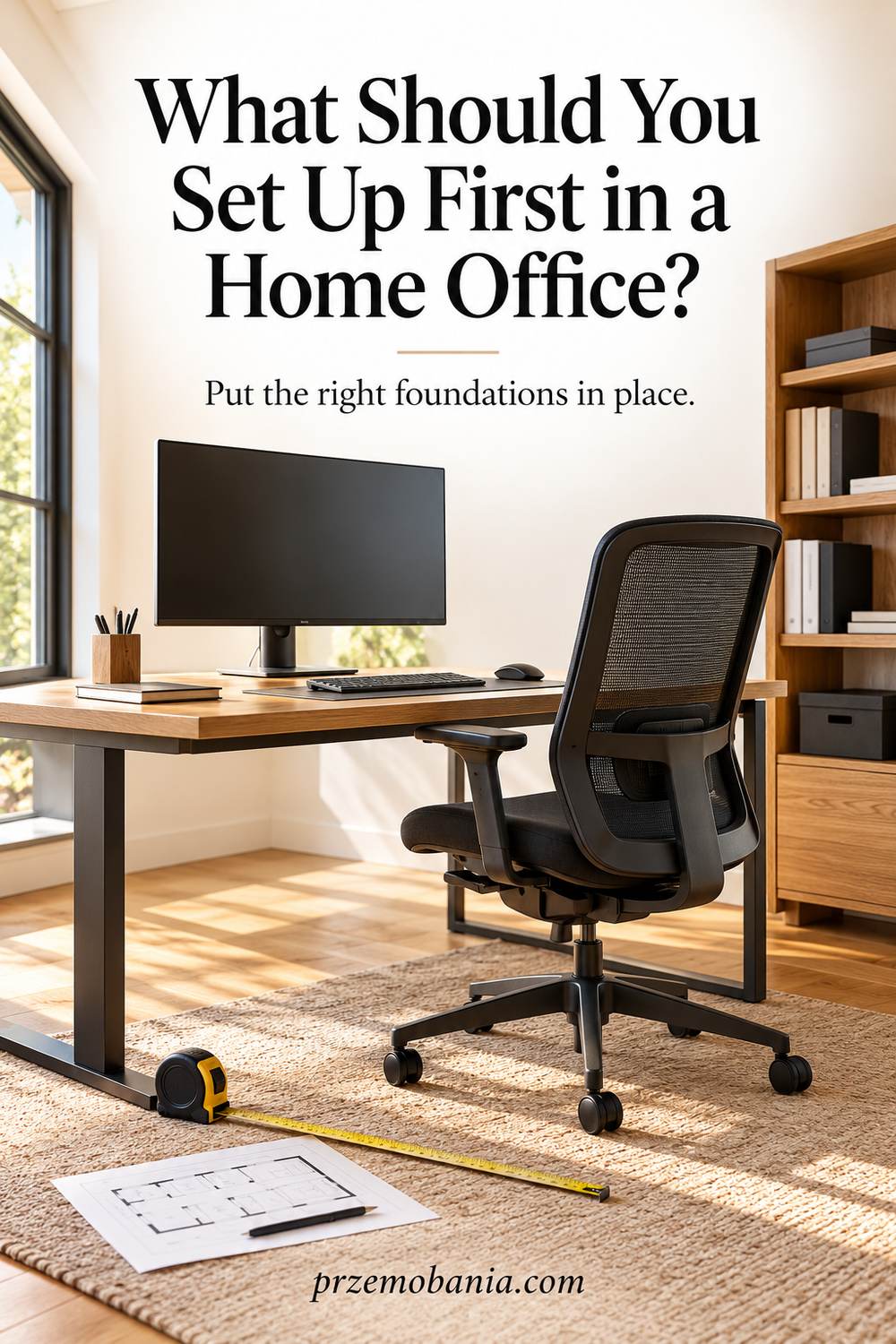
What Should You Set Up First in a Home Office?
What if the easiest way to avoid buying the wrong desk is to delay choosing a desk at all? What should you set up first in a home office It begins with the requirements that every later choice depends on. If you feel pulled between furniture, technology and décor, a clear order can make the whole project feel smaller.
Set up the foundations first: confirm work requirements, choose a usable location, check space, power and connectivity, then fit the chair, desk and essential equipment together. Test a basic workstation before adding storage or décor, so later purchases solve real needs rather than create problems.
My mum gave me a love of interiors, but helping my wife work at home after chronic illness changed our lives taught me to put everyday needs first; I draw on that experience, my blogging and the sources below.
The first thing to decide is not always the first thing to buy. You can check an internet connection before placing permanent furniture, and you can confirm equipment dimensions before ordering a desk. Doing those checks early keeps later choices open. Once the priorities are clear, the complete beginner’s home office checklist helps you verify the finished arrangement.
How to Decide What to Set Up First in a Home Office
I start with dependencies because some decisions quietly control several others. The available space limits the furniture footprint. The work itself determines which equipment must fit on that furniture.
Power and connectivity influence whether a chosen location is practical. Privacy requirements may rule out an otherwise attractive corner. Each of these checks is cheaper to make before heavy furniture arrives.
Write down the activities you need to perform in the room. Then identify anything that could stop those activities from happening. Separate those obstacles from preferences about colour, shape or style.
A missing work account needs an access solution, while an unsuitable surface needs a physical one. Avoid treating every obstacle as a reason to buy something. Sometimes confirming a requirement or moving an existing item is the next useful step.
Keep decisions reversible until the important measurements and tests are complete. Delay permanent cable fixing until equipment positions are settled. Add decorative purchases once you understand what usable space remains.
When I helped with my wife’s workspace, the question was how the room could ask less of her. That is also the standard I bring to my own blogging office, where an uncomplicated start matters more than an impressive collection of equipment.
- Confirm the Work Before the Furniture
- Check the Location Before Committing
- Fit the Seat and Surface Together
- Test the Essential Tools in Place
- Add the Extras after Real Use
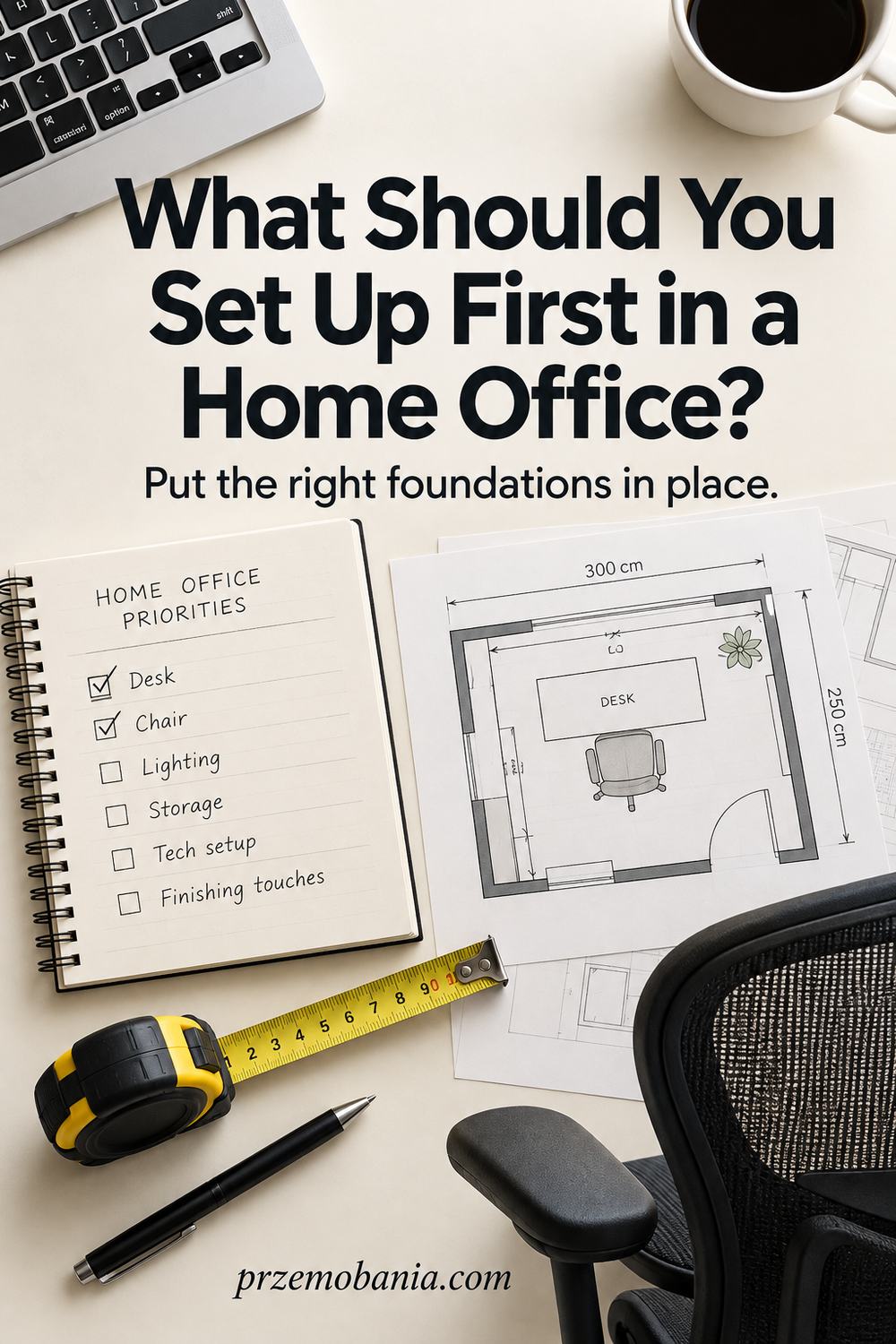
Confirm the Work Before the Furniture
Begin with the work you must complete, including any requirements set by an employer or client. Ask which equipment is supplied and whether particular applications, storage arrangements or privacy conditions are required. Those answers can prevent buying a device that duplicates something already on its way.
Write a short task-to-equipment list using your actual routine. If you type and refer to paper throughout the day, include space for both instead of measuring only the laptop. If calls dominate, consider where conversations can happen appropriately before choosing the most attractive wall.
The output of this step is a brief you can explain in a few sentences. It should tell you what the room needs to support and what remains unknown. I would leave an uncertain purchase on hold until the requirement is clear, because a discount does not make an unsuitable item useful once it reaches your home.
Check the Location Before Committing
Test the proposed working area while it is still easy to change your mind. Measure the usable footprint, look at socket locations and try the connection where the computer will sit. Notice how people move through the area and whether doors or storage need space that furniture might occupy.
Spend a little time there during likely working hours if you can. Listen to the room and look at the light rather than judging it only from the doorway. A location can seem ideal while empty and still become awkward when the household is using the surrounding space.
Your decision is whether the location is workable, not whether every detail is finished. If a problem requires electrical work, building changes or a different connection, establish the practical solution before locking in furniture. Where several layouts remain possible, keep a rough measured sketch so later choices do not erase the clearance you need.
Fit the Seat and Surface Together
The chair and desk form one working arrangement, so avoid deciding their fit separately. Consider your supported sitting position, the height of the keyboard and the space needed for legs and movement. A surface that looks the right size can still be difficult to use with the seat you have.
Use manufacturer dimensions and adjustment ranges when comparing options. If you can try a chair, test it with a realistic working position rather than sitting back for a moment. HSE offers a useful starting point for arranging the screen, keyboard, mouse and support, with adjustments for individual needs.
At this stage I want evidence that the main working position is suitable before allocating money to secondary furniture. Leave space for a separate keyboard and mouse if a raised laptop is needed for prolonged use. A label such as ergonomic does not remove the need to check how the pieces work together in your room.
Test the Essential Tools in Place
Once the basic furniture is usable, connect only the tools needed for your main tasks. Open the actual work applications and try the normal sequence of signing in, finding a file and completing a small piece of work. If you use calls, check audio with the device and application you intend to use.
Record failures precisely rather than solving everything through shopping. A display problem might involve the chosen input or cable, while an access problem might need an account permission. The purpose is to discover what the existing arrangement can do before introducing more equipment.
Keep cable routes temporary but safe while you make adjustments, with leads clear of feet and chair wheels. Follow Electrical Safety First’s guidance on socket loading and extension leads. You can finish the cable organisation once equipment positions are stable, avoiding the frustration of undoing a carefully fixed route after one necessary change.
Add the Extras after Real Use
Secondary storage and decorative choices are easier to judge once you can see what the main workstation leaves available. Notice what repeatedly lands on the surface and what you actually reach for. Those observations are more useful than ordering a full set of organisers before opening your first notebook.
Give optional purchases a reason and a place on the plan. An extra lamp might answer a paper-reading need, while a framed picture might simply make the room feel more personal. Both can have value, but neither needs to obscure an unresolved problem with the essential working arrangement.
I would keep a small later list for ideas rather than buying them immediately. After a few ordinary sessions, some will still feel worthwhile and others will quietly disappear. This approach lets your office develop its own character without making you commit to a finished look before you know how the space behaves.

What to Set Up First in a Home Office When Something Is Missing
The order should respond to the obstacle in front of you rather than become a rigid rule. If your computer has not arrived, you can still measure the room and confirm the intended equipment dimensions. If the room is undecided, avoid ordering furniture whose fit depends on a single location.
Where your connection is unreliable, test the problem before treating furniture placement as final. A stronger signal in another position may change the room plan. If access is controlled by your employer, ask the appropriate contact to resolve it instead of using an unapproved workaround.
Keep each blocked decision attached to the information needed to unblock it. That might be a delivery date, a measurement or confirmation of a supplied accessory. Work on independent decisions while you wait.
For example, you can sort existing paperwork without choosing a permanent shelving unit. You can also decide what belongs in daily reach before buying drawers. What you should avoid is filling the waiting time with purchases that create further dependencies.
A delayed decorative item rarely prevents the office being usable. A missing suitable working surface or essential login can prevent the task itself. Give those problems different priority.
If the basics cannot be made suitable before your planned start, discuss an appropriate temporary arrangement with whoever is responsible for the work. Do not call a setup ready simply because a deadline has arrived.
| Situation | Useful First Action | Decision to Hold |
|---|---|---|
| Employer equipment is unconfirmed | Ask for the supplied equipment list | Buying duplicate devices |
| Room position is uncertain | Test space, access and connectivity | Ordering fixed-size furniture |
| Chair and desk do not fit together | Check adjustment and suitable alternatives | Adding accessories around the poor fit |
| Required application does not work | Identify the failed step and support contact | Replacing unrelated hardware |
| Essentials work but the room feels bare | Try a small personal addition | Buying a full decorative scheme |
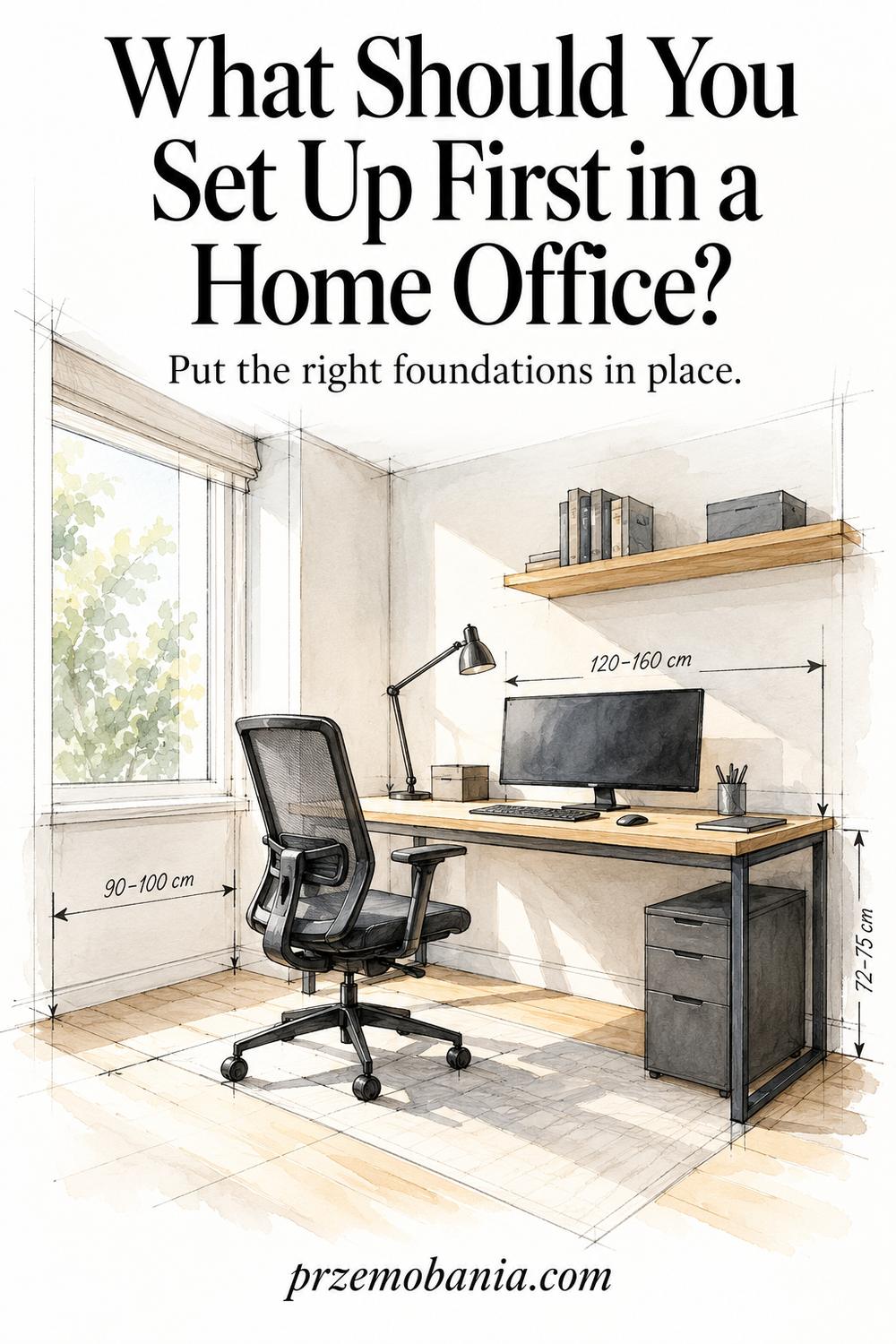
Keep Priorities Separate from the Installation Schedule
Priority order tells you which decisions deserve attention first. Installation order tells you how to assemble and connect what you have chosen. Confusing them can make a sensible plan feel contradictory.
You may confirm the chair before ordering the desk, yet assemble the desk first because it needs clear floor space. You may approve a monitor early, then leave it boxed until furniture is stable. These are practical differences rather than changes to what matters most.
Use my home office setup day checklist when you are ready for the physical work. It follows the day from unpacking through testing and clearing away. Keep your priority notes nearby so a missing part does not make you forget the reason behind the arrangement.
Once everything is usable, move remaining nonessential ideas onto a later list. That gives the setup a clear stopping point without pretending the room can never improve.

Final Word on What You Should Set Up First in a Home Office
Starting well is mostly about asking the questions that prevent avoidable rework. Before you buy, understand the tasks. Before you commit to a position, test the location. Before you decorate around the furniture, confirm that the furniture and equipment can work together. This is a practical way to protect your time as well as your budget.
It also gives you permission to move at a pace that fits your circumstances. A home office may grow around an existing job, caring responsibilities or limited space. You do not have to make every decision in a single weekend. What helps is knowing which unanswered question deserves your attention next, so progress does not depend on a burst of enthusiasm or a large order arriving.
I understand the appeal of choosing the beautiful part first. My mum’s influence is still there whenever I think about colour, texture and the feeling of a room. But a room can be attractive and still ask too much of the person using it. My wife’s experience made that impossible for me to ignore, and it changed how I think about the foundations of a workspace.
There is room for beauty after you have made the essential decisions. In fact, it becomes easier to add personality when you know where the working space must remain clear. A favourite object can have a proper place instead of being moved every time you need the keyboard. A lamp can be chosen for the light you need as well as the atmosphere you enjoy.
If you are unsure where to begin today, choose the first unanswered requirement rather than the first product you like. Confirm what is supplied, measure the area or test the connection. Each answer narrows the next decision in a useful way. The project becomes a series of manageable choices instead of one expensive guess about how you will work.
Once the essentials function, let yourself use the room. You will learn which additions earn their place and which ideas can stay on the wish list. An office built in that order has a better chance of fitting your daily routine because each step responds to something real. You can enjoy creating it without expecting yourself to predict every need before the first working session begins.
Start with the decisions that make later choices easier: your tasks, your location and a suitable main workstation. Test the essentials before adding extras, and leave space to learn through ordinary use. You can build a welcoming office gradually while keeping your money and effort focused on what your working day actually needs.
Share the first decision you are working through in the comments, and explore the FREE chapter of my eBook for more ideas about a practical, cosy home office.


Przemo Bania is a blogger and writer who helps people get out of their traditional jobs to start a blogging career. Przemo also runs a health blog advocating for endometriosis and fibromyalgia…
Related Questions You May Be Asking About What Should You Set Up First in a Home Office
1. Should I Buy the Desk or Chair First?
Check their fit together before committing to either. If one is already suitable, use its dimensions and adjustment range when choosing the other. If both are new, compare them as a working arrangement. The purchase sequence matters less than confirming that your seat, surface and input devices can be positioned appropriately together.
2. Should Decorating Happen Before Equipment Arrives?
Work that requires an empty room may be easier before furniture arrives, but confirm the layout first. Smaller decorative decisions can usually wait until the workstation is tested. Avoid allowing a chosen feature wall or display arrangement to force essential equipment into a position that makes your normal work awkward or impractical.
3. What if I Cannot Afford Everything at Once?
List what prevents the required work, what can be adjusted with existing items and what is optional. Confirm any equipment your employer supplies before spending. A staged plan can help, but do not treat an unsafe or unsuitable arrangement as acceptable simply because replacement is expensive. Ask about appropriate alternatives where needed.
What Should You Set Up First in a Home Office References
- HSE: Good Posture When Using Display Screen Equipment
- HSE: Display Screen Equipment at Home
- Electrical Safety First: Extension Leads, Cable Reels and Adaptors
