

When is it safe to give a finished project’s place on your desk to the next job? The job is finished and the customer has the work, yet its folder still takes up the easiest spot to reach from your chair. Leaving it there feels safe because you might need it again. The difficulty is that next week’s live jobs now look exactly like the finished one.
Use one question to decide whether the folder belongs on the active shelf. If you moved it today, what specific action would somebody miss? An answer such as “send the corrected drawing” gives the folder a job. “They might ring in six months” calls for a record you can find again.
Close the working file once the delivered version is retrievable and every remaining promise has its own reminder.
As a blogger, I know the attraction of keeping everything within reach in case it becomes useful again. A short closing note gives the project somewhere to go and gives the desk back to today’s work.
Closing a project is the last step in the filing system for active paperwork.
- Check what actually left your desk
- Move a loose end without losing it
- Build the record around a future question
- Choose a name you can find without remembering the date
- Try the retrieval test before clearing the desk
- If the client comes back with a change
- Write a closing note someone could use six months later
- Close the desk work and the outstanding promise separately
- Final Word on Closing a Working Project Folder
Check what actually left your desk
Open the folder beside the message, receipt or handover note that accompanied the work. Match the name, revision and contents of the delivered item against your paper copy. A drawing marked “final” in pencil may have been followed by a smaller change agreed over email.

For example, imagine you delivered a seating plan to a venue. Your folder contains a clean copy with twelve tables and a marked-up one moving two seats. The attachment in the sent email shows which version the venue received. Put its filename and the date sent on a cover sheet so the next person can identify the delivered arrangement.
Look for commitments tucked into the margins
Run a finger down the notes made during the last conversation. Look for verbs such as send, collect, return, confirm or replace. “Return the borrowed fabric samples after fitting” is easy to overlook in a job whose main purpose was to produce a design.
Check envelopes, pockets and the backs of sketches as you go. A note with no date may still represent unfinished work. If you cannot tell whether someone collected an item, give the check a named owner before you move its evidence out of reach.
Move a loose end without losing it
A single outstanding promise rarely needs the entire stack on your desk. Write a separate action slip giving the task, the person responsible, the point at which to follow up and the location of the project record. Put that slip into your active paperwork filing system, where you already look for work that needs attention.
Suppose a photographer has delivered the edited pictures but still holds a borrowed frame. An action slip reading “Arrange frame collection with Ellis on Thursday; frame in hall cupboard; paperwork under Spring Catalogue” is enough to move the image proofs off the desk. File the slip with current tasks and keep the frame where the note says it will be.
Keep the whole folder active when the outstanding decision could change the work itself. A client who has yet to choose between two layouts may send you straight back to the drawings. Mark which decision you need and place the folder in its waiting position with a review date.
Build the record around a future question
Think of the first question you would ask if the job came back. For a printing project it might be “Which paper did we approve?” For a room plan it might be “Did the last drawing include the alcove?” Keep the material that lets you answer that question without reconstructing the entire project from memory.
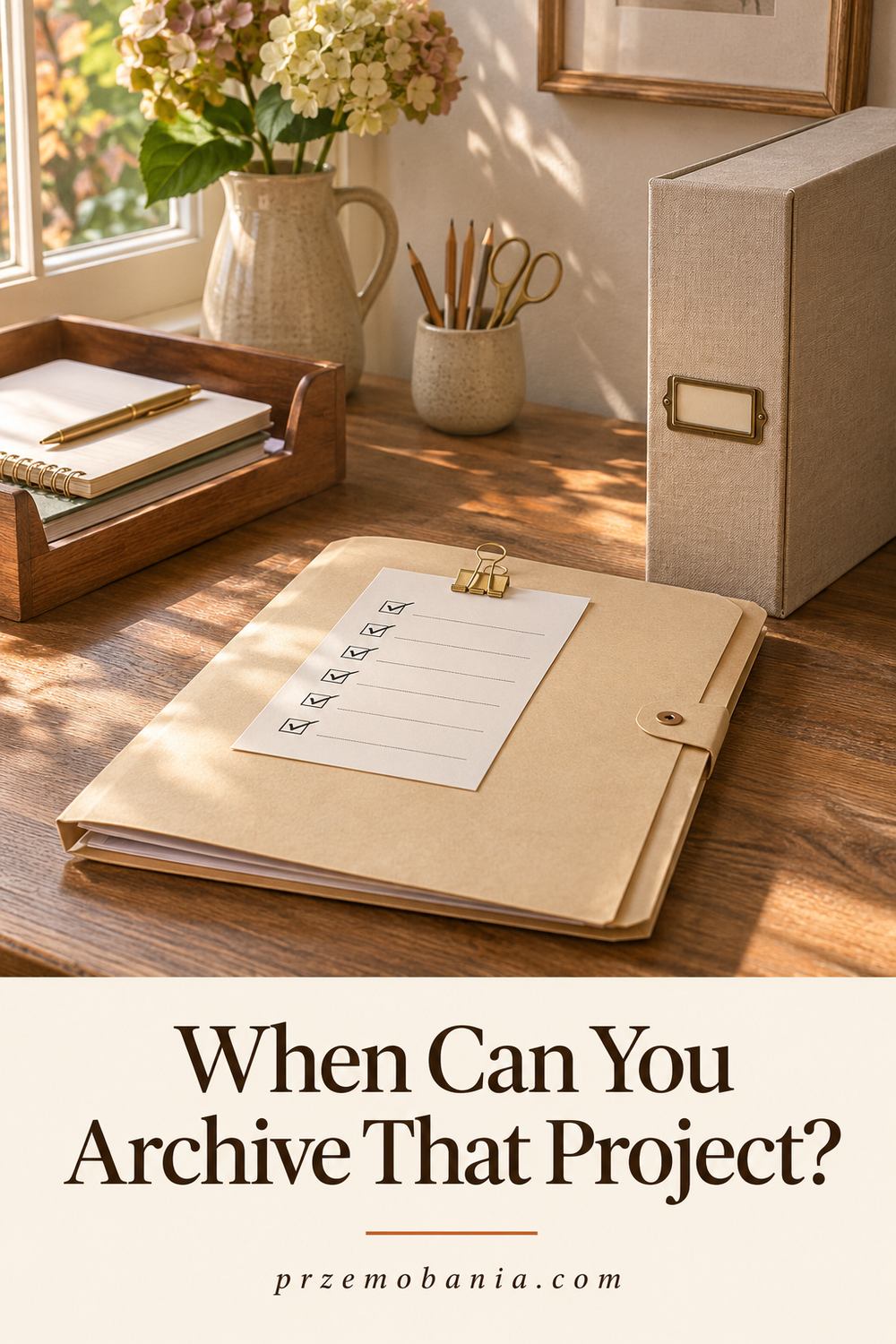
At the front, place a brief closing note with the project name, the delivered item, its date and where the final version can be found. Behind it, group the agreed specification and any decision that explains a difference between the original request and the finished work. That order turns a chronological pile into something another reader can use.
Treat duplicates and originals differently
Lift spare printouts and rough working copies into a temporary review pile. Compare them with the version you intend to file, looking especially for handwritten decisions that appear nowhere else. A photocopy with the only signed-off colour choice on it serves a different purpose from three spare copies of the same unmarked page.
Handle originals, private material and records covered by a client’s or employer’s retention rules according to the arrangement that applies to the project. Taking something off the active shelf is a change of location. You can make that decision today while leaving any decision about disposal for a separate review.
Choose a name you can find without remembering the date
Label the folder using the words someone would use when asking for the work again. “Willow Hall seating plan, autumn lunch” gives you more than “September papers”. If names repeat, add a year, job reference or client code that also appears in the digital record.
Write the location precisely enough to distinguish it from similar places. “Grey box, middle shelf, completed venue jobs” gives someone a fair chance. If the matching digital file is in a shared folder, copy its path or exact filename onto the closing note and test it from the account that will need it.
Try the retrieval test before clearing the desk
Close the folder, put it away and start from the question a colleague or client would ask. Can you go from the job name to the approved version, explain what changed and identify any outstanding promise? If finding the answer involves opening every envelope, bring the relevant piece forward or add one line to the closing note.
There is one more check worth making when two people share the job. Ask the other person to find the final copy using the label alone. If they look under the client’s name while you filed it under the event, add a short cross-reference in the place they looked first.
If the client comes back with a change
Leave the old closing note and the delivered version together. Start a fresh working sleeve labelled with the new request and its date, then point back to the earlier record. This lets you explain what was delivered originally even if the amended version looks almost identical.
The desk is clear when the finished record has an address and every remaining promise has an owner. At that point you can give the next live project the easy-to-reach space, knowing exactly how to bring the old one back when a real question arrives.
Write a closing note someone could use six months later
Imagine a client asks for the exact leaflet you sent to print last spring. You remember the colours and the client’s first name, but the working folder contains several files called “final”. A closing note written on the delivery day can connect the agreed proof, the file sent and the message confirming the job. It need only be detailed enough to answer the question you would otherwise have to reconstruct.
Start with the deliverable as the client would describe it. Add its date, the identifying detail that distinguishes this edition and the location of the approved record. A line such as “spring leaflet with revised opening times, proof agreed on Friday, print file in approved folder” gives you several routes back in if you forget one of those details.
Record any decision that would be easy to misread later. Perhaps the old logo was deliberately retained because the client had already bought matching envelopes. Without that note, someone reopening the file might spend time correcting a deliberate choice. Keep the confirmation in its authorised location and put only the necessary pointer in the closing note.
Close the desk work and the outstanding promise separately
Picture a project where the finished artwork is delivered but the printer has promised to confirm a replacement for a damaged sheet. The whole artwork folder does not need to sit under your keyboard while you wait. Create a live reminder naming that one promise, its owner and its next review date. Include the identifier of the closed project so the supporting information stays reachable.
The reverse can also happen. You may have been paid while the client still expects one final change. If closing the financial paperwork removes the only prompt for that change, the clear desk has hidden an unfinished job. Before moving anything, look at the last exchange with the client and write down what each side expects to happen next.
Now take a second folder, one you closed earlier, and try locating a single item using the approach you just designed. Can you find the agreed version without opening every draft? If the test fails, change the name or index entry while you can still see where the difficulty arose. The most useful finishing routine is the one that makes later retrieval ordinary.
Final Word on Closing a Working Project Folder
Move the file when the completed work is identifiable and each remaining promise has its own home. Leave a closing note in the words you would use to search for the project again. Then you can give the active shelf to work that genuinely needs a decision today.
What is the one detail you wish you had kept from a finished project? I’d love to hear in the comments. You can also read the free chapter of my cosy home office eBook.

Find Out More About Me

Przemo Bania is a blogger and writer who helps people get out of their traditional jobs to start a blogging career. Przemo also runs a health blog advocating for endometriosis and fibromyalgia…
Related Questions You May Be Asking About Closing a Working Project Folder
What if the client changes their mind after I have closed the job?
Open a fresh action that points to the delivered version and describes the requested change. Keep the original delivery identifiable. If the new request needs fresh approval, a different price or a revised date, capture those arrangements before treating the altered work as agreed.
Can I discard old proofs once the final version is saved?
Check the applicable retention arrangements, agreement and purpose of the records. A duplicate working print and a marked proof documenting a decision may deserve different treatment. Where you are unsure, refer the question to the person responsible for the records before clearing them.
What would a useful closing date be if work finished in stages?
Record the milestone the date actually represents. “Final artwork delivered” and “replacement sheet accepted” describe two different events. Keeping both dates can explain why the project remained on a follow-up list after the creative work had already left your desk.
Should I keep a physical folder when the record is digital?
Keep paper when the original matters or the project’s requirements call for it. If the approved record is digital, a reliable pointer may replace a convenience printout. Test access using the account and storage arrangements the next authorised person will actually use.
Closing a Working Project Folder References
- The National Archives guidance on organising electronic records
- ICO guidance on secure handling of work information at home
