
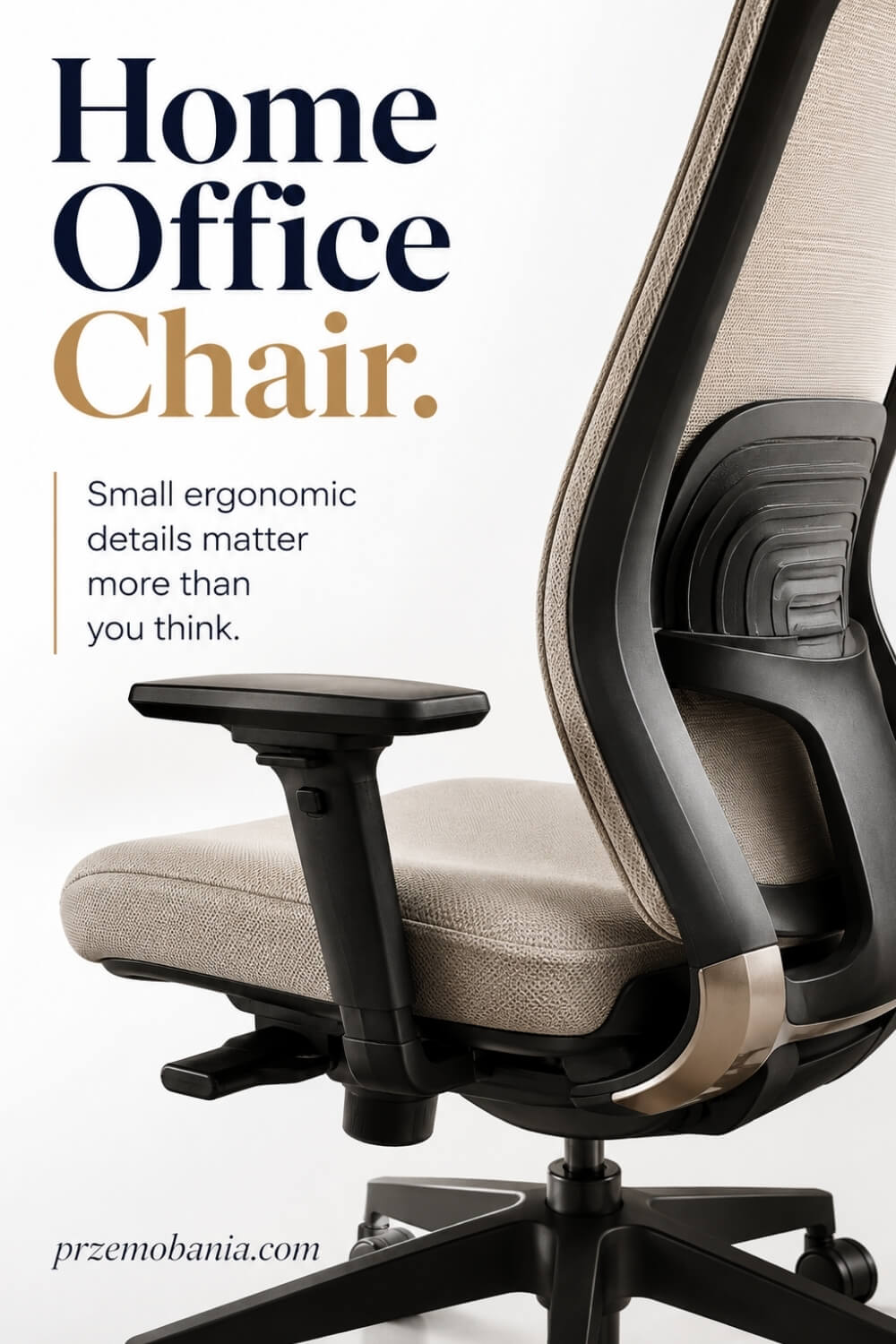
Home Office Chair
What if the chair you chose because it looked perfect is quietly making every working hour harder than it needs to be? A home office chair should do far more than complete the look of your workspace: it should fit your body, work with your desk, and make changing posture easy.
If you keep shifting, rubbing your lower back, lifting your shoulders, or counting down until you can stand up, I know exactly why this decision suddenly feels much bigger than buying a piece of furniture.
A home office chair should fit your body and desk, support your lower back, let your feet rest flat or on a footrest, and allow you to change position comfortably. Prioritise adjustable seat height, seat depth, backrest and armrests over looks alone, then set every control to fit you correctly.
I am a passionate blogger whose life changed when my wife became chronically ill, and the love of interiors my mum planted in me as a child became something practical: I used it to help my wife shape a gentler workspace for working from home, while building my own cosy office where I could write, blog and earn online, and because personal experience and a love of home décor are never enough on their own, I have included at the bottom of this article the sources I used to keep learning, checking facts and expanding what I can share with you.
One detail many chair listings barely explain is that HSE guidance recommends a 2 to 3 cm gap between the front edge of the seat and the back of your knee, while the seat should support both the front and back of your thighs. That tiny measurement can reveal why something that feels wonderfully soft for five minutes may become irritating after an entire morning at the computer.
Which?
Currently tests office chairs ranging from around £60 to more than £800, judging comfort, ergonomics, adjustability and safety separately rather than treating appearance or price as the whole story.
And this is where choosing becomes much more interesting, because seat depth, lumbar position, armrest clearance, recline, casters, and even the relationship between your chair and desk can completely change how the same working day feels.
If you are still shaping the rest of the room around it, I would place this decision inside the wider logic of a supportive workspace, because desk height, layout, lighting, storage, and technology all influence how comfortably your body can actually work there.
How Should a Home Office Chair Fit You?
The biggest mistake I see with seating is choosing by style first and trying to make your body adapt to it afterwards. A good home office chair earns its place by fitting you, your desk and the work you actually do rather than simply looking impressive in a photograph.
Start with your body, because there is no single seat depth, backrest shape or armrest position that will feel right for everyone. If the seat is too deep, you may struggle to use the backrest without the front edge pressing behind your knees, while a seat that is too shallow can leave too much of your thighs unsupported.
Height matters just as much, but I would never judge it by whether your knees happen to form a perfect textbook angle. I look first for whether your feet are supported, your thighs feel comfortable and your forearms can meet the work surface without your shoulders creeping upwards.
If you need to raise the seat to work comfortably at a fixed desk and your feet no longer reach the floor properly, a stable footrest can solve that mismatch far better than leaving your legs hanging. The backrest should then meet your lower back where you need support, rather than forcing you to sit against a curve positioned for somebody else’s body.
Armrests deserve the same attention because they can either support relaxed arms or quietly ruin the whole setup. When they sit too high, too wide or too far forward, they can lift your shoulders, spread your elbows or stop you moving close enough to the desk.
I also want you to think about movement instead of searching for one supposedly perfect posture you must hold all day. A seat that lets you change position, swivel, recline and get up easily gives you more freedom than a rigid setup that makes you feel as though you must stay frozen to work properly.
The base and castors matter too, especially if you are moving between a keyboard, drawer, printer or second work surface. Wheels need to suit the flooring beneath them, while a stable five-point base gives the chair a secure foundation for ordinary desk movement.
Finally, do not let an impressive specification sheet make the decision for you before you have considered your proportions and working habits. I would rather have six useful adjustments I understand and actually use than fifteen controls that look clever but never help me feel more comfortable at my desk.
When my wife’s health changed, I stopped seeing these small choices as unimportant details because I saw how much it mattered when she could sit down on a difficult morning without her workspace asking even more from a body that was already fighting hard enough. There were days when being able to keep working from home gave her something illness had tried to take away from her: routine, independence and a small piece of normal life, and watching that changed the way I choose everything that surrounds a desk. That is why the next section is not simply a list of things to buy, but the practical checklist I wish I had understood earlier so you can make your choice with fewer expensive mistakes.
- Measure Your Body First
- Match Seat Height to Desk
- Get Seat Depth Right
- Support Your Lower Back
- Set Armrests Without Tension
- Choose the Right Seat Material
- Choose Castors for Your Floor
- Test Movement Before Buying
- Adjust Everything After Delivery

Measure Your Body First
Before you compare fabrics, colours or clever mechanisms, take a few simple measurements of yourself. Sit on a firm surface with your feet supported and note the height from the floor to the back of your knee, the distance from the back of your hips to roughly two or three centimetres before the knee crease, and the width you need to sit without feeling squeezed. These numbers give you a far better starting point than relying on labels such as “standard” or “ergonomic”.
I learned this the hard way because two chairs can look almost identical online yet feel completely different once you sit in them for several hours. Your height alone does not tell the whole story because leg length, torso length and hip width vary enormously between people. If you are buying online, compare your measurements with the manufacturer’s seat-height, seat-depth and seat-width ranges rather than hoping your body will somehow fit the chair after delivery.
Match Seat Height to Desk
Your seat height should make it possible to work at the desk without lifting your shoulders, reaching upwards for the keyboard or leaving your feet unsupported. Start by adjusting the chair so your forearms can approach the work surface comfortably, then look down at your legs. If your feet cannot rest firmly on the floor at that height, use a stable footrest rather than lowering yourself so far that your wrists and shoulders have to compensate.
This becomes especially important with fixed-height desks because the furniture may dictate more of the setup than your body does. I prefer to think of chair, desk, keyboard and monitor as one connected system rather than four separate purchases. A beautiful seat cannot rescue a desk that forces your elbows too high, and an expensive desk cannot make unsupported feet comfortable. Get those relationships right first and the rest of the setup becomes much easier to fine-tune.
Get Seat Depth Right
Seat depth is one of those details people rarely notice until it is wrong. When you sit fully back against the backrest, the front edge should support your thighs without pressing into the backs of your knees.
If the seat pan reaches too far forward, you may slide towards the front to escape the pressure, which means losing the very back support you paid for. If it is too short, a large part of your thighs may be left without support. This is why I value a sliding seat pan or a well-chosen fixed depth far more than decorative stitching or an oversized cushion.
Try the chair while wearing the clothes and footwear you normally work in, then sit for more than a few minutes if you can. Your first impression tells you whether a seat feels soft; a longer test tells you whether its dimensions actually suit you. Comfort over a working day comes from fit, not simply from padding.
Support Your Lower Back
Lower-back support should meet you where your spine naturally needs it, not where a manufacturer happened to place a dramatic-looking curve. Sit all the way back and notice whether the backrest supports the inward curve around your lumbar area without pushing you so aggressively that you feel tipped forwards.
Adjustable lumbar depth or height can be useful because the same fixed bump will not suit every torso length or sitting preference. I would also avoid treating lumbar support as permission to remain motionless for hours. A supportive backrest is there to make sitting easier while you work, not to lock you into one posture all morning.
I have found it much more useful to combine sensible support with regular changes of position, brief standing breaks and a backrest that allows some movement. If you keep placing a cushion behind yourself just to tolerate the chair, take that as information: the original fit may not be right for your body.
Set Armrests Without Tension
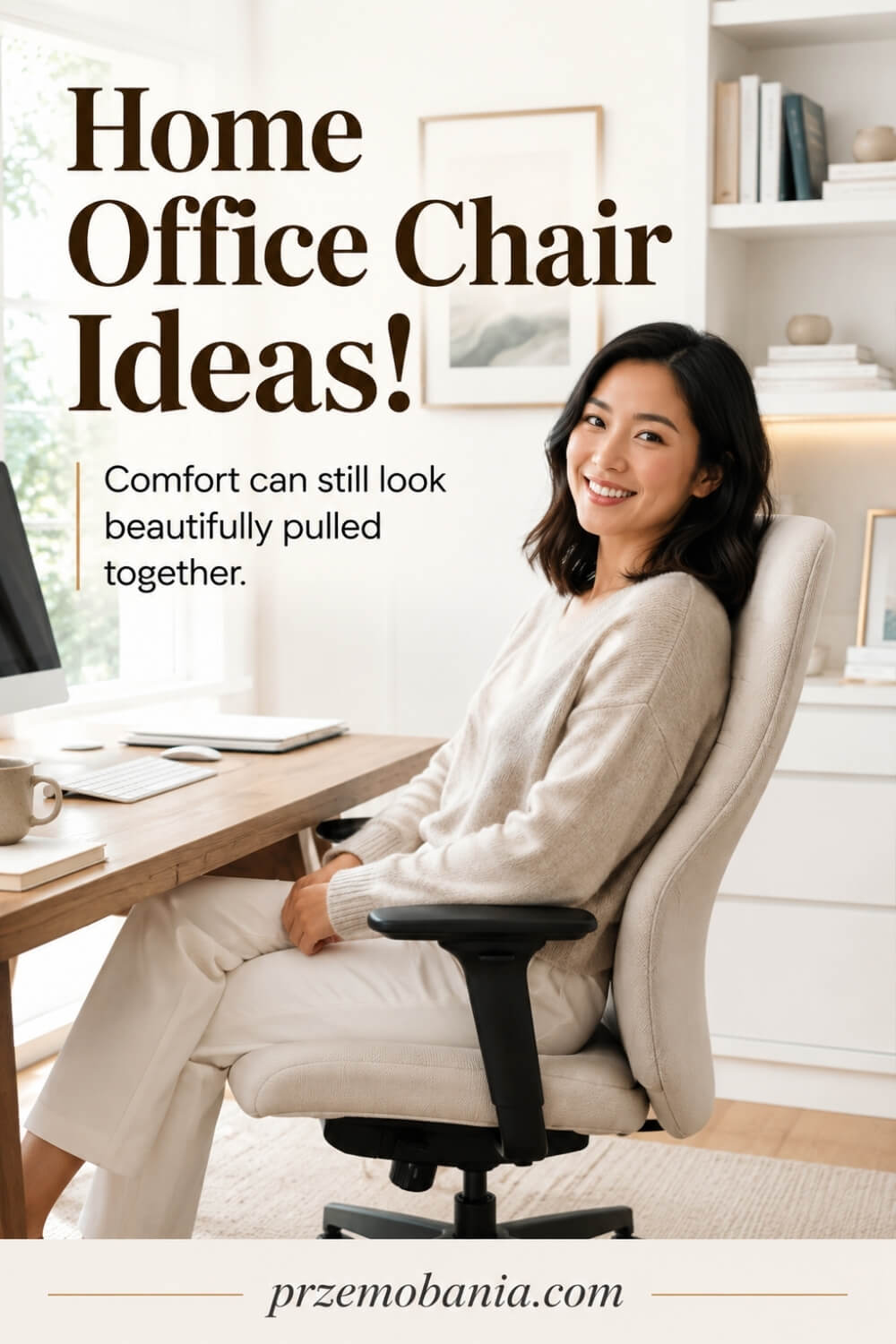
Armrests should help your arms relax, not dictate where your shoulders and elbows must live. Set them so your forearms can rest lightly while your shoulders remain down and natural, then check whether the chair can still move close enough to the desk.
If the rests hit the desktop and force you to sit too far away, you may end up reaching forwards for the keyboard, undoing much of the benefit they were meant to provide. Width matters as well as height. Armrests positioned too far apart can encourage your elbows to drift away from your body, while narrow ones may feel restrictive.
I like adjustable rests because they give you room to respond to different tasks, but removable armrests can sometimes be better than badly positioned fixed ones. Do not assume more padding means more support either. What matters is whether your arms can relax naturally without pressure, shrugging or an awkward wrist angle while you type.
Choose the Right Seat Material
The material you sit against changes how a chair feels across a long working day, especially in a warm room. Mesh can increase airflow and often feels lighter, but its tension and edge construction matter because a badly shaped frame can create pressure points.
Upholstered fabric tends to feel softer and more domestic, while leather and leather-look finishes can be easier to wipe but may feel warmer and require different care. None of these materials is automatically the best choice. I choose by combining comfort, room temperature, maintenance and the way the chair fits the rest of the office.
If you work for many hours, pay attention to the fabric beneath your thighs as much as the appearance of the backrest. Dense foam can feel supportive, yet excessive softness may allow you to sink more than expected. For me, the winning finish is the one I stop noticing while working. Your chair should belong beautifully in the room without constantly reminding your body that it is there.
Choose Castors for Your Floor
The wheels underneath the chair may seem like a tiny detail, but they affect stability, movement and the condition of your flooring every day. Hard castors often behave differently on carpet than they do on timber, laminate or other smooth surfaces, so check what the manufacturer recommends for your floor.
You want the chair to move when you intentionally reposition it, not shoot backwards when you sit down or fight you every time you reach for a drawer. I also look at what surrounds the desk before deciding whether free rolling is desirable. Thick rugs, uneven transitions and delicate floors can change how a base behaves, while a suitable protective mat may make movement easier and reduce wear.
Keep the area around the five-point base clear because cables and small objects can catch under wheels surprisingly easily. It is not the glamorous part of designing a workspace, but smooth, controlled movement is one of those details you appreciate every day once it works properly.
Test Movement Before Buying
A chair can feel impressive when you sit perfectly still in a showroom, yet home working asks much more from it. Lean back, turn to each side, move towards a desk, reach as you normally would and get up several times.
Notice whether the backrest follows you comfortably, whether the seat feels stable and whether any mechanism makes you fight against it. Recline tension should suit your weight well enough that leaning back feels controlled rather than sudden or impossible. If you are testing in person, give yourself time instead of making the decision after thirty seconds.
I would rather feel slightly self-conscious sitting in a shop for ten minutes than spend months regretting a chair bought because it looked fantastic from the aisle. When buying online, look carefully at the adjustment ranges, return policy and assembly requirements. Movement is part of comfort, and the best seat is rarely the one that encourages you to remain perfectly still from morning until evening.
Adjust Everything After Delivery
Do not assemble a new chair, set the height once and assume the job is finished. Spend the first few days adjusting one control at a time so you can feel what each change does.
Begin with seat height and depth, then position the backrest and lumbar support, fine-tune the armrests and finally experiment with recline tension. Small adjustments can make a large difference, and the factory settings were never designed specifically for your body. I also revisit the setup after a week because our first instinct is often to copy the position of an old chair rather than discover what the new one can do better.
Check whether you are still reaching forwards, sitting on the front edge, tucking one foot underneath you or shrugging your shoulders while typing. Those habits can reveal a mismatch elsewhere in the workstation. The goal is not to create a frozen “perfect posture”, but to make comfortable movement and supported working easy enough that you do not have to think about them all day.
Why Your Home Office Chair Matters Beyond Comfort
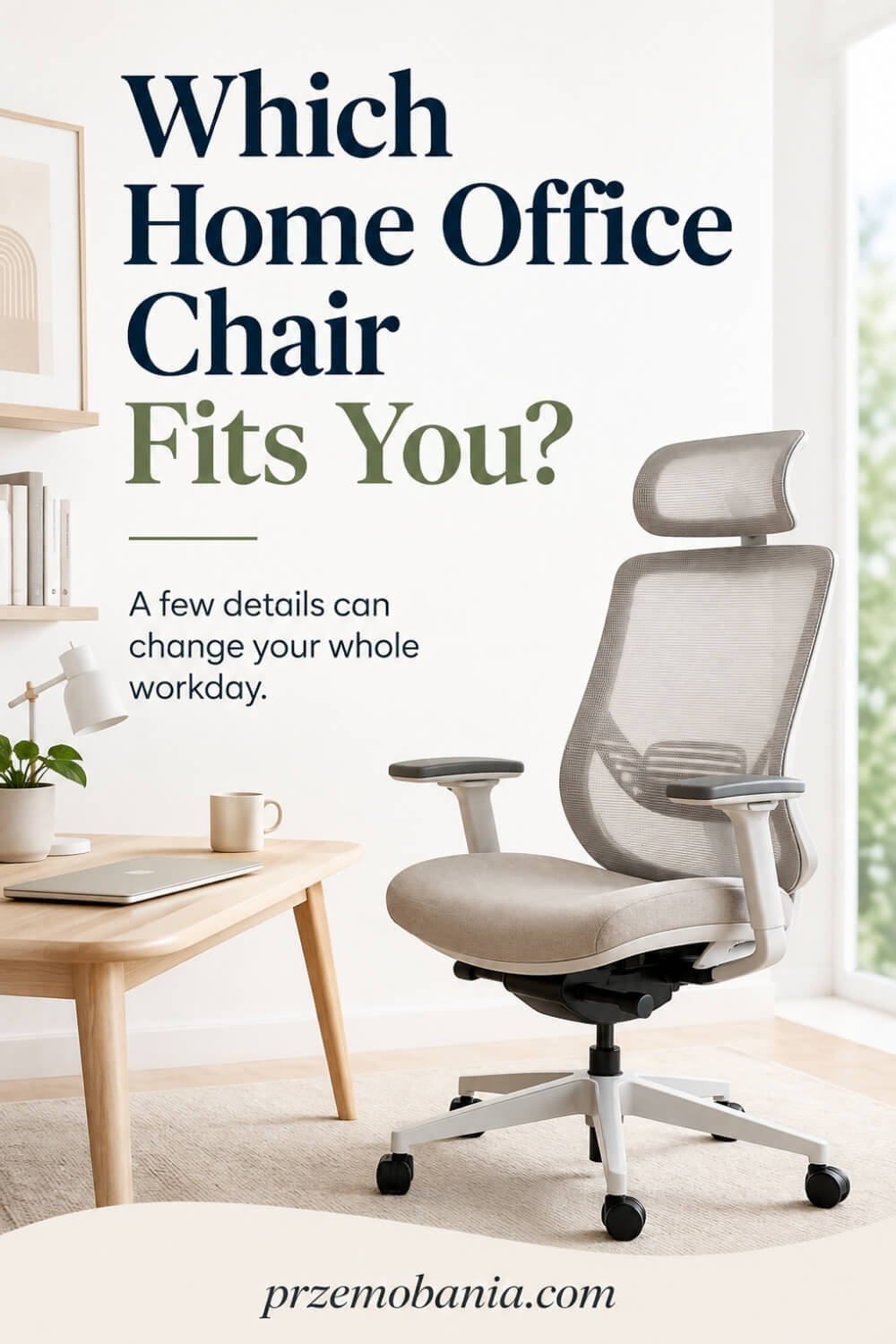
Once the fit is right, the next thing I look at is not whether the seat feels comfortable for five minutes, but whether it continues to work with you as the day changes. The real test is whether it helps you move between focused typing, reading, video calls, reaching for something nearby and getting up without making every transition feel like effort. This is why I never judge a home office chair as an isolated object; I judge what happens to your body and your ability to work after two, four or six hours around it.
Even excellent seating cannot make uninterrupted sitting a good idea, so your setup should make changing position easy rather than tempt you to remain planted because getting up feels awkward. If the recline, base and space around your desk allow you to shift naturally, you are much more likely to move before discomfort becomes the thing dominating your attention. I also think about the moments nobody photographs: the tired hour after lunch, the deadline that keeps you at the keyboard longer than planned, or the morning when your body simply feels less cooperative than yesterday.
Those are the moments when a harsh edge, stubborn mechanism, unstable frame or awkward control becomes more than a small annoyance. When my wife first began working through days when her body could turn against her without warning, I started noticing how often comfort is really about removing one more demand from somebody who already has enough to carry. Some mornings she could sit normally; on others, a small change of position or simply being able to stand and return when she needed to mattered more than any fashionable feature I could have bought.
I could not take her pain away, and as her husband that was one of the hardest things for me to accept, but I could help make sure the room did not add another fight she had to win. That changed my understanding of good interior design completely. A chair no longer had to prove itself by looking expensive; it had to make work feel possible on the days when possibility itself felt fragile.
I began valuing quiet details such as controls she could reach without struggling, enough surrounding space to reposition herself, a backrest that did not make her feel trapped in one pose, and seating she could leave easily when she needed to move. If you are designing your own workspace, I want you to think in the same compassionate way: not “What looks best beside my desk?” but “What will make working here kinder to me hour after hour?”
Because when furniture supports the person before it tries to impress the room, the room becomes beautiful for a reason you can actually feel.
What Should You Look for When Buying a Home Office Chair?
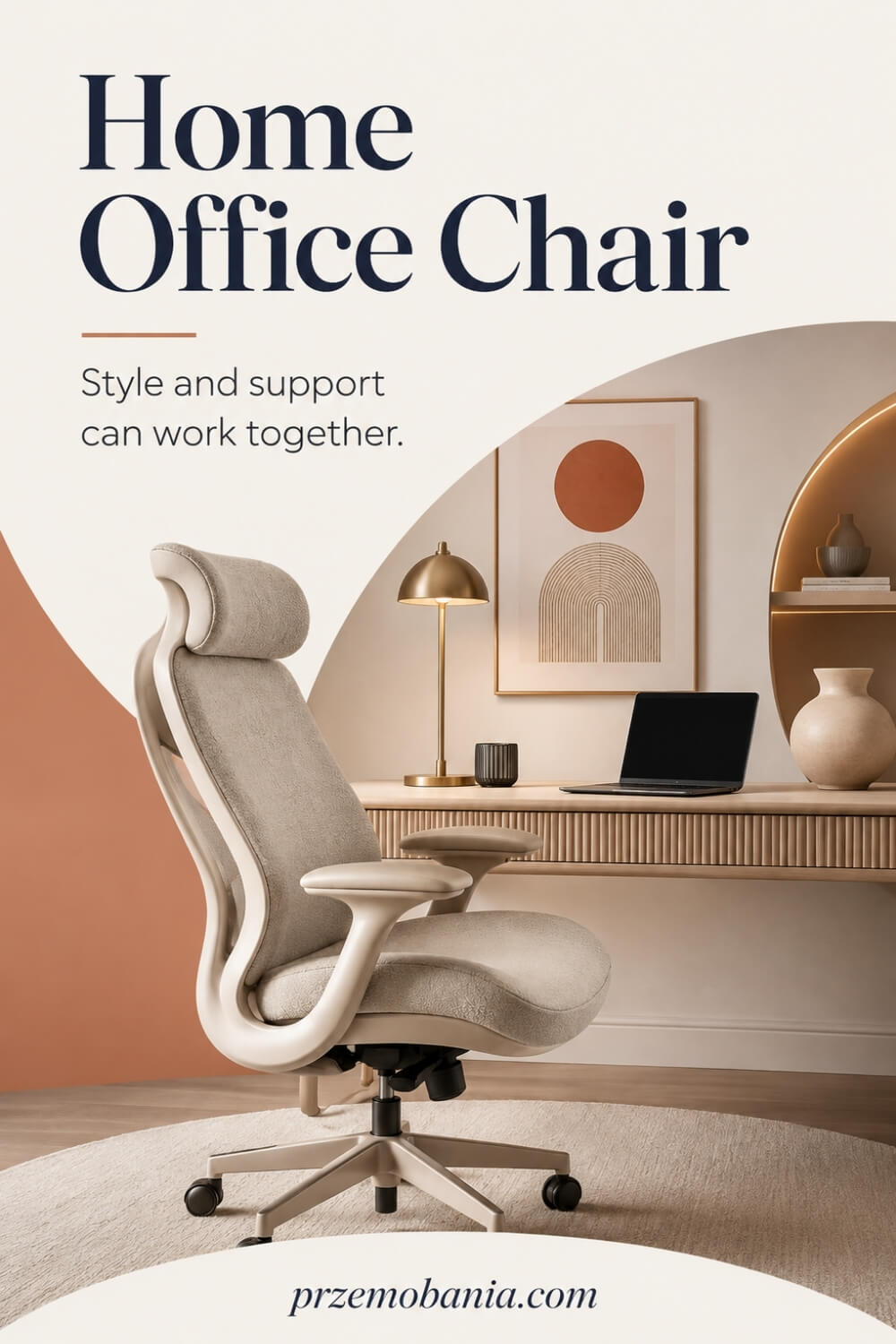
Once I know a home office chair can fit the person using it, I start looking beneath the upholstery because this is where a sensible purchase can separate itself from an expensive mistake. Price alone tells you remarkably little, especially when chairs ranging from budget models to premium designs can offer completely different combinations of adjustments, materials and construction quality.
One of the first specifications I check is the manufacturer’s stated maximum user weight, not because I want to choose something sitting right at that limit, but because the chair needs to be designed for the person who will use it every day. I also check whether the manufacturer gives clear dimensions and adjustment ranges instead of hiding behind vague words such as “ergonomic”, “executive” or “orthopaedic”.
Next, I pay attention to the mechanisms because a long feature list is useless if the controls are awkward to reach or unpleasant to operate. Height adjustment, recline and other controls should feel predictable enough that you can alter your position without turning every adjustment into a small wrestling match.
The recline mechanism deserves particular attention because different designs allow very different kinds of movement. A well-designed tilt system can let your torso change angle while you remain supported, whereas a crude mechanism may simply tip the whole seat backwards in a way you rarely want to use.
I also inspect the less exciting parts such as the frame, base, gas lift, joints, upholstery seams and the way the armrests connect to the seat. A chair used for several hours most days receives thousands of small movements, turns and weight shifts, so looseness that seems insignificant when new can become irritating surprisingly quickly.
Standards can give you another useful piece of evidence when manufacturers provide them clearly rather than using technical language purely as marketing. In the UK, BS EN 1335-1:2020+A1:2022 is the current British Standard covering dimensions and measurement methods for office work chairs, although meeting a standard still does not guarantee that a particular model will fit your individual body.
Then I look at the warranty because it tells me something about what happens after the excitement of opening the box has disappeared. Read what is actually covered, for how long and whether components such as the mechanism, gas lift, castors, upholstery or armrests have different warranty periods.
A long headline warranty means much less if the part most likely to trouble you has a shorter period hidden deeper in the terms. I treat the return policy with similar seriousness, particularly when buying online, because sitting in your new workspace is very different from judging dimensions and photographs on a product page.
Finally, I refuse to pretend that appearance does not matter because I love interiors and I want the furniture around me to make me want to enter the room. I simply place style after fit, function and durability, then choose the most beautiful option from the chairs that have already earned their place on practical grounds.
I learned to think this way because when my wife became ill, wasting money on something that looked wonderful but made an already difficult working day harder stopped feeling like an innocent decorating mistake. I wanted the room around her to quietly say, “You do not have to fight this space as well,” and there is something deeply emotional about watching somebody you love regain even a little control over how and where they can work. So before Part 6, I want to give you five buying checks I now use to separate clever marketing from features that may genuinely deserve your money.
- Check Weight Capacity Before Buying
- Compare Value, Not Just Price
- Inspect Mechanisms and Build Quality
- Read Warranty and Returns Carefully
- Balance Style With Long-Term Use
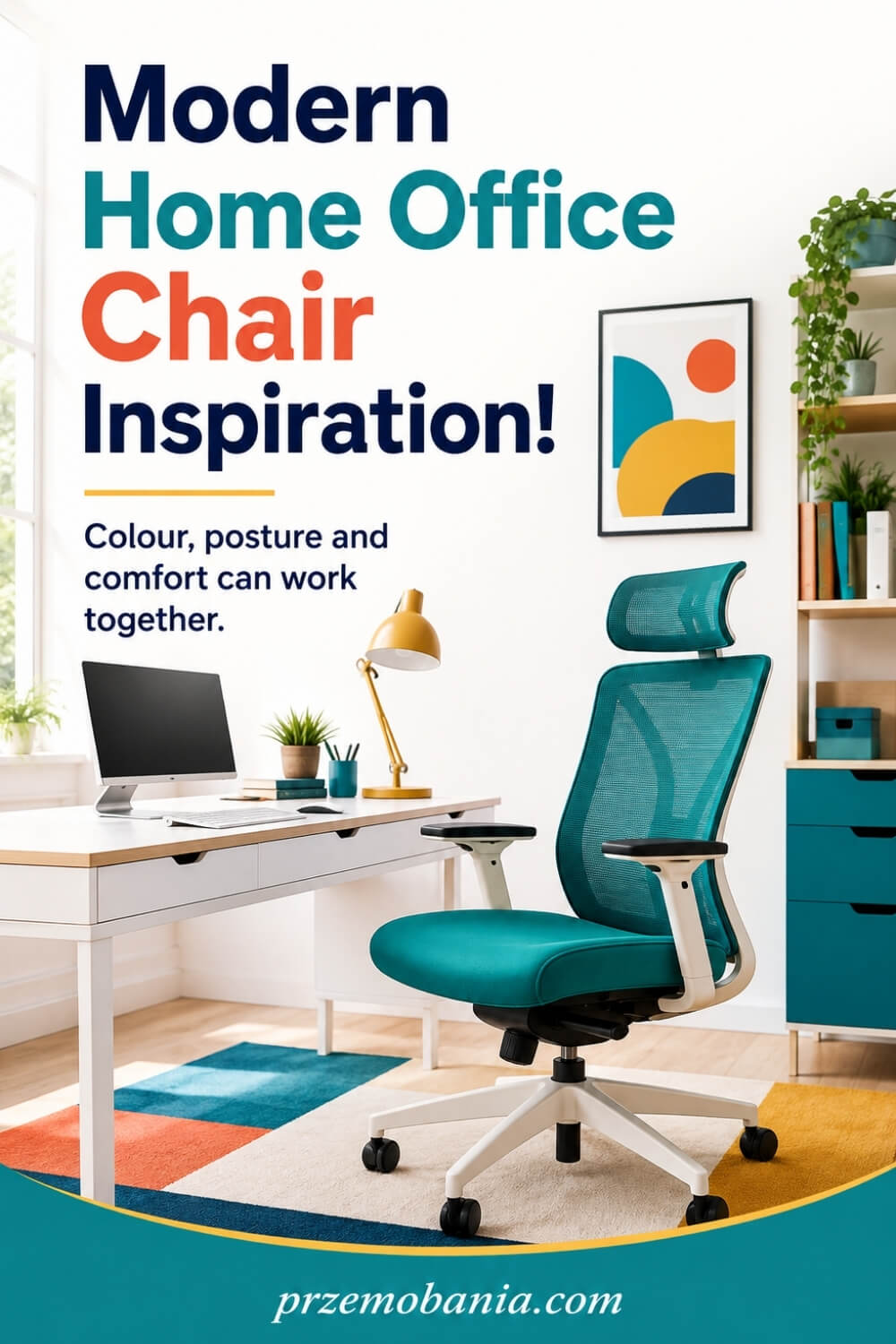
Check Weight Capacity Before Buying
The weight limit is not a decorative number hidden at the bottom of a specification sheet. It tells you the load the manufacturer has designed the chair to handle, and I always want that figure to suit the person using it comfortably rather than treating the stated maximum as a target. If a manufacturer gives no clear capacity at all, I become more cautious, especially when the chair will be used for full working days.
Look beyond that headline number because weight capacity tells you only part of the story. Check the seat width, base, gas lift, adjustment range and warranty conditions as well, particularly if you need a wider seat or more substantial construction than a standard model provides. I also avoid assuming that a chair described as “large” automatically offers more usable space because the actual measurements matter far more than the label. Your chair should feel reassuring beneath you, not like something you are constantly wondering whether you are asking too much from.
Compare Value, Not Just Price
I would never tell you that the most expensive chair is automatically the best, because price can pay for branding, materials, design, lengthy warranties or engineering that you may not personally need. The market stretches from simple budget seating to premium models costing many times more, yet a higher price still cannot guarantee that the dimensions will suit your body. What matters is how much useful function you receive for the money you are actually spending.
I compare adjustment range, comfort, construction, warranty, return terms and the likelihood that the chair will still work for my body after the novelty disappears. A modestly priced model that fits you properly can be better value than a luxurious one whose armrests, seat depth or backrest never quite suit you. At the same time, replacing a poor chair again and again can become expensive. I try to calculate value across years of use, because that is when a seemingly costly purchase can begin to make much more sense.
Inspect Mechanisms and Build Quality
Controls tell me a great deal about whether a chair was designed to be adjusted or merely advertised as adjustable. Move the height lever, recline the back, alter the armrests and slide the seat if that function is available, then notice whether everything feels controlled, secure and easy to reach. I become wary of excessive wobble, sharp movements, sticking controls or components that already feel loose before the chair has faced months of daily work.
Build quality also hides in places photographs rarely celebrate. Check the base, castors, frame connections, gas lift, stitching and the points where moving parts meet, because these areas absorb repeated turning, leaning and repositioning. If you can test the chair in person, listen as well as look and notice whether movement feels smooth or cheap. I want a chair to disappear into my working day, not announce itself through squeaks, jolts and repairs every time I move.
Read Warranty and Returns Carefully
A long warranty can sound impressive until you discover that different parts are covered for different lengths of time. Before paying, I check whether the mechanism, gas lift, frame, armrests, castors, fabric and foam are treated equally, and whether the cover applies to the amount of daily use I expect. I also look for exclusions connected with user weight, normal wear, commercial use or accidental damage instead of relying on the large number printed on the sales page.
Returns matter just as much when you cannot test the chair properly before buying it. Find out how long you have to decide, whether assembly affects the return process, who pays collection costs and whether the original packaging must be kept. A chair can satisfy every measurement on paper and still feel wrong once your body meets it. I would rather understand the escape route before ordering than discover afterwards that returning an unsuitable, bulky piece of furniture is difficult or unexpectedly expensive.
Balance Style With Long-Term Use
I care deeply about how a workspace looks, so I am never going to tell you to buy an ugly chair simply because it has enough levers. The better approach is to create a practical shortlist first, then choose the colour, upholstery, silhouette and finish that make you happy to see it beside your desk. This protects you from falling in love with a beautiful shape that your back, legs or working habits will eventually resent.
Think about how the finish will age as well. Pale fabric can be stunning but may demand more maintenance, some synthetic coverings can show wear at contact points, and highly sculpted designs may be harder to adapt if your needs change.
My favourite interiors are not rooms where comfort was sacrificed for a photograph; they are spaces where the useful pieces happen to be beautiful too. If you work from home regularly, the chair becomes part of your daily life, so choose something you will still want to sit in after the trend that first caught your eye has passed.

How Can a Home Office Chair Support Changing Needs?
One lesson my wife taught me is that comfort is not fixed, because the position that feels manageable at nine in the morning may feel completely different several hours later. That is why I now see a home office chair as something that should adapt with you rather than force you to keep returning to one supposedly ideal position.
Some days my wife wants to sit more upright because she is concentrating on detailed work, while on harder days being able to recline slightly, change the backrest tension or reposition her legs can make the workspace feel less demanding. I never expect the chair to treat pain or solve a health problem, but I do expect it to give her options instead of taking options away.
This matters to me as well because blogging can quietly turn into hours of writing, editing, researching and working at a screen before I realise how long I have been sitting. Being able to change my angle, move freely and stand up without climbing out of an oversized seat helps me interrupt that pattern before stiffness becomes the thing I notice most.
I have also learned not to judge comfort by yesterday’s settings, because bodies change with tiredness, workload and simply how we feel on a particular morning. If your chair has useful adjustments, give yourself permission to use them instead of treating the position you chose on the first day as permanent.
For my wife, that flexibility became especially meaningful because working from home gave her somewhere she could respond to what her body was telling her without having to explain every small change to anybody else. For me, watching her adjust the space around herself rather than constantly forcing herself to match the space made me understand what thoughtful home-office design should really achieve.
And for both of us, that changed the room from somewhere containing a desk and chair into somewhere capable of supporting two very different working experiences. The best seating choice, in my experience, is therefore not the one that promises a perfect posture forever, but the one that makes changing posture, moving, resting briefly and returning to your work feel natural whenever you need it.
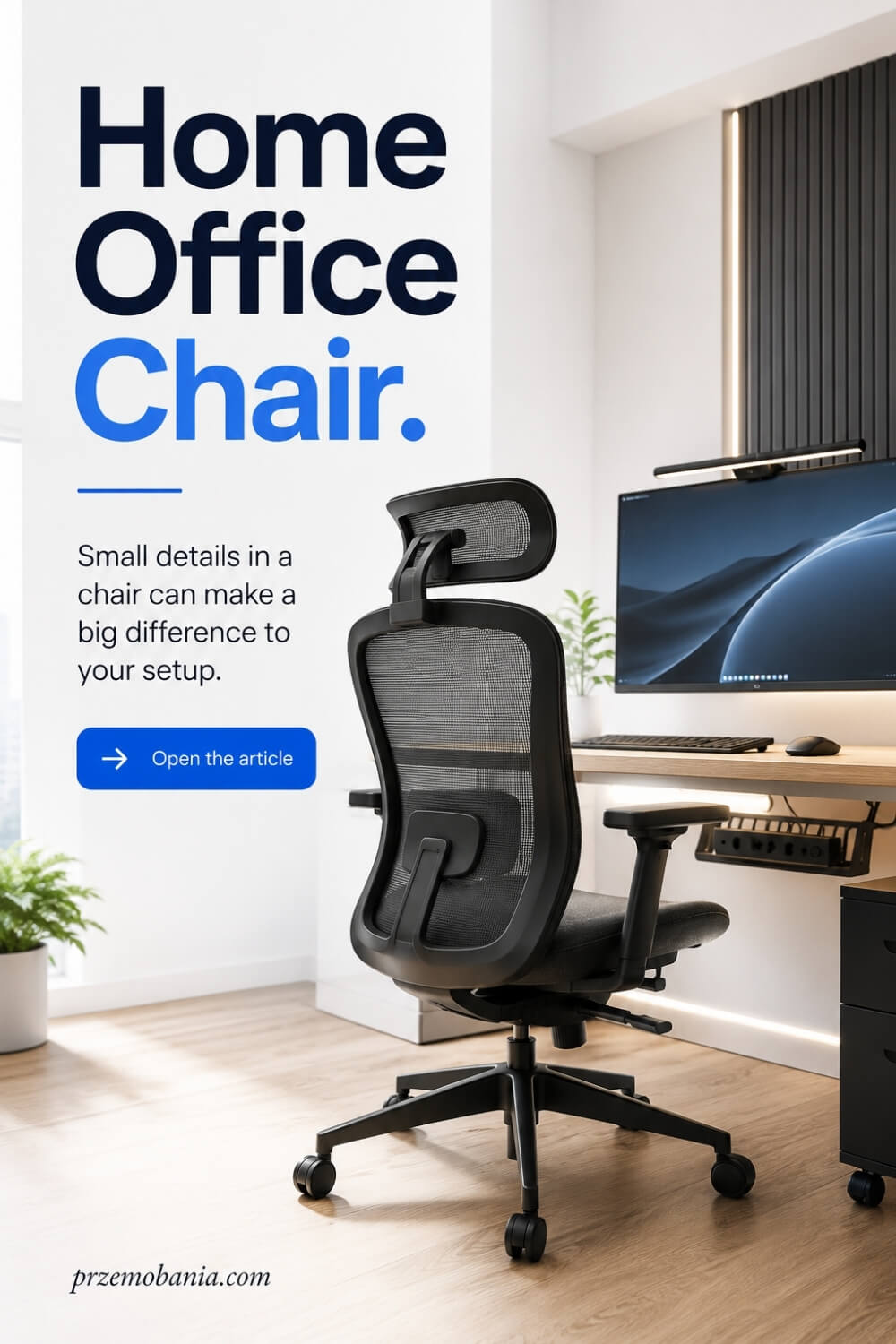
How Should a Home Office Chair Work With Your Workspace?
Even a beautifully fitted home office chair can become frustrating when the rest of the workstation forces you into awkward positions. I always look at the chair together with the desk, monitor, keyboard, mouse and the space around them because your body experiences the whole setup at once, not one piece of furniture at a time.
If the desk is too high, you may raise the seat to reach the keyboard comfortably and suddenly discover that your feet need extra support. If the monitor sits too far away or too low, you may begin leaning forwards without realising it, turning a supportive backrest into something you barely use.
I also pay attention to where frequently used items live because constantly twisting towards drawers, stretching for a printer or reaching across an oversized desk can undermine an otherwise thoughtful setup. Keeping the things you use most within comfortable reach allows the chair to support you while still giving you enough space to move naturally.
This became especially important when we shaped my wife’s working area because I wanted her to spend her energy on her job rather than repeatedly fighting the room around her. Moving something as ordinary as storage closer, clearing the floor around her seat or making it easier to leave the desk could make a difficult day feel slightly less demanding.
My own office works differently because blogging means moving between writing, research, editing and periods when I simply need to stand up and think, so I leave enough room behind and beside my desk to change position without navigating an obstacle course. Designing both spaces taught me that two people can use similar furniture yet need completely different layouts around it.
That is why I would finish your seating setup by sitting down and performing the work you actually do rather than admiring the room from the doorway.
Reach for your mouse, type, look between screens, open your drawers, turn towards anything you regularly use and stand up several times, because those ordinary movements will tell you more about whether your workspace truly works than the most beautiful photograph ever could.
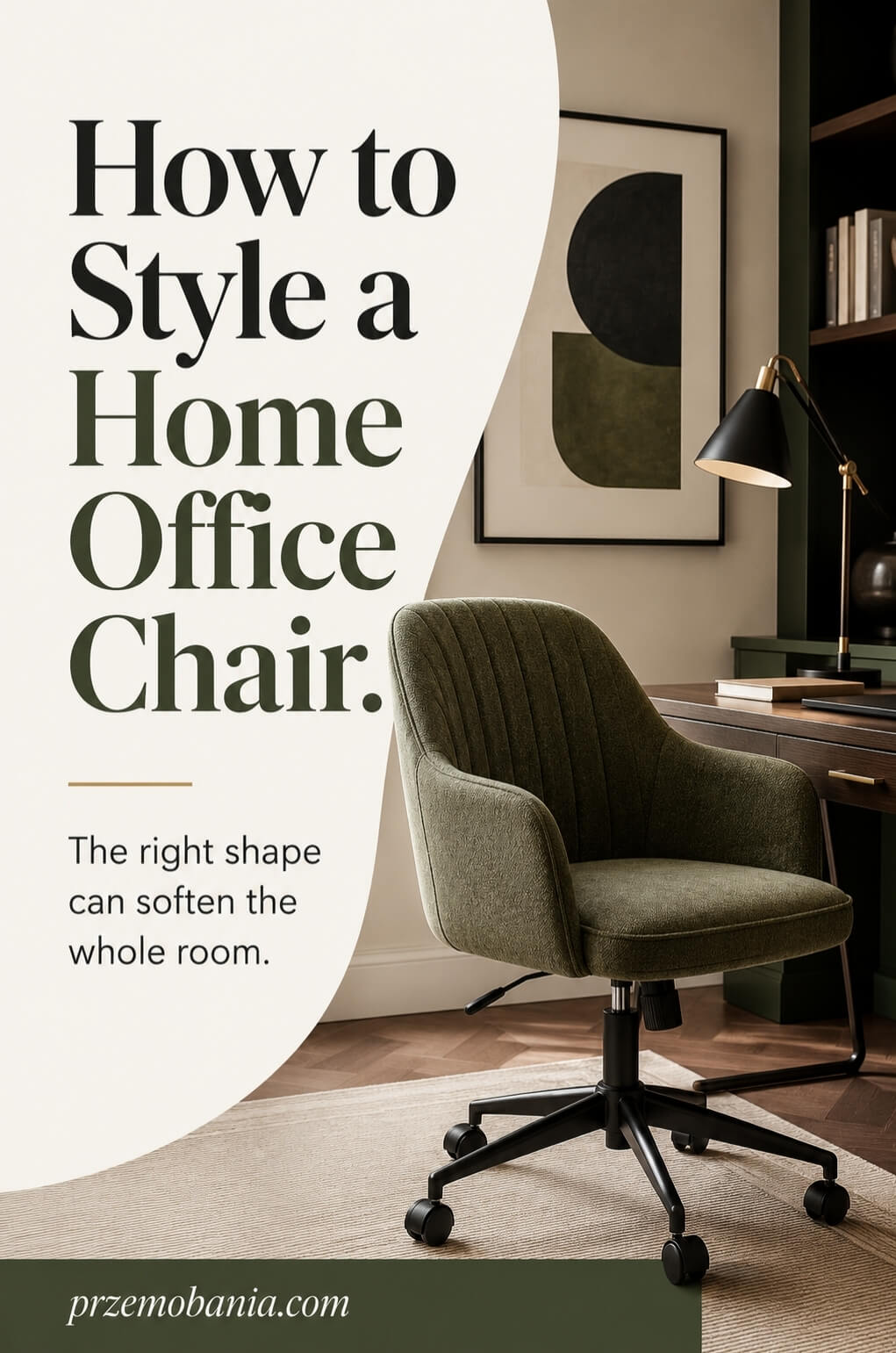
Final Word on Home Office Chair
Choosing the right chair is one of those decisions that looks simple until you begin paying attention to what your body is actually asking from you. At first, it is easy to focus on colour, shape, price or whether the design fits neatly beside your desk, but after enough working hours, the details you cannot see in a photograph become the ones that matter most.
I have learned to begin with fit, because your body should never be treated as something that has to adapt to furniture. Seat height, depth, back support, armrest position and the relationship between the chair and desk all affect how naturally you can work. None of these features needs to sound complicated. They simply need to give you enough adjustment to support the way you sit, move and change position throughout the day.
That movement matters more than chasing a single perfect posture. You are not designed to remain completely still for eight hours, and even an expensive ergonomic design cannot replace regular movement, standing, stretching or simply changing how you sit. The best home office chair, in my view, is one that gives you choices rather than locking you into one impressive-looking position.
I would also encourage you to look beyond marketing language when you shop. Check dimensions, adjustment ranges, weight capacity, construction, castors, warranty terms and the return policy. Test the chair properly whenever possible, and if you buy online, measure yourself and your desk before ordering. A lower-priced model that genuinely fits can serve you better than a premium chair chosen because somebody else called it the best.
My perspective changed most when my wife became chronically ill. Watching her continue working from home showed me that furniture can either quietly remove friction or add another demand to a day that is already difficult. I could not control what her body would do from one morning to the next, but I could help create a workspace that gave her more freedom to adjust, move, stop, start again and work in a way that respected what she needed.
That experience also changed how I design my own office. I still love beautiful interiors, cosy finishes and creating a room that makes me want to sit down and write, but I no longer separate beauty from usefulness. A workspace becomes far more attractive to me when every object earns its place through the way it supports real life.
So take your time with this decision. Measure first, compare carefully and be suspicious of anything that promises comfort without explaining how it achieves it. Then choose the design you genuinely love from the options that already suit your body and working habits.
Your chair does not need to be perfect. It needs to make your workday easier, give your body room to change and help your office become somewhere you can return to tomorrow without dreading the seat waiting beside your desk. That, to me, is where thoughtful home office design proves its real value.
Choose for your body before you choose for the photograph. Measure carefully, demand useful adjustments, leave room for movement and let style come after comfort has earned its place. Your workspace should not ask more from you every day. It should quietly help you do your best work and still feel good when you stand up.
If this helped you look at your workspace differently, leave me a comment below and tell me what matters most to you when choosing a chair. And before you go, you can also check out the FREE chapter of my eBook at the bottom of this post.


Przemo Bania is a blogger and writer who helps people get out of their traditional jobs to start a blogging career. Przemo also runs a health blog advocating for endometriosis and fibromyalgia…
Related Questions You May Be Asking About Home Office Chair
1. How long should a good office chair last?
There is no fixed lifespan because durability depends on construction, materials, user weight, daily use and maintenance. A well-built chair used normally can remain useful for many years, but check it regularly for loose components, damaged castors, failing height adjustment, compressed cushioning or mechanisms that no longer move smoothly. Replace it when safety, support or adjustability noticeably deteriorates.
2. Is a mesh chair better than an upholstered chair?
Neither material is automatically better for everyone. Mesh can provide greater airflow and may suit warm rooms or people who dislike heat building around their back, while upholstered seating often feels softer and can blend more naturally into a cosy interior. Whichever you choose, prioritise correct dimensions, supportive construction and comfort during longer periods of sitting rather than material alone.
3. Do I really need adjustable armrests?
Adjustable armrests can be valuable when they let your arms rest comfortably while keeping your shoulders relaxed and allowing you to sit close to the desk. They are not essential for everybody, however. Poorly positioned fixed armrests can actually get in the way, so I would rather choose removable or well-adjustable ones than accept armrests that continually interfere with your working position.
4. Is an office chair better than a gaming chair for working from home?
For long periods of desk work, I would compare individual features rather than choosing purely by category. Many task chairs offer useful adjustments designed around computer work, while gaming models vary enormously in shape and support. Check seat depth, lumbar adjustment, armrests, recline, dimensions and movement. The better choice is simply the one that fits your body and workstation properly.
5. How much should I spend on a chair for working from home?
There is no magic price that guarantees comfort. Set a realistic budget, then compare adjustment range, dimensions, build quality, warranty and returns before paying more for styling or features you may never use. If you work from home frequently, I would usually prioritise long-term fit and durability over choosing the cheapest available model simply because its initial price looks attractive.
6. Should I use a footrest with my office chair?
A footrest can be useful when you need to raise your seat to work comfortably at a fixed-height desk but your feet no longer rest securely on the floor. It should provide a stable surface rather than encouraging your legs to dangle. You may not need one if your chair and desk already allow comfortable arm positioning while keeping your feet properly supported.
Home Office Chair References
- https://www.hse.gov.uk/msd/dse/good-posture.htm
- https://www.hse.gov.uk/msd/dse/work-routine.htm
- https://www.hse.gov.uk/msd/dse/training-information.htm
- https://www.hse.gov.uk/pubns/books/l26.htm
- https://www.osha.gov/etools/computer-workstations/components/chairs
- https://www.ccohs.ca/oshanswers/ergonomics/office/chair_adjusting.html
- https://www.ccohs.ca/oshanswers/ergonomics/office/chair.html
- https://www.which.co.uk/reviews/office-chairs/article/best-office-chairs-and-buying-guide-aNpAi8A3zmJM
- https://knowledge.bsigroup.com/products/office-furniture-office-work-chair-dimensions-determination-of-dimensions-2
- https://en.wikipedia.org/wiki/Office_chair
- https://www.architecturaldigest.com/story/best-office-chairs-tested-and-reviewed
- https://www.wired.com/story/how-to-choose-the-right-office-chair
