
Home Office Desk
What makes one desk feel effortless for hours while another beautiful one starts frustrating you before lunch? A home office desk is not simply a surface for a laptop; it is the physical centre of your working routine, shaping where your screen, hands, chair, cables and everyday tools can comfortably sit.
If you have ever bought a desk because it looked perfect online, then discovered your elbows, knees, monitor or paperwork had nowhere sensible to go, I understand exactly why that disappointment sticks.
A good home office desk fits your body, room and actual work. It gives you enough surface and depth for your screen, keyboard and daily tools, keeps frequently used items within easy reach, leaves clear legroom, and lets you work without forcing your shoulders, wrists or neck into awkward positions.
I am a passionate blogger whose life changed when my wife became chronically ill; alongside the love of interior design my mum quietly ignited in me during my childhood, I used what I had learned to help my wife create a workspace where working from home could feel easier on difficult days, while building my own cosy office where I write, design, blog and earn money online, and because personal experience should never stop me learning, I have attached the sources I used at the bottom of this article so you can see where I continue expanding my knowledge about the spaces we work in.
Here is something I wish more people knew before ordering furniture: a typical home desk may sit around 73 to 76 cm high, but a standard measurement does not automatically make it right for your body. Current guidance puts far more emphasis on the relationship between you and the entire workstation, with the keyboard around elbow level, the screen directly in front of you, and enough desk depth to keep it at a comfortable viewing distance.
The HSE workstation checklist goes even further by asking whether the surface is genuinely large enough for your equipment, whether the things you use are comfortably reachable, and whether you have enough freedom to rearrange the workspace when necessary.
That is where choosing a desk becomes much more interesting, because width, depth, leg clearance, storage, cable management, desk shape and position can matter far more to your working day than the photograph that first persuaded you to buy it.
If you are still putting the whole room together, my guide to building the workspace from the ground up will help you see how your desk connects with layout, power, lighting, storage and the rest of the room before those individual decisions begin competing with one another.
How Do You Choose the Right Home Office Desk?
Choosing the right desk starts with understanding what you actually do during an ordinary working day, because a surface that suits a writer may be completely wrong for someone using two monitors, paperwork and drawing equipment. I always prefer to begin with the work itself rather than a furniture catalogue, because beautiful furniture becomes frustrating surprisingly quickly when it fights against your routine.
Before looking at colours, wood finishes or drawer styles, write down everything that normally stays in front of you while you work, including your monitor, laptop, keyboard, mouse, notebook, speakers, charging devices and anything else you reach for repeatedly. Then measure the available floor area properly, including skirting boards, radiators, doors, nearby furniture and the space your chair needs when you pull it backwards.
UK buying guidance commonly places fixed desk heights around 73 to 76 cm, while working surfaces are available in considerably different widths and depths depending on their purpose. Those figures are useful starting points, but I would never treat a standard dimension as proof that a particular desk will fit your body, equipment or room.
The best home office desk is the one that lets your shoulders relax, gives your arms comfortable access to your controls and provides enough usable surface without swallowing the room. For computer work, the HSE recommends positioning the screen directly in front of you, roughly an arm’s length away, with the top around eye level and the keyboard just below elbow height, which shows why your desk has to work together with your chair and equipment rather than being chosen in isolation.
Depth becomes particularly important once you add a separate monitor, because a very shallow surface can force the screen too close or push your keyboard towards the front edge. A slim console-style desk can look wonderful in a photograph and still become a poor full-time workstation if there is no comfortable way to arrange everything you use.
I also want you to think about reach rather than simply available surface area, because making a desk larger does not automatically make it easier to use. Equipment you touch repeatedly should remain conveniently accessible instead of making you continually stretch, twist or lean forward, which is why HSE ergonomics guidance places particular importance on keeping repetitive reaching close to the body.
Storage should come from the kind of work you do rather than from the assumption that every desk needs drawers. If you handle contracts, notebooks, stationery or physical documents every day, nearby drawers can be extremely useful, while a largely digital setup may benefit far more from open legroom and a cleaner underside.
Cable management deserves attention before the desk arrives too, especially if you use monitors, chargers, speakers, a docking station or adjustable equipment. A cable tray, sensible socket position or route underneath the surface can prevent the floor from becoming a collection of trailing wires, and HSE home-working guidance specifically recommends arranging equipment to avoid cable trip hazards.
Think one step beyond the equipment you own today, because your working habits may change long before the furniture needs replacing. Finally, check the desk and chair as one working pair before buying whenever possible, making sure the chair can move underneath comfortably, your knees have clear space and the surface height does not force you to raise your shoulders or work with your arms in an awkward position.
When my wife became chronically ill, I began noticing details in our working environment that I would once have dismissed as insignificant, because something as ordinary as reaching too far, moving a chair around an awkward pedestal or trying to settle at the wrong height could make an already difficult day feel harder. I could not remove what her body was putting her through, but I could stand beside her and make the little things around her demand less from her, and there is something deeply humbling about realising that love sometimes looks like measuring furniture, moving cables and changing a room until the person you love finally says, “Yes, this feels better.” That experience changed how I choose desks completely, so before you spend your money, these are the practical decisions I want you to make carefully:
- Measure Your Working Space First
- Match Depth to Your Screens
- Choose Width for Your Workflow
- Get Desk Height Right
- Protect Clear Legroom Below
- Plan Storage Around Daily Tasks
- Keep Cables Under Control
- Test Desk and Chair Together
- Leave Room for Future Changes
Measure Your Working Space First
Before I look at any desk online, I measure the room as it actually behaves, not just the empty patch of floor where I hope the furniture will fit. That means checking the wall width, skirting boards, radiator projection, sockets, window position, door swing and the distance my chair needs when I stand up or roll backwards.
I also mark the proposed footprint with masking tape because dimensions on a product page can feel surprisingly different once they occupy real floor space. Then I sit inside that outline with my chair and imagine reaching for drawers, opening a nearby cupboard and walking around the room. I learned to do this after seeing how quickly a few lost centimetres can turn a calm workspace into something you constantly squeeze past. Measure twice, picture the movement around the desk, and only then decide whether the size genuinely belongs in your room.
Match Depth to Your Screens
Desk depth is one of those measurements people often ignore until the monitor is almost in their face and the keyboard is hanging near the front edge. I begin with the screen position I want, then work backwards, leaving enough distance for comfortable viewing while keeping the keyboard and mouse where my forearms can rest naturally.
Guidance for computer work commonly recommends keeping the monitor directly in front of you and at least about 50 cm from your eyes, although the comfortable distance varies with screen size, eyesight and text scale. That is why I am cautious with very shallow desks for long computer sessions. A monitor arm can recover useful surface space, but it cannot magically create comfortable viewing depth if the whole worktop is too narrow. If you use a large display or two screens, plan their footprint before choosing the furniture rather than trying to force them onto it afterwards.
Choose Width for Your Workflow
Width should come from your workflow, not from the idea that bigger automatically means better. I like to place the objects I use during a normal day on a table first, because a laptop-only setup may need very little room while two monitors, a notebook, microphone, documents and speakers can quickly demand a much wider surface.
The important part is giving frequently used equipment a sensible primary working zone where you can reach it without repeatedly stretching or twisting. Ergonomic workstation guidance similarly recommends keeping frequently used controls such as your keyboard and mouse within easy reach. Extra width is useful only when it supports that routine rather than becoming a parking place for clutter. In a small room, I would rather have a slightly narrower desk with a deliberate layout than a huge one that blocks circulation and makes the office feel cramped. Think about what must stay permanently on the surface, what can live in storage and what you only bring out occasionally, then buy for that real pattern.
Get Desk Height Right
A standard desk height is only a starting point because people are not standard sizes. Many fixed home desks sit around 73 to 76 cm high, but what matters to me is whether you can position your chair so your shoulders stay relaxed, your elbows sit comfortably near keyboard height and your wrists are not forced sharply upwards.
If the surface is too high, you may compensate by lifting your shoulders; if it is too low, you can end up collapsing forwards or bending your wrists into an awkward angle. An adjustable chair, footrest, keyboard tray or height-adjustable desk can solve problems that a fixed surface cannot.
I would never choose height from a product photograph alone. Sit at a similar surface if you can, place your hands where the keyboard would be and notice what your body immediately tries to change. That simple test often tells you more than a specification table.

Protect Clear Legroom Below
The area below the worktop is working space too, even though furniture photographs rarely treat it that way. A deep drawer unit, computer tower, box of cables or badly positioned support bar can stop you pulling the chair close enough, restrict how you move your feet and quietly push your whole upper body into a worse position.
Ergonomic guidance stresses having adequate clearance for the thighs, knees and feet so you can sit close to your equipment and change posture rather than being trapped in one position. I therefore check the internal clearance, not merely the overall desk width, especially on designs with pedestals or crossbars. Keep the floor underneath as boring as possible: open, uncluttered and easy to move through. That empty space may not make a Pinterest photograph more exciting, but after several hours of work it can matter far more than an extra drawer or decorative shelf.
Plan Storage Around Daily Tasks
I used to think more drawers automatically meant a better desk, but storage only helps when it supports the way you work. Start by separating what you reach for several times a day from what you use weekly or rarely, because your most important items deserve the easiest positions while everything else can move farther away.
If you write by hand, handle paperwork or use stationery constantly, shallow drawers within easy reach can be excellent. If your work is mostly digital, bulky built-in storage may steal valuable knee space and make a simpler table with a separate cabinet the smarter choice. I also avoid turning the worktop into storage, because every permanent pile reduces the area available for actual work. Give each object a reason to live near you. Once storage follows frequency of use rather than habit, the desk usually becomes calmer, faster to reset and much easier to keep organised.
Keep Cables Under Control
Cable management is easiest before you plug anything in, not after six leads have already knotted themselves behind the monitor. I list every powered item first, including the computer, displays, lamp, speakers, chargers and docking equipment, then decide where the power source and cable route should sit in relation to the worktop.
A tray underneath can hold excess cable length and power strips, while clips or grommets can guide individual leads so they do not drift across your feet or pull awkwardly at connectors. I also leave a little slack for equipment that moves, especially an adjustable monitor arm or sit-stand surface. The goal is not to hide every wire for the sake of a perfect photograph. It is to stop cables becoming trip hazards, dust traps and daily annoyances while still keeping plugs accessible when something needs replacing. A tidy route makes the entire workstation feel calmer without adding anything decorative.
Test Desk and Chair Together
A desk and chair can both be excellent products and still make a poor pair, which is why I treat them as one system. The chair needs to slide underneath without the armrests, thighs or knees colliding with drawers or framework, while its height range needs to let you work with relaxed shoulders and supported feet.
Sit as you genuinely work, not in a showroom pose you can maintain for thirty seconds. Bring your chair close, place your hands where the keyboard would sit, check the space above your thighs and notice whether you are reaching forward to use the surface. If you need to raise the chair to match a fixed desk, make sure your feet remain supported, using a stable footrest where necessary. These small relationships decide whether the setup disappears into the background while you work or reminds you all day that two individually attractive pieces of furniture were never really designed to cooperate.
Leave Room for Future Changes
I try not to design a workspace so tightly around today’s equipment that one new monitor, microphone or laptop makes the whole thing fail. Your work can change faster than your furniture, so a little spare surface area, accessible power and flexibility around storage can save you from replacing a desk that is otherwise perfectly good.
That does not mean buying the biggest model you can squeeze into the room. It means choosing something adaptable: perhaps enough depth for a monitor arm, an underside that can accept a cable tray, movable drawers instead of a fixed pedestal, or a layout that lets you change which side holds your equipment.
My own blogging setup has evolved as the work around it has grown, and I have learned that flexibility is a form of value. A desk should solve the job you have now while leaving you enough breathing room for the job you may be doing two years from now.
What Makes a Home Office Desk Comfortable to Live With?
Once the measurements are right, the next decision is less obvious: whether the desk actually supports the life happening around it. I have learned that a home office desk can be technically the right size and still feel completely wrong if its surface, edges, shape and overall presence make everyday work harder than it needs to be. When you work from home for hours at a time, those tiny repeated interactions matter far more than the first impression you get from a beautiful photograph.
I look closely at the front edge, surface texture, corner shape and where my arms naturally settle because these are the parts of the furniture your body keeps meeting throughout the day. A highly reflective glass top may look wonderfully clean in a styled room, but fingerprints, glare, coldness and the harder feel beneath your forearms may become annoying if you spend most of your week there.
Solid timber and wood-effect surfaces can feel warmer and visually softer, while laminate can be practical when you want something easy to maintain without worrying about every coffee cup or notebook leaving its story behind. The point is not that one material is automatically better, but that the finish should suit the way you genuinely work rather than the way you imagine you will work after buying it.
I also think about visual weight, something I barely considered when I first became obsessed with creating beautiful workspaces. A large, dark, blocky desk can dominate a small room and make everything around it feel tighter, while slimmer legs, lighter finishes or an open frame can make exactly the same amount of usable surface feel much less imposing.
That visual calm matters to me because I spend so much of my life writing and thinking at a screen, and I do not want the furniture shouting for attention every time I look away from my work. Your desk should have character if you love beautiful interiors, but it should also know when to disappear quietly into the background and let you concentrate.
My wife taught me something even more important about this without ever sitting me down and explaining it. On days when her body was already asking too much from her, I began noticing how irritating a sharp corner, awkward drawer handle, difficult-to-clean surface or unnecessarily heavy piece of furniture could become when she simply wanted to sit down, work and get through the day.
I could not take away the pain she was carrying, and that is one of the hardest things to accept when you love someone, but I could make sure the space around her stopped adding pointless little battles of its own. That changed the way I choose furniture forever, because comfort stopped meaning something luxurious to me and started meaning removing friction wherever I reasonably could.
So when you choose yours, do not only ask whether it fits the room or matches the décor. Ask whether you can imagine touching it, cleaning it, moving around it, leaning near it and returning to it hundreds of times without wishing you had chosen differently.
Which Home Office Desk Style Works Best for You?
Once comfort and dimensions are sorted, I start thinking about shape, because the shape of your desk changes how you move through the room just as much as its size does. A simple rectangular desk is still one of my favourite choices because it is easy to position, easy to pair with storage and flexible enough to survive several changes in the way you work.
An L-shaped design makes much more sense when your work naturally separates into two zones, such as a computer area on one side and paperwork, drawing or planning on the other. I particularly like this arrangement when you need a generous surface but want to use an otherwise wasted corner instead of placing one enormous piece of furniture across the middle of the room.
A compact writing desk can be a brilliant choice when your office shares space with a bedroom, living room or guest room. The smaller footprint keeps the room from feeling like a workplace twenty-four hours a day, although you need to be realistic about whether your monitors and equipment will genuinely fit rather than being seduced by its lighter appearance.
Wall-mounted and floating designs can free up valuable floor space in very small rooms, and the open area underneath can make the whole interior feel larger. The compromise is that you normally sacrifice built-in storage and some flexibility, so I would plan every cable, screen and accessory before fixing anything permanently to the wall.
Sit-stand models offer another kind of flexibility because the working surface can move with you rather than forcing you to remain at one height throughout the day. I see them as an option for changing posture and working position, not as permission to stand endlessly, because comfort comes from sensible variation rather than replacing one fixed position with another.
An executive-style home office desk can look magnificent in a dedicated study, particularly if you love substantial timber, deep drawers and furniture with visual presence. In a smaller office, however, that same weight can eat into circulation space and make the room feel more formal and enclosed than you intended.
Then there are modular desks, which I have grown to appreciate because separate drawer units, tabletops and storage pieces let you change the arrangement as your work develops. They are especially useful when you are building your office gradually and would rather improve the setup intelligently over time than spend everything on one fixed configuration at the beginning.
What I want you to notice is that there is no universally superior desk shape hiding somewhere in a showroom. The best style is the one that follows your room, your equipment, your movement and the kind of work you repeatedly perform there.
I understood the emotional side of that much more deeply after watching my wife continue working from home when simply getting through an ordinary day could demand more from her than anybody looking through our window would ever realise. When you love someone who is struggling, you begin to understand that moving a monitor closer, clearing an easier route to the chair or creating a second surface where she does not have to keep shifting equipment can be a quiet way of saying, “I am trying to make this easier for you.”
That is why I want the next choices to be practical rather than fashionable, because your workspace should adapt to your life instead of asking your life to adapt to the furniture.
- Choose a Straight Desk
- Consider an L-Shaped Desk
- Save Space With Floating Designs
- Explore Sit-Stand Desk Options
- Build Flexibility With Modular Furniture
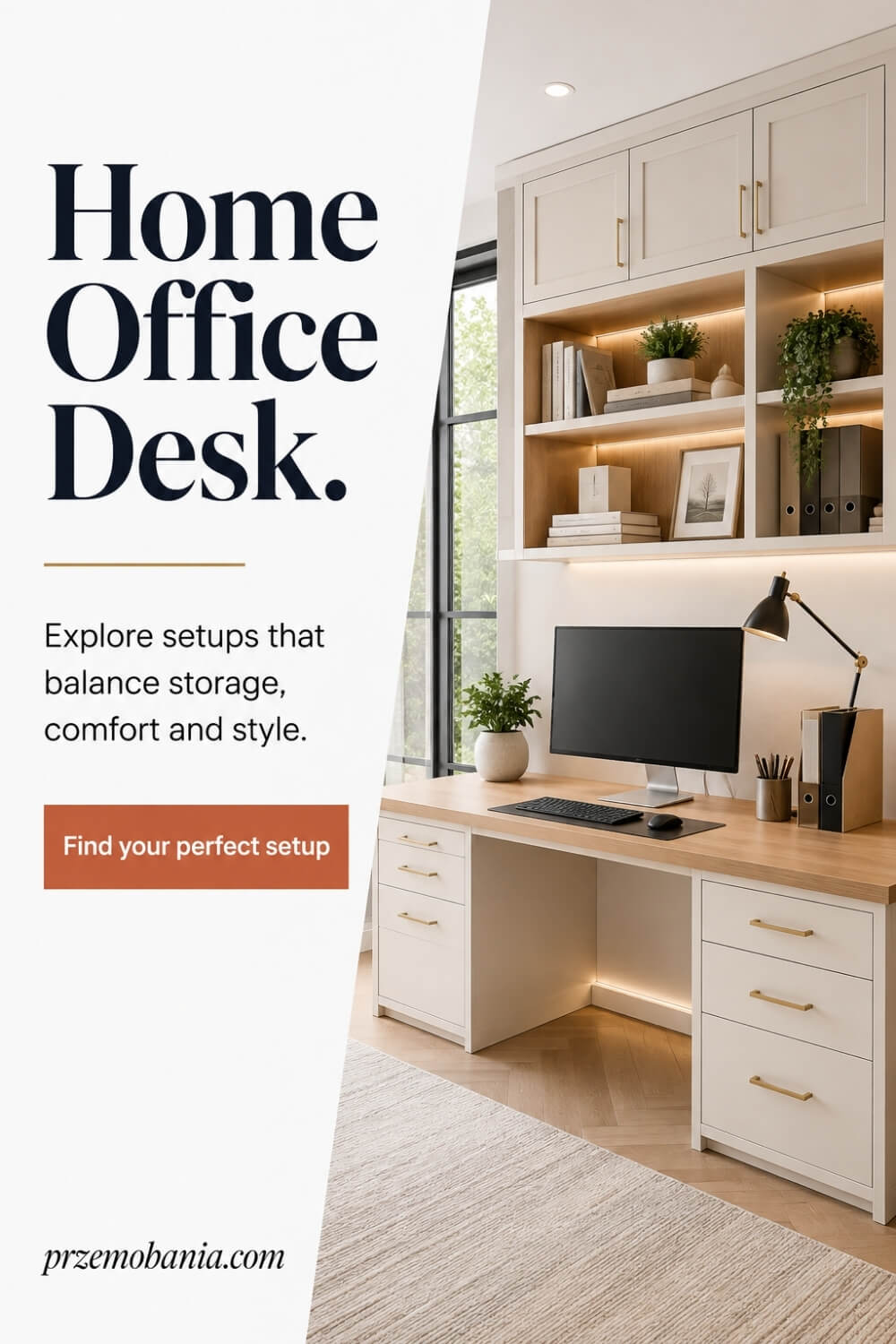
Choose a Straight Desk
A straight desk is the option I recommend most often because it gives you a simple working surface without deciding how your whole room must behave around it. It can sit against a wall, beneath a window or even face into the room, which makes it much easier to change your layout later if your needs grow.
I especially like straight desks for blogging, writing and computer work because you can keep the monitor centred, place storage independently and avoid wasting surface in a corner you never really use. The important decision is width and depth, not how impressive the desk looks in a photograph. If you work with one screen and a notebook, a compact model may be enough, but two monitors, speakers or regular paperwork need more breathing room. Choose one with clear space underneath and a finish you can live with every day. Simple does not mean boring; it often means you have more freedom to make the rest of the office feel like yours.
Consider an L-Shaped Desk
An L-shaped desk makes sense when your work naturally divides into two activities and you want both within easy reach. One side can hold your main computer setup while the return becomes a place for paperwork, planning, creative work or equipment you do not want crowding the screen area.
The mistake I see is buying one simply because it offers more surface. In a small room, that extra return can block drawers, doors or the route behind your chair, so measure the whole footprint and decide which side the return needs to be on before ordering. I also check whether the corner is genuinely usable, because some designs create a deep area that quickly becomes a dumping ground. Used well, though, this layout can feel wonderfully organised. You can turn from one task to another without packing anything away, and that separation can make a busy working day feel calmer because every activity has its own place instead of competing for the same patch of desk.
Save Space With Floating Designs
A floating desk can be a clever answer when floor space is precious and you want the room to feel lighter. Because there are no conventional legs or pedestals beneath it, the eye can travel across more of the floor, which often makes a small bedroom office, alcove or shared living space feel less crowded.
I would only choose this route after planning the setup carefully, because once the surface is fixed to the wall you lose much of the flexibility of freestanding furniture. Check the wall construction, the manufacturer’s fixing requirements, the load you intend to place on it and where your cables will run before anything is installed. I also think about storage from the start, perhaps using a slim mobile drawer unit or shelving nearby rather than filling the worktop. Done properly, a floating design can look beautifully calm and deliberate. Done without planning, it can leave you fighting for sockets, monitor space and somewhere to put the things your work actually requires.
Explore Sit-Stand Desk Options
A sit-stand desk can be useful if you like changing position during the day rather than staying at one fixed height from morning until evening. I like the idea because the surface can come to you, letting you adjust it for seated work and then raise it when you want a different working posture without relocating your computer.
I would still choose one with the same care as any other desk. Check the height range, stability at its highest setting, lifting capacity, control position and whether your cables have enough slack to move safely with the surface. A desk that shakes every time you type or pulls a cable tight when it rises will become irritating very quickly. I also would not treat standing as a competition or a cure for sitting. The real value is the ability to vary your position and respond to how you feel. For someone whose comfort or energy changes across the day, that flexibility can be far more meaningful than simply owning a desk that moves up and down.
Build Flexibility With Modular Furniture
Modular furniture appeals to me because it lets a home office change without forcing you to replace everything when your work changes. You might begin with a simple tabletop and two supports, then add drawers, shelving, a return section or extra storage later as you discover what you actually need.
That gradual approach can also protect you from one of the easiest mistakes to make when designing an office: buying the complete dream setup before you have lived with the room. Once you work there for a few weeks, you start noticing where papers gather, which side you reach towards, where cables naturally fall and which storage you never touch. Modular pieces let you respond to those discoveries rather than being trapped by them. I value that because my blogging setup has evolved over time, and the work I do now is not identical to the work I began with. A flexible desk system gives your workspace permission to grow with you instead of becoming obsolete the moment your routine changes.
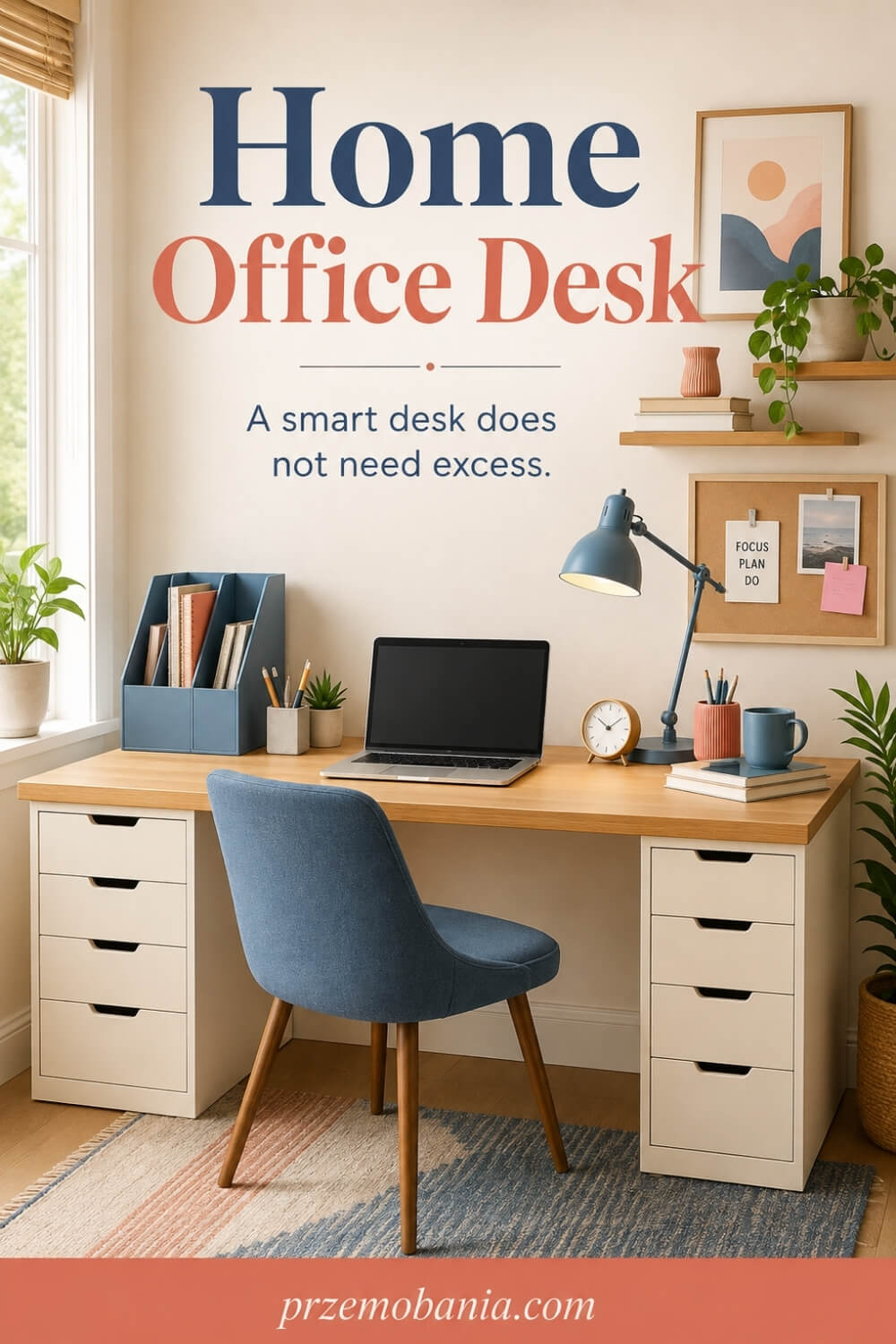
How Can a Home Office Desk Support Changing Needs?
The longer I have worked from home, the more I have realised that a workspace should never assume every day will feel exactly the same. A home office desk becomes far more useful when it gives you room to adjust your equipment, change your working position and simplify what sits around you when your concentration or energy is lower.
That became especially important in our home because my wife’s ability to work comfortably could change from one day to the next. Some days she could sit and work almost normally, while on others even small movements, repeated reaching or staying in the same position for too long could become exhausting.
I started paying much more attention to things I once would have considered minor, such as whether she could reach a charger without bending, move her chair without hitting furniture or bring something closer without rearranging half the room. Those little details taught me that good design is not only about creating something attractive, but about removing unnecessary effort from the person using it.
It affected me too because I began looking at my own blogging workspace differently, especially during long writing sessions when I could easily spend hours concentrating on a screen without noticing how rigid my setup had become. I started leaving more room for changing equipment positions, standing up easily, moving notebooks aside and resetting the surface between different kinds of work.
That flexibility also helped us share our home more comfortably because neither of us needed the room to remain frozen in one perfect-looking arrangement. Our workspace could respond to the day we were actually having rather than the day we imagined when we first designed it.
I think that is one of the most valuable things you can give yourself when choosing furniture for working at home. Build a space that gives you options, because the best setup is not one that forces you into a routine but one that quietly adapts as your work, body and life change.
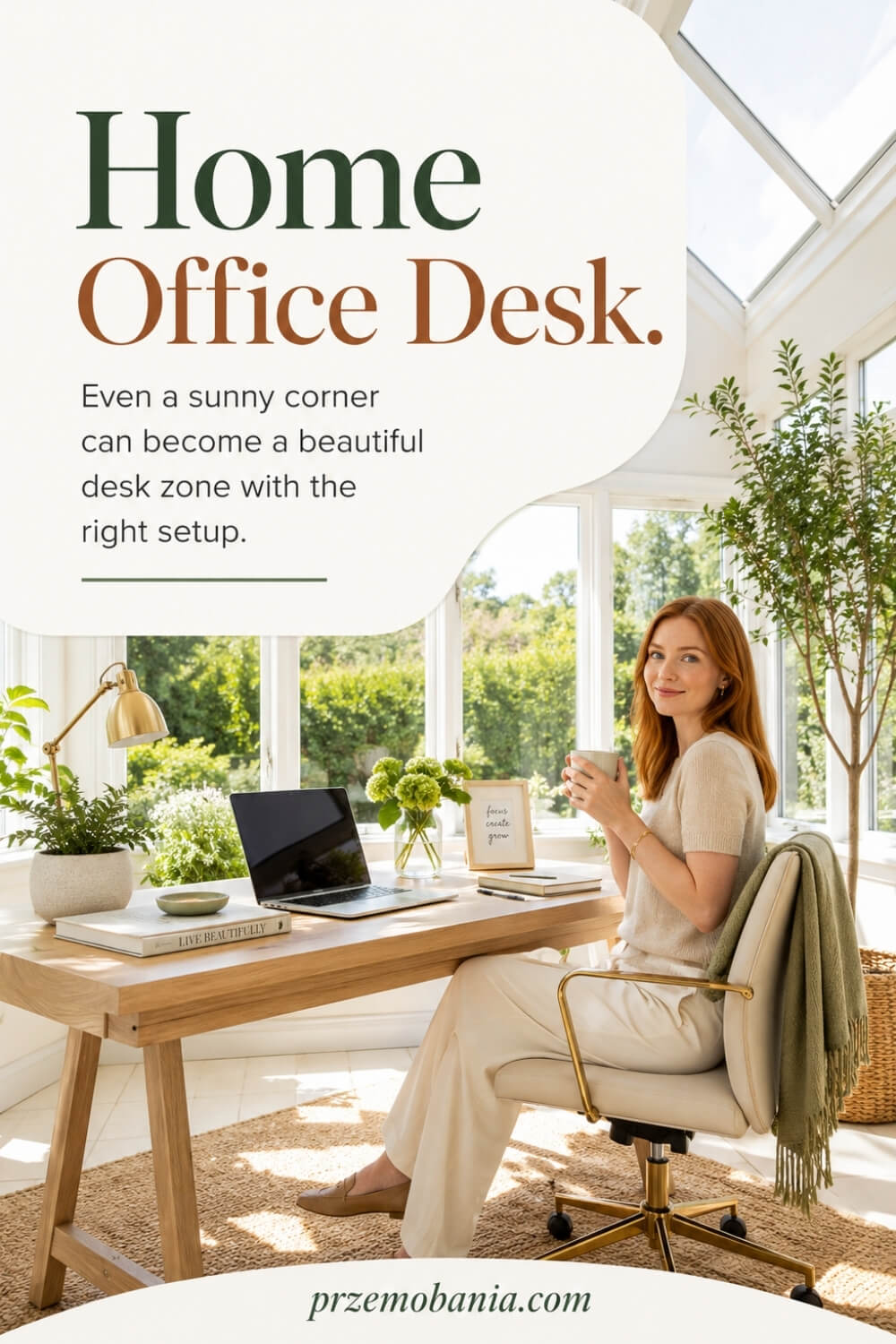
How Should a Home Office Desk Fit Into Your Room?
Once the practical decisions are made, I think about how the desk belongs to the room, because working from home feels very different when your furniture looks deliberately placed rather than squeezed into whatever space was left. A home office desk should give you a clear working zone while still allowing the room to breathe, especially if the same space also functions as a bedroom, living area or somewhere you want to relax after work.
I like to consider the view from the chair as carefully as the view towards the desk, because you will spend far more time sitting there than admiring the room from the doorway. Natural light can make a workspace feel wonderful, but I avoid positioning the screen where strong daylight constantly reflects across it or where direct sun leaves me fighting glare for several hours.
The desk finish can also help connect the working area with the rest of the interior without turning everything into a matching furniture set. Timber tones can add warmth, lighter surfaces can visually open a compact room, and a darker desk can create a strong focal point when there is enough surrounding space to balance it.
I learned the importance of atmosphere through my wife because when she began spending so much of her working life at home, I wanted the room around her to feel like part of our home rather than a little corporate corner she had been sentenced to sit inside. There were already enough things in her day reminding her that life had changed, so I never wanted the place where she worked to feel cold, clinical or disconnected from the person she still was.
That affected my own office choices too, because blogging is creative work for me and I think better when the room feels comfortable, organised and personal without becoming visually noisy. We both needed spaces that helped us work, but we also needed to be able to close the laptop and still feel that we were at home.
So I would choose the desk position, material and visual weight with the whole room in mind rather than treating the workstation as a separate island. When practical furniture and a room you genuinely enjoy being in finally meet, working from home can begin to feel less like accommodating work inside your life and more like creating a place where the two can coexist comfortably.
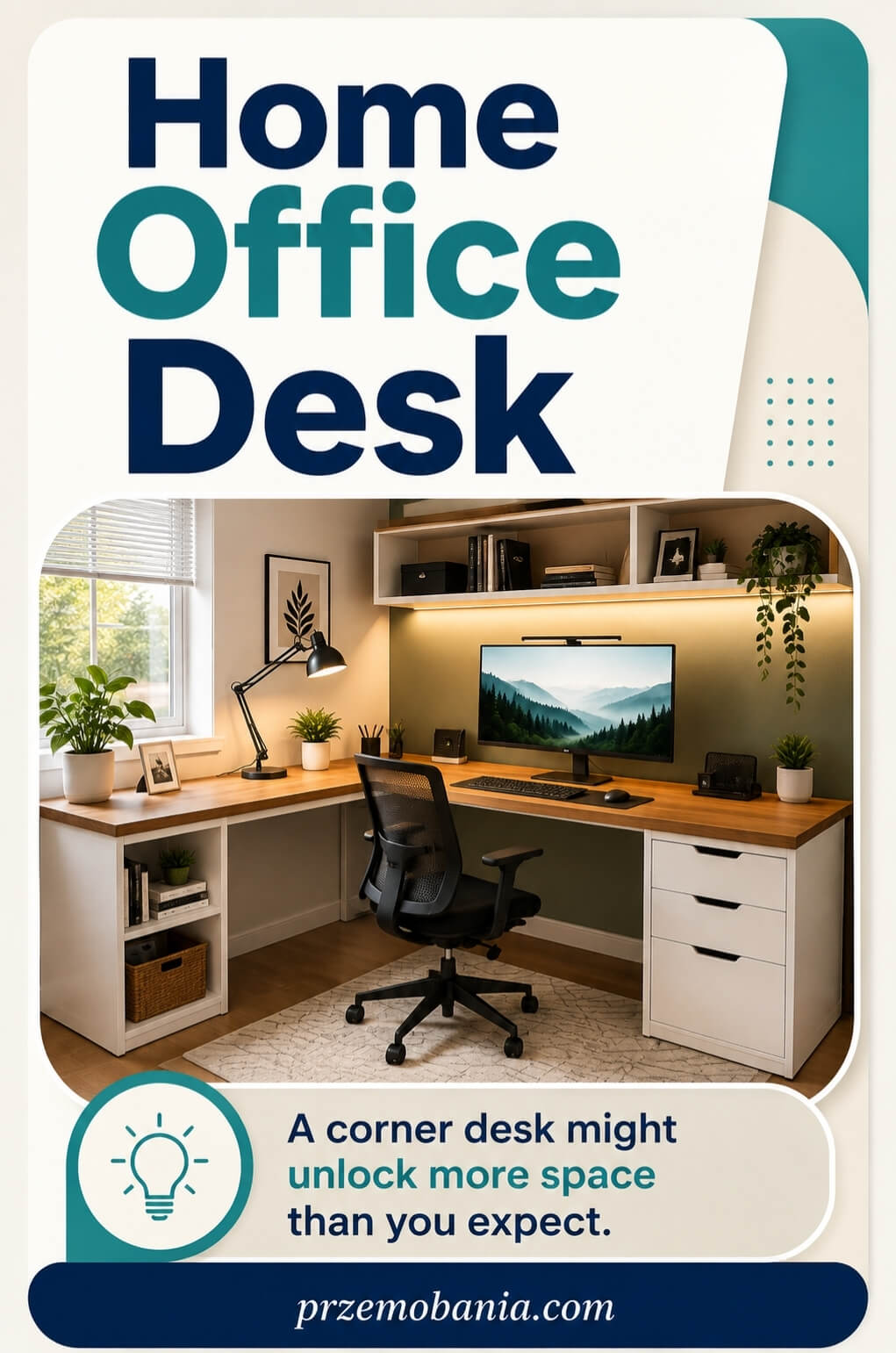
Final Word on Home Office Desk
Choosing a desk for working from home sounds simple until you realise how many small decisions shape the way it feels after eight hours, five days a week. Width, depth, height, legroom, storage, screen position, cables, materials and the relationship between the desk and chair all matter because they decide whether your setup quietly supports you or keeps interrupting you.
That is why I never begin with style alone anymore. I still love beautiful interiors, and I want a workspace to feel warm, personal and inspiring, but appearance only works when the furniture underneath it respects how you actually work. A stunning desk that leaves your monitor too close, blocks your knees or forces you to reach constantly will lose its charm very quickly.
The best home office desk is therefore not necessarily the most expensive, the largest or the one receiving the most attention online. It is the one that fits your room, supports your equipment, gives your body enough freedom to change position and leaves you with a surface you can return to without fighting it. Sometimes that means a simple straight desk. Sometimes it means an L-shaped layout, a floating surface, an adjustable model or a modular system that can grow with your work.
My own view of all this changed after my wife became chronically ill. Before then, I loved interiors largely because I enjoyed creating rooms. Afterwards, I started noticing what rooms ask from the people inside them.
When someone you love already has to spend more energy getting through an ordinary day, unnecessary reaching, awkward furniture and clutter stop feeling like small inconveniences. You begin looking for ways to remove friction. You move a cable, change a drawer position, clear more legroom or bring something closer, and none of those changes look dramatic, yet together they can make the space kinder to live and work in.
That lesson has stayed with me in my own blogging office too. I spend long hours writing, planning and building my work from home, so I want my desk to help me concentrate rather than constantly remind me of poor decisions I made because something looked good in a product photograph. I want enough room for what I use, no more than I need, and the freedom to adjust the setup as my work changes.
So take your time before buying. Measure the room properly, map out your equipment, think about how you move, and notice what you reach for repeatedly. Sit at a similar desk if you can, test the height with your chair, and imagine not the first ten minutes at it but the thousandth working day.
That is when you begin choosing differently. You stop buying a piece of furniture and start designing a working environment around your real life. And when the desk finally feels almost invisible because everything is where you need it, that is usually the clearest sign that you chose well. That, for me, is what thoughtful home office design means.
Your desk does not need to be perfect, fashionable or expensive to transform the way you work. It needs to fit your room, respect your body, support your routine and make ordinary working days easier. Choose slowly, adjust what does not work, and build a workspace that feels genuinely yours for years to come.
If something in this guide helped you rethink your workspace, leave me a comment below and tell me what you are changing. And before you go, have a look at the FREE chapter of my eBook at the bottom of this post.


Przemo Bania is a blogger and writer who helps people get out of their traditional jobs to start a blogging career. Przemo also runs a health blog advocating for endometriosis and fibromyalgia…
Related Questions You May Be Asking About Home Office Desk
1. What desk depth is best for working from home?
For most computer-based work, I prefer enough depth to keep the monitor comfortably away from your eyes while leaving room for the keyboard, mouse and your forearms. Around 60 to 80 cm is common, but your screen size and equipment matter more than a single number. Larger monitors or multiple screens usually benefit from the deeper end of that range.
2. Should a desk face a wall or a window?
Either can work well, but I would base the decision on glare, available space and how easily you concentrate. Facing a window can feel open and pleasant, while strong daylight behind or directly in front of a monitor may become distracting. Facing a wall can create a focused working zone, especially when the surrounding room is busy or shared with another purpose.
3. Is a sit-stand desk worth buying?
It can be worth it if you genuinely want the freedom to change working height throughout the day. I see adjustable desks as tools for variation rather than replacements for good sitting habits. Look carefully at the height range, stability, lifting capacity and cable movement before buying, because a cheaper model that wobbles or cannot reach your comfortable height may quickly become frustrating.
4. What desk works best in a small home office?
In a compact room, I usually favour a simple straight desk, narrow writing desk or carefully planned floating design rather than automatically choosing the smallest possible surface. You still need enough working depth and usable width for your equipment. Keeping the underside open and moving storage onto nearby walls can often make a small workspace feel considerably less crowded without sacrificing everyday function.
5. Is a wooden or laminate desk better?
Neither is automatically better because they solve slightly different problems. Real wood can bring warmth, character and longevity, while laminate is often affordable, consistent and easy to maintain. I would choose according to your budget, working habits and tolerance for wear. If you constantly use drinks, stationery and equipment, think about how the surface will look after years of daily use.
6. Where should I position my desk in the room?
Start with circulation, sockets, daylight and the space required behind your chair rather than choosing the prettiest wall first. I like a position where I can sit comfortably without blocking a doorway or squeezing between furniture. Then I consider screen glare, cable routes and what I will actually look at while working, because you experience the room mostly from the chair.
Home Office Desk References
- https://www.hse.gov.uk/msd/dse/good-posture.htm
- https://www.hse.gov.uk/pubns/ck1.pdf
- https://www.hse.gov.uk/msd/uld/art/posture.htm
- https://www.hse.gov.uk/home-working/worker/
- https://www.which.co.uk/reviews/working-from-home/article/home-office-desk-buying-guide-aUIZg8A4zzE7
- https://www.osha.gov/etools/computer-workstations/components/monitors
- https://www.osha.gov/etools/computer-workstations/components/desks
- https://www.osha.gov/etools/computer-workstations/components/work-space
- https://www.osha.gov/etools/computer-workstations/checklists/evaluation
