
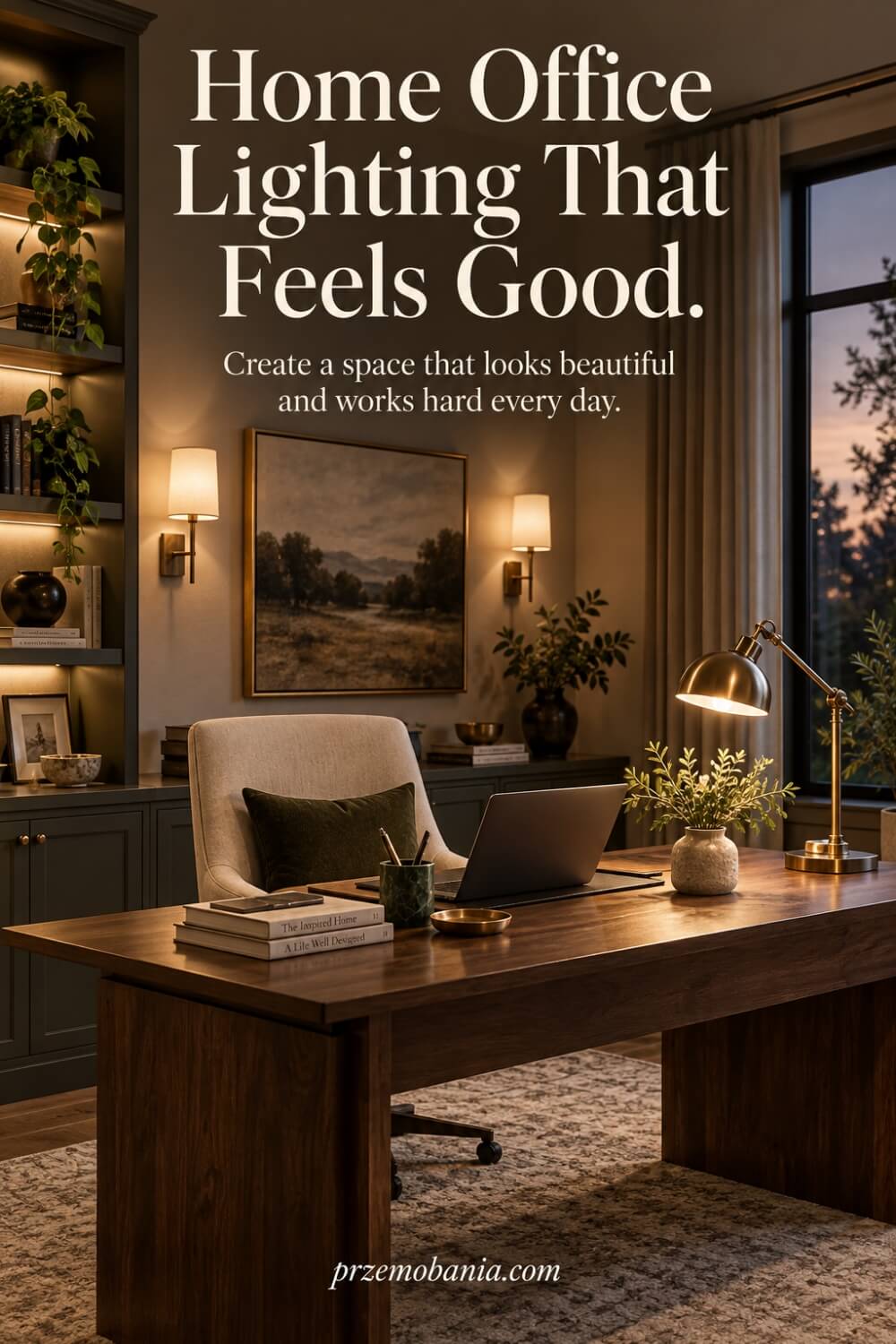
Home Office Lighting
Could the light above your desk be quietly making your workspace harder to use than it needs to be? Good home office lighting is not simply about making a room brighter; it is about controlling brightness, direction, contrast, glare, and comfort around the work you actually do.
If you have ever finished a working day with tired eyes, an annoying screen reflection or the feeling that your office looks lovely but somehow still feels wrong, I know exactly why this subject matters.
Good home office lighting combines daylight, ambient light and adjustable task light so the desk is bright enough for work without screen glare. Aim for about 500 lux on the main work surface, then use softer surrounding light and blinds or positioning to control reflections and harsh contrast.
I’m a passionate blogger whose life changed when my wife became chronically ill, and the love of interiors my mum quietly planted in me when I was a boy eventually helped me create a workspace where my wife could work from home with greater comfort while I built my own life as a blogger who genuinely loves earning from a cosy home office; alongside everything I have learnt through living, decorating and working this way, I have included the sources at the bottom of this article that I continue using to deepen what I know.
Here is something I wish I had understood much earlier: more light does not automatically mean better light. Current office-lighting guidance commonly uses roughly 500 lux for the main desk area, while the immediate surroundings can sit nearer 300 lux and the background around 100 lux, so a comfortable workspace is really about controlling differences in brightness rather than flooding every corner equally.
That matters because the HSE warns that visual fatigue can come from bright sources in your field of view, strong differences between bright and dim areas, and reflections across the screen, while good design combines natural light, general illumination and task lighting around the actual work being done. Suddenly the desk lamp, window position, blinds, monitor angle and even the brightness of the wall behind your screen stop looking like small decorating details and start working together as one lighting system.
If you want to build the room from the ground up rather than fixing one weak point at a time, my guide to creating a practical home workspace puts lighting alongside layout, comfort and the other essentials that make a home office work beautifully as a whole.
- How Home Office Lighting Should Work Around You?
- Why Home Office Lighting Should Adapt to Difficult Days?
- How to Choose Home Office Lighting That Feels Comfortable for Hours?
- How Home Office Lighting Shapes Focus, Energy and Routine?
- How Home Office Lighting Can Make a Workspace Feel Beautiful?
- Final Word on Home Office Lighting
How Home Office Lighting Should Work Around You?
When I began working from home, I thought the biggest lighting decision was simply choosing a lamp that looked good beside my desk. I eventually learnt that a beautiful fitting can still leave you squinting, fighting reflections and feeling strangely tired by the middle of the afternoon.
A comfortable workspace starts with layers because one light source rarely performs every job well. Daylight can provide excellent general illumination, but it changes with the weather, season and time of day, which means it should be treated as part of the lighting plan rather than the entire plan.
Your desk should normally sit where you can benefit from a window without having strong sunlight directly behind your monitor or shining straight into your eyes. This matters because a bright window beside a dark screen, direct glare or reflections across glossy surfaces can force your eyes to keep adjusting between very different brightness levels.
Then comes ambient light, which gives the room its general level of illumination rather than concentrating everything into one bright pool on the desk. Its job is not to overpower the workspace but to prevent the area around your monitor from becoming so dark that looking away from the screen feels uncomfortable.
Task lighting adds the focused layer you need for notebooks, documents, drawing, reading and anything requiring closer visual attention. An adjustable desk lamp is especially useful because you can move the shade, arm or beam instead of moving your entire workstation whenever the daylight changes.
If you write by hand, I prefer positioning the lamp so my own hand and arm do not cast a heavy shadow across the page. If most of your work happens on a monitor, the lamp should illuminate the desk without creating a bright reflection across the screen.
I also pay attention to the surfaces surrounding the desk because light behaves differently when it meets matt paint, glossy furniture, glass, polished metal or a highly reflective desktop. Pale matt surfaces can spread reflected illumination more gently, while shiny finishes need more careful lamp positioning to prevent distracting highlights.
Dimmers and separate lighting controls are incredibly useful because a room that feels perfect at nine in the morning can feel completely different after sunset. That is why I now think of home office lighting as a small system of daylight, general illumination and controllable task light that changes with you rather than forcing you to work around it.
I understood the importance of that flexibility much more deeply through my wife, because there were days when simply remaining at her desk and finishing her working hours already asked more from her body than anybody looking through the window would ever realise. Watching her quietly adjust the blinds, lower one light or move another taught me that thoughtful design is not about showing off a beautiful room; sometimes it is about removing one more unnecessary difficulty from somebody’s day.
That experience changed the way I approach every workspace I design, so the next section is built around the practical adjustments I would make before spending money on decorative fittings:
- Start with daylight, not lamps
- Position desk to reduce glare
- Layer ambient and task lighting
- Choose an adjustable desk lamp
- Light paperwork from opposite side
- Control reflections on your screen
- Soften contrast around the screen
- Use dimmers as daylight changes
- Match lighting to working hours
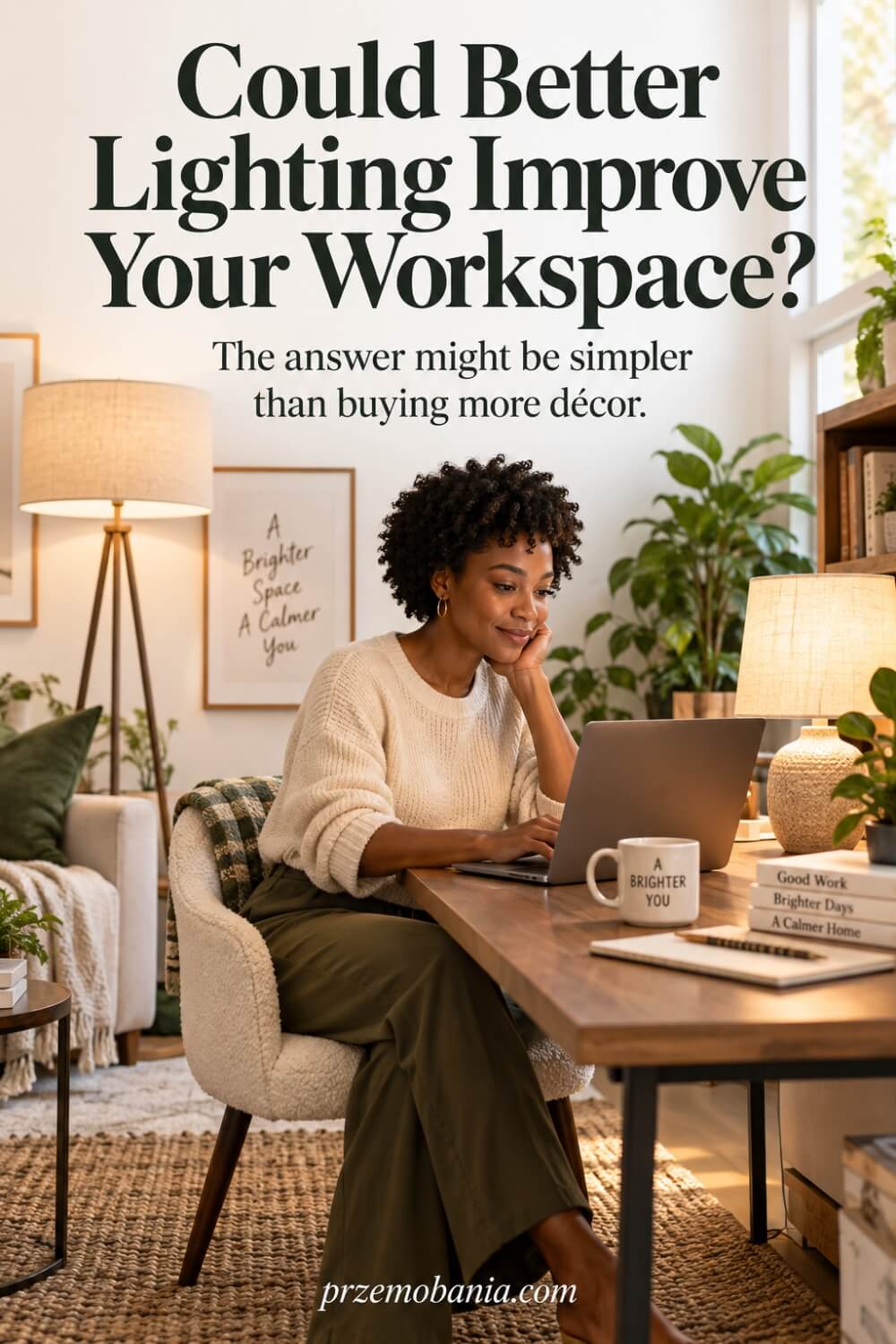
Start With Daylight, Not Lamps
Before I buy a single bulb, I look at what the window is already doing for the room. Morning light, afternoon sun, nearby buildings, trees and even the direction the window faces can completely change how comfortable a desk feels across the day. A workspace that looks beautifully bright at 10am may become painfully glaring at 3pm, while another may feel gloomy long before you finish work.
I learnt to treat daylight as something to shape rather than simply maximise. Sheer blinds, curtains or adjustable blinds can soften strong sunlight without turning the room into a cave, and moving a desk even half a metre can reduce harsh contrast dramatically. When I helped my wife create a more comfortable place to work, this became one of the easiest changes with the biggest effect. Use the free light first, understand its behaviour, then add artificial light only where the room genuinely needs support.
Position Desk to Reduce Glare
Desk position can solve lighting problems that no expensive lamp will ever fix. I try to place the monitor so the window sits to the side rather than directly in front of the screen or directly behind it, because both positions can create uncomfortable contrast or reflections. A bright window behind the monitor can make your eyes work harder, while a window behind you can turn the screen into a mirror.
I made this mistake myself because I originally arranged furniture around appearance rather than how light travelled through the room. Once I started checking the screen at different times of day, the problem became obvious. Sit in your normal working position, turn the monitor off and look for reflected windows or bright fittings on the dark screen. If you can see them clearly, reposition the desk, monitor or blinds before buying anything new. Small changes in angle often make working feel noticeably easier.
Layer Ambient and Task Lighting
One ceiling light trying to illuminate an entire office usually gives you either too little light where you need it or far too much everywhere else. I prefer a layered approach, with soft general illumination for the room and a separate task light for detailed work at the desk. This gives you control without making the office feel clinical or flat.
The useful part is that each layer can do a different job. Ambient light keeps the surrounding room comfortable and prevents your screen from floating in a dark box, while the task lamp helps with reading, writing or paperwork. I have found this especially helpful in the evenings, when daylight disappears but I do not want to flood the whole room with brightness. For my wife, being able to change one layer without changing everything made the workspace feel much more adaptable. Comfort often comes from having choices rather than one fixed lighting level.
Choose an Adjustable Desk Lamp
A fixed lamp can look beautiful in a photograph, but an adjustable lamp is usually far more useful when you actually work at the desk every day. I look for a design that lets me change the height, direction or angle of the light so I can move the beam towards a notebook, keyboard or document without shining it into my eyes. A shade that hides the bare bulb is another small detail I value because exposed brightness can quickly become distracting.
This flexibility matters more than people think because your work changes throughout the day. You may spend an hour reading printed pages, then switch to the monitor, then write notes beside the keyboard. Instead of forcing your body to follow the light, move the light to follow the task. That lesson became especially important at home, where my wife’s comfort could vary from one day to another. A lamp that adapts is far more useful than one chosen only because it matches the décor.
Light Paperwork From Opposite Side
If you regularly write by hand, sketch or review printed documents, pay attention to where your shadow falls. I place the task lamp on the side opposite my writing hand, so a right-handed person generally benefits from light arriving from the left, while a left-handed person often finds the reverse more comfortable. It is a simple adjustment, but it can stop your hand and forearm from blocking the very area you are trying to see.
I did not appreciate this until I noticed how often I shifted papers around to escape my own shadow. Once the lamp moved, the desk immediately felt easier to use. You do not need to follow the rule rigidly because desk shape, lamp height and daylight will influence the result, but the principle is useful: illuminate the work surface rather than your arm. Good lighting should quietly support what you are doing, not make you constantly reorganise yourself around it.
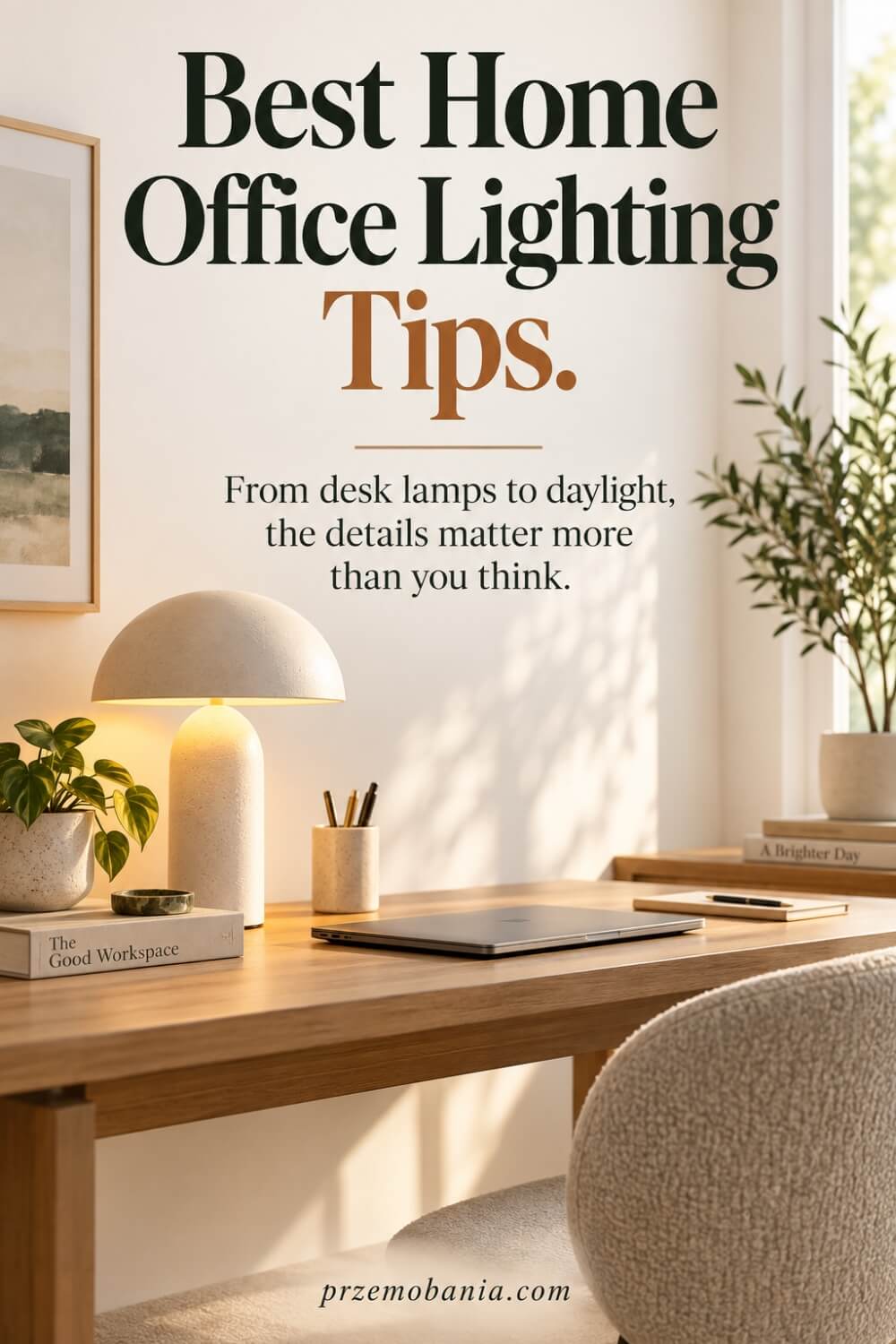
Control Reflections on Your Screen
Screen reflections are one of those irritations you can tolerate for months without realising how much they are affecting you. I check for bright windows, exposed bulbs and glossy surfaces behind me because anything bright in that direction can appear on the monitor and compete with the image I am trying to read. Increasing screen brightness may seem like the quick solution, but it often treats the symptom rather than the cause.
I prefer to remove or soften the reflection first. Adjust blinds, rotate the monitor slightly, change the position of a lamp or replace a very shiny desktop accessory if it keeps catching light. Even cleaning the screen matters because fingerprints and dust can scatter light and make reflections feel worse. When my wife has already used a great deal of energy simply getting through her working day, I do not want the room adding another avoidable strain. A clear, reflection-controlled screen is a small kindness your eyes notice over hours.
Soften Contrast Around the Screen
The monitor should not be the only bright rectangle in an otherwise dark room. When the area around it is much darker than the screen, your eyes repeatedly adapt as you look between the display, keyboard, desk and surrounding space. I prefer a gentle background level of light so the visual jump between screen and room does not feel severe.
That does not mean placing a glaring lamp directly behind the monitor. Soft ambient illumination, a shaded lamp elsewhere in the room or subtle light on a nearby wall can create a more balanced field of view. I also avoid making the wall behind the screen excessively bright, because the aim is balance rather than another competing hotspot. This became one of my favourite evening adjustments because it makes the office feel calmer without becoming dim. When the room supports your eyes instead of demanding constant adaptation, you can focus more naturally on the work in front of you.
Use Dimmers as Daylight Changes
A lighting setup that feels perfect in the morning can become far too bright once the sun moves or far too weak when evening arrives. That is why I value dimmers and lamps with adjustable output. They let you respond to the room as it changes instead of choosing one brightness level and living with it for every hour of the day.
I often lower general lighting when daylight is strong, then gradually increase it as the window light fades. This avoids the sudden moment when you realise you have been working in a dark room with a bright screen for the last hour. It also lets you make the office feel gentler later in the day without sacrificing enough light for the task. My wife taught me, without ever needing to say it, how important small adjustments can be when your energy is limited. A dimmer looks like a tiny feature, but the control it gives you can make the whole workspace feel more considerate.
Match Lighting to Working Hours
The best lighting plan depends partly on when you actually use the room. Someone who works from 7am may need strong artificial support during dark winter mornings, while a person who starts later could rely much more on daylight. If you regularly work after sunset, evening lighting deserves just as much thought as the desk position you choose for daytime.
I plan the room around the real schedule rather than an idealised photograph of it. That means checking how the office feels at the times I normally write, edit, answer emails and finish my day. I also prefer warmer, softer general light later in the evening while keeping enough focused task light to work comfortably, rather than making the entire room intensely bright. Our routines at home taught me that a workspace has to serve real life, not just look impressive at noon. The more honestly you design around your own working hours, the less often the room will fight against you.

Why Home Office Lighting Should Adapt to Difficult Days?
The deeper lesson home office lighting taught me was that a workspace should not expect the same person to arrive at the desk feeling exactly the same every morning. Some days my wife can sit down, concentrate and work with reasonable comfort, while on others simply getting through the working hours takes determination most people around her will never see.
That changed the questions I ask when I design a room. Instead of only asking whether a light fitting looks beautiful, I ask whether she can control it easily when she is exhausted, whether she needs to stand up to reach a switch, and whether the room can become gentler without becoming unusable.
I like keeping the most useful controls within easy reach of the chair because unnecessary movement becomes surprisingly important when somebody is already struggling physically. A lamp switch on the cable behind a cabinet may sound like a tiny inconvenience until the person using it has to reach for it several times during a difficult working day.
I also think carefully about predictability. When the same switches control the same areas and the lamps remain where they are genuinely useful, you stop wasting attention fixing the room before you can begin your work.
There were evenings when I watched my wife finish her NHS work from home while I knew how much effort she had spent simply appearing normal on the other side of a screen. Nobody joining a call could see what it had cost her to sit there, and that stayed with me because a well-designed office cannot remove illness, but it can stop demanding additional energy from somebody who has very little left.
That is why I stopped seeing lighting controls as technical extras. To me, being able to reduce one source, switch on another or change the atmosphere without leaving the chair is part of designing with respect for the person who uses the room.
I also learnt not to judge a workspace only on its best day. Test it when you are tired, when it is raining outside, when winter darkness arrives early and when your concentration is already fading, because those are the moments when poor decisions become painfully obvious.
Sometimes the most thoughtful improvement is not another decorative fitting at all. It might be moving a switch, adding an easily reached control, replacing an awkward lamp or creating a simple routine so the room is ready before the working day begins.
My own office has taught me the same lesson from another direction because blogging often keeps me at the desk for long stretches when ideas are flowing. I love my work, but loving what you do does not make your eyes, neck or concentration unlimited, so I want the room to remind me that comfort is part of productivity rather than a reward for finishing.
Living and working beside my wife made that belief much stronger. When somebody you love is already negotiating with her body just to keep working, you begin to notice every unnecessary obstacle you once dismissed as insignificant.
I cannot design away the difficult days for her, and pretending otherwise would be dishonest. What I can do is make sure the room does not ask her to fight the furniture, the controls or the atmosphere on top of everything else she is carrying.
That is the part of interior design I care about most now. Beauty still matters deeply to me, but the most beautiful workspace I can create is one that quietly says, “You do not have to prove anything here.”
And when I see her settle into a room that bends a little more willingly around what she needs that day, I am reminded why these details deserve so much thought. A home office should never make you feel weak for needing comfort; it should make comfort feel like it belonged in the design from the beginning.
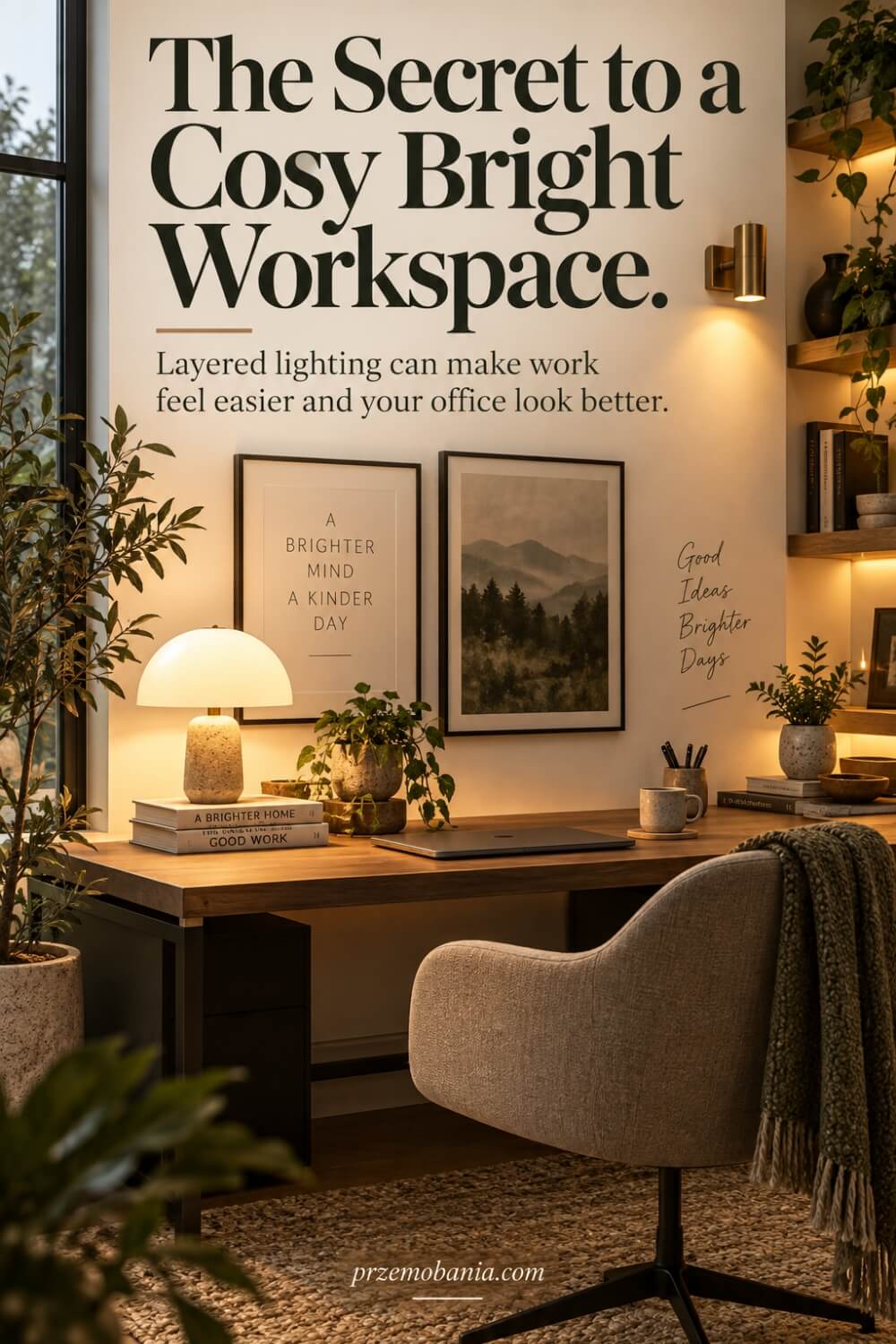
How to Choose Home Office Lighting That Feels Comfortable for Hours?
When I choose home office lighting, I no longer begin with the shape of the lamp; I begin with the quality of the light reaching my desk, because two bulbs that look almost identical on a shop shelf can make a room feel completely different after several hours of work. Bulb packaging can seem unnecessarily technical, but understanding a few details such as lumens, colour temperature and colour rendering gives you far more control than simply buying whatever wattage you used in the past.
Lumens describe how much visible light a lamp produces, so they are much more useful for comparing modern LED bulbs than relying on watts, which mainly describe electrical power consumption. For concentrated work such as reading printed documents, planning content or making handwritten notes, I want enough useful brightness on the work surface without turning the rest of the room into something that feels like an examination room.
Colour temperature is another specification I pay close attention to because it changes the character of a workspace even when the furniture stays exactly the same. Cooler white light can feel crisp and alert during working hours, while very warm light often creates a softer atmosphere that I personally enjoy more when my working day begins to wind down.
I would not tell you that one exact Kelvin number is magically perfect for everybody because daylight, wall colours, personal preference and the kind of work you do all change the result. Instead, I prefer choosing a neutral or moderately cool white for focused daytime work, then using warmer secondary lighting when I want the office to feel less stimulating later in the evening.
Colour rendering deserves attention too, especially if your work involves photography, design, fabrics, paint samples, artwork or anything where accurate colours matter. A lamp can provide plenty of brightness while still making skin tones, timber, wall paint or décor look strangely dull if its spectrum reproduces colours poorly.
You will often see a Colour Rendering Index, usually shortened to CRI, printed on better-quality lamp specifications, and I generally look for a high rating when visual accuracy matters. It became particularly important to me as somebody who loves interiors because I want the colours I chose so carefully for a workspace to still look like themselves once daylight disappears.
I also think about how the bulb is hidden inside the fitting because seeing a bright LED directly can be much less comfortable than receiving the same amount of light through a shade or diffuser. Frosted bulbs, deeper shades and fittings that shield the light source can create a much gentler result while still giving the desk enough illumination to remain useful.
Flicker is another detail that is easy to ignore because you may not always consciously see it. Poor-quality LEDs, incompatible dimmers or badly matched drivers can produce visible or subtle fluctuations that some people find distracting or uncomfortable, which is one reason I would rather buy fewer dependable lamps than fill a room with the cheapest fittings I can find.
The same applies to overly concentrated beams because a tiny, extremely bright hotspot surrounded by darkness is not automatically useful just because a light meter would show a high reading in that one place. I want the working area to feel visually coherent, with enough spread across the keyboard, notebook and nearby surfaces that I am not constantly shifting objects into one narrow pool of brightness.
Choosing replacement bulbs also becomes easier once you stop assuming every fitting needs the strongest lamp it can physically accept. I would rather start with the amount of light the task genuinely requires and then adjust with separate sources, positioning or dimming than create an aggressively bright room and spend every evening trying to calm it down.
Smart bulbs and tunable lamps can be helpful here, but I do not think technology is automatically better simply because an app controls it. If a straightforward adjustable lamp with a reliable switch gives you exactly the light you need, that simplicity can be more valuable than another device demanding updates, connections and menus.
What matters to me is whether the light behaves predictably when I sit down to work. I want to know that the colours will look right, the brightness will support the task and the fitting will not suddenly become the thing I notice most in the room.
This became personal when I started paying closer attention to how my wife experienced our home rather than how beautifully I could photograph it. There were days when she had already spent so much energy simply getting dressed, sitting at her desk and doing her job that asking her to tolerate one more uncomfortable detail felt completely unnecessary.
I could not take away what her body was putting her through, but I could learn enough about the room around her to stop adding avoidable friction. That is why the next things I would check are not decorative trends but small practical choices that can make a working day feel noticeably kinder:
- Choose brightness for the task
- Pick a comfortable colour temperature
- Check colour rendering before buying
- Reduce glare from exposed bulbs
- Avoid flicker and bright hotspots
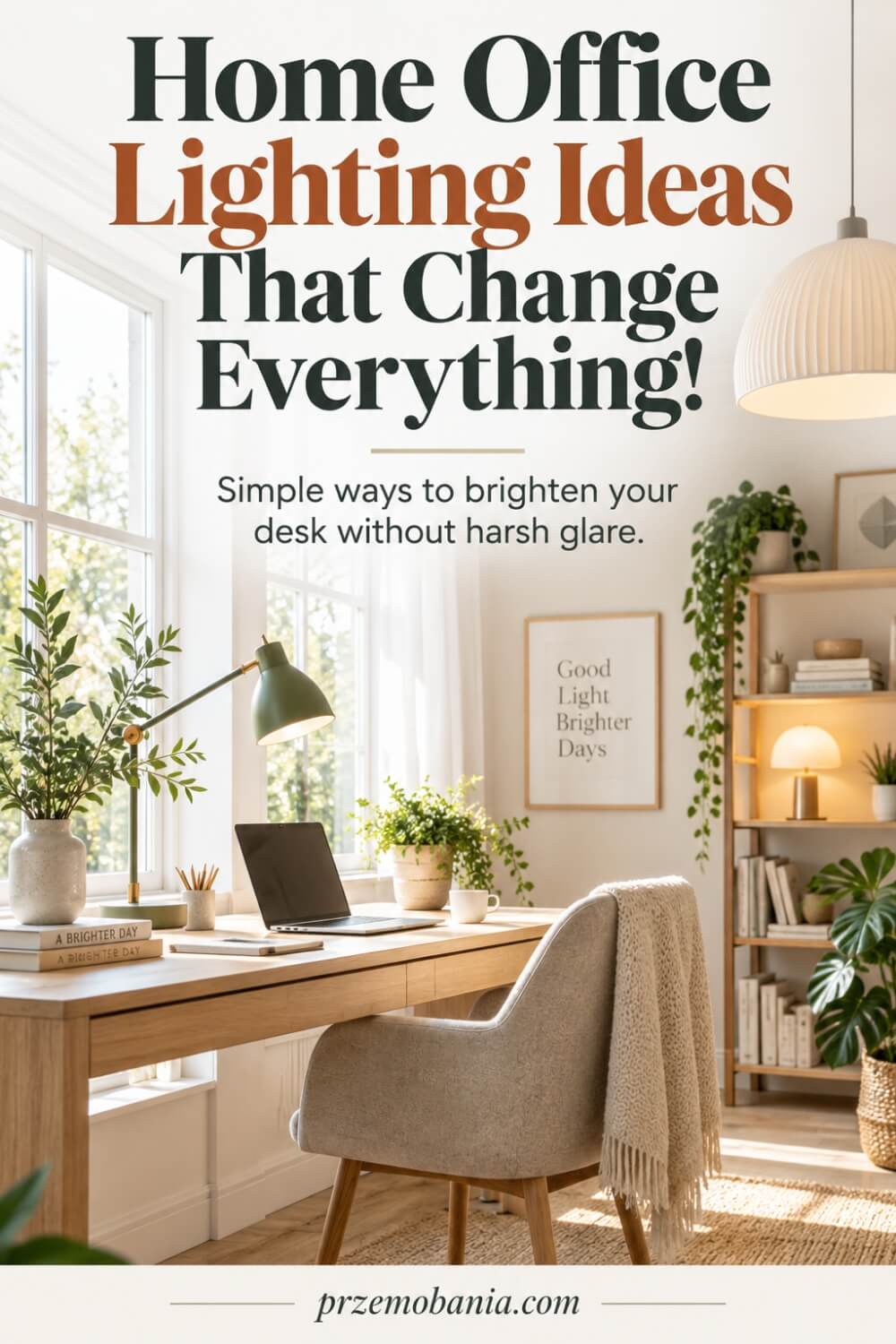
Choose Brightness for the Task
I stopped choosing bulbs by asking, “Is this bright enough?” and started asking, “Bright enough for what?” Reading printed pages, writing notes and detailed craft work usually need more focused illumination than answering emails or watching a presentation. The useful number to compare is lumens, but the final result also depends on distance, shade design, beam spread and how much daylight already reaches the desk.
I prefer a lamp that lets me add light exactly where the task happens rather than blasting the entire room. If the desk feels dim, move the lamp closer or improve its angle before automatically buying the brightest bulb available. Your eyes should not have to hunt for detail, but neither should the work surface feel like a spotlighted stage. The goal is effortless visibility, because good lighting disappears into the background while you concentrate on the work.
Pick a Comfortable Colour Temperature
Colour temperature changes how a workspace feels far more than many people expect. Measured in Kelvin, warmer light appears more yellow, while cooler light looks whiter or slightly bluer. I like a neutral white during focused working hours because it keeps the room feeling clear without making my home office feel cold, then I prefer warmer secondary lighting when I am working later and want the space to soften.
I would not chase one “perfect” Kelvin figure because wall colour, daylight and personal comfort all influence what looks right. If possible, test a bulb in the actual room before buying several of the same type. Look at the desk in the morning, afternoon and after dark, because the same lamp can feel completely different as natural light changes. Choose the temperature that helps you work comfortably while still making the room feel like your home, not somebody else’s specification sheet.
Check Colour Rendering Before Buying
If you care about décor, photography, artwork or anything where colour accuracy matters, check how well the lamp reproduces colours before you buy it. The Colour Rendering Index, or CRI, gives you a useful indication of how naturally colours may appear under that light, and I generally favour higher values for a workspace where I regularly judge images, finishes or materials. A room can be bright enough and still make everything look lifeless.
This matters to me because I spend so much time choosing paint, timber, fabrics and small details that I do not want them turning muddy when daylight disappears. Look beyond brightness and compare how skin tones, white paper, wood and coloured objects appear under the lamp. If reds look brownish or neutrals seem strangely flat, the light may be working against the room. Good colour rendering helps the office remain visually honest from morning into evening.
Reduce Glare from Exposed Bulbs
A bare bright bulb can become the most irritating object in the room, especially when it sits near your normal line of sight. I prefer fittings that shield the light source with a proper shade, frosted globe or diffuser so I receive useful illumination without staring directly at intense brightness. This is particularly important with compact LED sources because a small point of light can feel much harsher than its size suggests.
Sit in your normal working position before deciding whether a lamp is comfortable. Look towards the monitor, keyboard and surrounding shelves, then notice whether any bulb or bright reflection keeps pulling your attention away. Raising, lowering or rotating the fitting may solve the problem without replacing it. I learnt to judge lamps from the chair rather than from the doorway, because a fitting can look beautiful across the room yet become exhausting when it remains in your peripheral vision for eight hours.
Avoid Flicker and Bright Hotspots
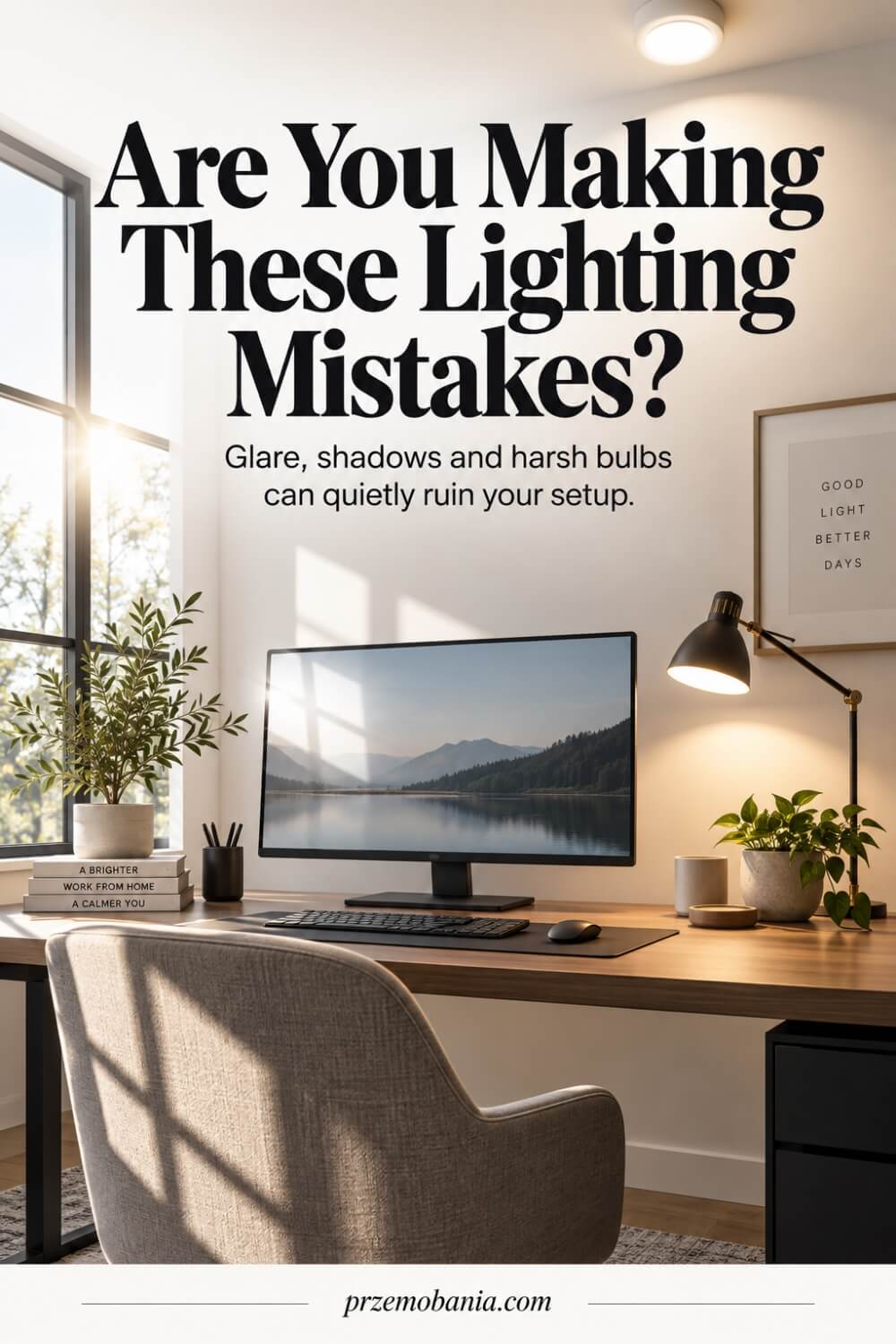
Flicker and concentrated hotspots are two problems I would rather prevent than tolerate. Some poor-quality LED lamps or incompatible dimmer combinations can produce unstable light that may be noticeable as visible pulsing, while others create a tiny, intensely bright patch on the desk with darkness surrounding it. Neither makes a workspace feel settled, even when the room technically has enough light.
I choose reliable lamps, match dimmers with compatible bulbs and pay attention to how evenly the beam spreads across the working area. If a task light creates a sharp circle, I adjust its height or angle so the transition into the surrounding surface becomes gentler. You should be able to move your eyes from notebook to keyboard to screen without jumping between extremes. For me, that calm consistency matters because the best office lighting does not demand attention; it quietly gives you one less thing to fight while you work.
How Home Office Lighting Shapes Focus, Energy and Routine?
Once the practical choices are right, home office lighting begins to influence something less obvious: the rhythm of your entire working day. I have noticed that when the room feels visually settled, I spend less time adjusting blinds, moving lamps or fighting reflections and more time actually thinking, writing and finishing the work in front of me.
That matters even more in our home because my wife does not begin every morning with the same amount of energy available to her. On difficult days, a workspace that is already comfortable means she can sit down without first having to solve another collection of small problems before her working day has even started.
I experience the room differently, but I benefit from that same sense of readiness. Blogging can pull me into long stretches of writing, editing photographs, researching and working through hundreds of small decisions, and I have learnt that visual comfort helps me stay focused without making the office feel harsh or relentlessly work-orientated.
There is also something powerful about allowing the room to change as the day moves forward. Brighter, clearer illumination can support the hours when I am concentrating most intensely, while softer surrounding light later helps me recognise that work is beginning to slow down rather than letting the office remain at full intensity until bedtime.
For my wife, those transitions can be even more valuable because working from home does not always mean the body stops demanding attention once the laptop closes. Being able to soften the room quickly helps the same space move away from feeling like a workstation and back towards feeling like part of our home.
That distinction has changed how I decorate as well as how I work. I no longer want an office that performs brilliantly for eight hours but feels unpleasant to enter afterwards, because the best rooms should support both productivity and the person who still has to live inside them.
Our experiences have taught me that productivity is not measured by how much discomfort you can tolerate before finally stopping. Sometimes the smartest improvement you can make is creating an environment that helps you preserve enough energy to still feel like yourself when the working day is finished.
That is why I now see thoughtful lighting as part of a daily routine rather than a finishing touch added after the desk, chair and shelves are chosen. When the room responds to the way both of us actually live, work, tire and recover, it stops being merely a beautiful office and becomes a space that genuinely takes care of the people inside it.
How Home Office Lighting Can Make a Workspace Feel Beautiful?
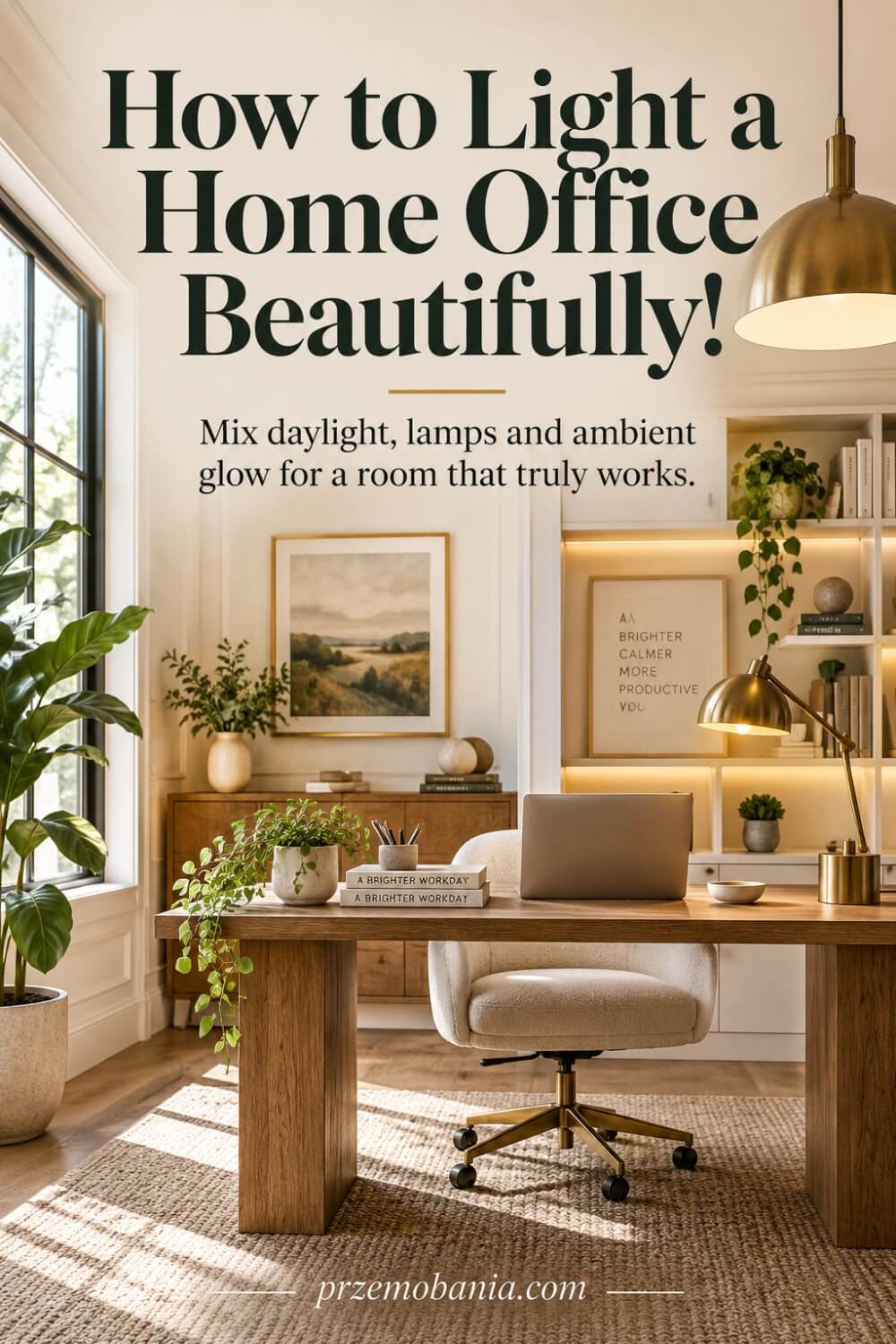
After all the practical decisions are made, I still want the room to make you feel something when you walk into it, because comfort without character can leave a workspace feeling strangely unfinished. For me, home office lighting works best when the fittings belong to the room visually, echoing the proportions, materials and mood of the furniture rather than looking like equipment added as an afterthought.
I look at scale first, because a tiny lamp can disappear beside a substantial desk while an oversized fitting can dominate a compact room and make everything underneath it feel cramped. A pendant or ceiling fitting can establish the visual centre of the room, while a beautiful desk lamp can become part of the composition rather than merely supplying brightness. Wall lights are especially useful when floor and desk space are limited, and they can introduce softer pools of illumination that make shelving, artwork or textured walls feel more intentional.
The trick is creating visual hierarchy, so not every corner competes for attention at the same strength. I like allowing some areas to remain quieter while gently highlighting the desk, a bookcase or another feature I genuinely want to notice, because those differences give the room depth after dark.
This matters in our home because my wife spends enough time working inside these walls for the space to deserve more than simply being functional. When she is having a hard day, I cannot promise that a beautiful lamp or softly illuminated shelf will change what she is dealing with, but I have seen how much nicer it feels when the room surrounding her looks cared for rather than clinical.
I have learnt the same thing through my own work because I am far more eager to sit down and create when my office feels like somewhere I chose to be, not somewhere I merely placed a computer. My own love of interiors means I enjoy combining timber, fabric shades, matt finishes, warm metals and carefully placed light so that the workspace still feels like part of our home once the laptop is closed.
The rooms I remember most are rarely those with the greatest number of lights; they are the ones where every source seems to have a reason for being there, and that is the feeling I would want you to create in yours.
Final Word on Home Office Lighting
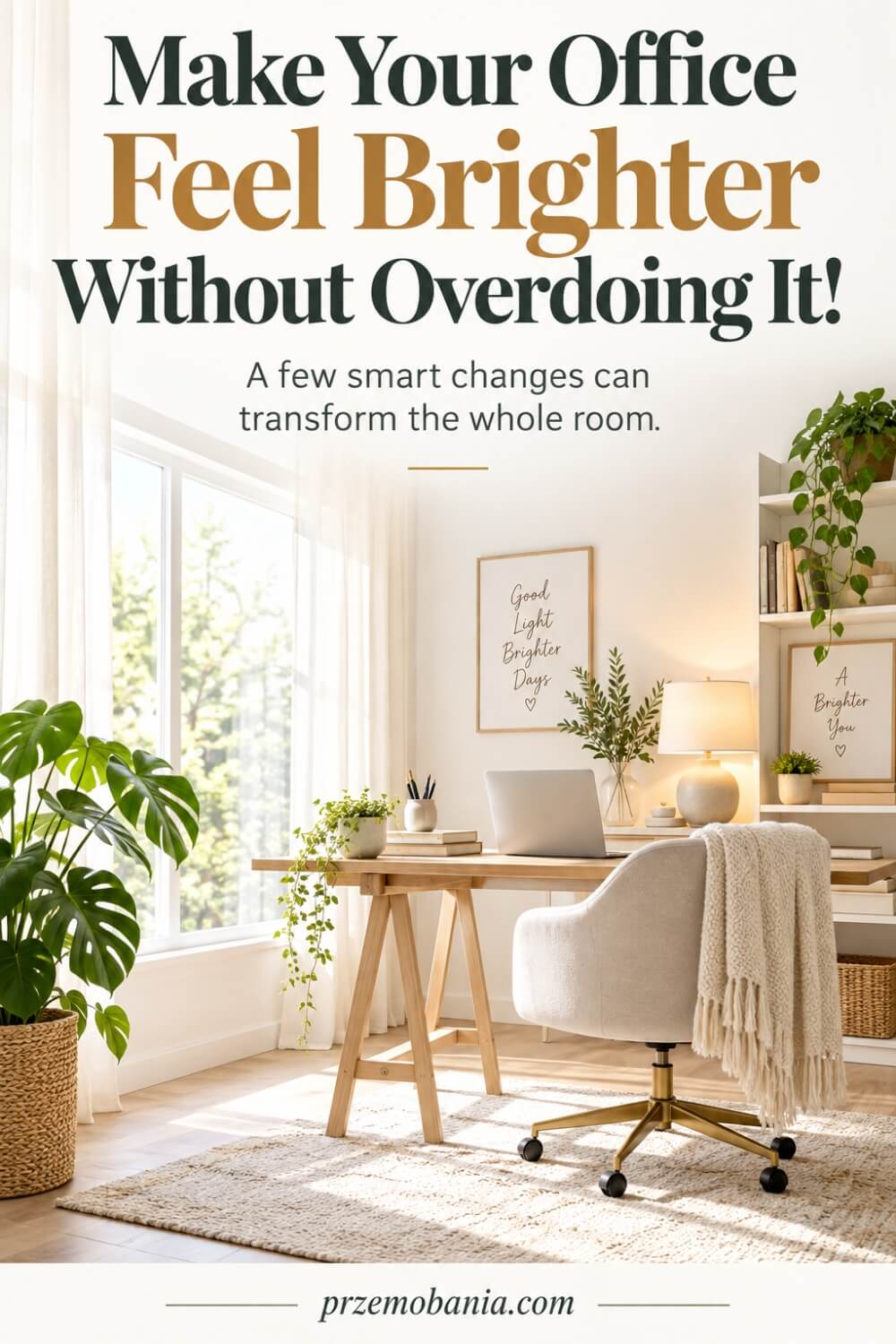
When I first started thinking about lighting a workspace, I saw it as a decorating decision. I wanted a lamp that looked good, a room that felt warm and a desk that photographed beautifully. Years of working from home, supporting my wife and spending long days writing taught me that light deserves more respect than that.
The best home office lighting is never about choosing the brightest bulb or copying somebody else’s styled room. It comes from understanding how daylight enters your space, where reflections appear, what tasks you perform, how long you remain at your desk and how your own eyes and energy respond as the hours pass.
Start with the window because daylight is free and powerful. Position the desk so you can benefit from it without staring into glare or seeing a bright window reflected across your monitor, then use blinds, curtains or changes in desk angle to control what the sun does rather than fighting it every afternoon.
From there, build layers. Give the room general illumination, add an adjustable task lamp where detailed work happens and make sure the area around your screen is not dramatically darker than the display itself. You do not need dozens of fittings. You need a few well-chosen sources doing clear jobs.
Look beyond appearance when you buy bulbs. Consider lumens, colour temperature, colour rendering, diffusion and whether the lamp works properly with any dimmer you plan to use. A beautiful fitting can become irritating quickly if the bare bulb sits in your line of sight or throws a harsh hotspot across the desk.
Most importantly, design for the person who actually uses the room. That lesson came home to me through my wife. There have been days when simply sitting at her desk, concentrating and completing her work demanded more strength than anybody on the other side of the screen could see.
I cannot change what those difficult days ask from her, but I can make the room easier to live and work in. I can place controls within reach, soften an uncomfortable source, adjust the blinds before she starts or make sure the workspace does not create another problem she has to solve.
That changed the way I think about my office too. Productivity is not about proving how long you can tolerate discomfort. A good workspace should help you concentrate while preserving enough of yourself to enjoy the hours that come after work.
So do not rush to replace everything. Sit at your desk in the morning, afternoon and evening. Notice shadows, glare, dark corners, reflections and the moments when your eyes begin to feel tired. Change one thing, live with it and then decide what the room still needs.
Your office does not have to resemble a showroom to be successful. It should feel natural to work in, beautiful enough to draw you back and flexible enough to support real life. When light quietly helps you see, focus and feel comfortable, it has done its job.
You do not need a perfect room or an expensive lighting plan to make your office feel better. Begin with the light you already have, notice what makes working harder, and improve one detail at a time. A thoughtful workspace is built around your real days, your comfort and the work you want to do, not around somebody else’s photograph.
I would genuinely love to hear how lighting affects the way you work, so leave me a comment below and tell me what you would change in your own office. And before you go, have a look at the FREE chapter of my eBook waiting for you at the bottom of this post.


Przemo Bania is a blogger and writer who helps people get out of their traditional jobs to start a blogging career. Przemo also runs a health blog advocating for endometriosis and fibromyalgia…
Related Questions You May Be Asking About Home Office Lighting
1. What colour temperature is best for a home office?
For focused daytime work, many people find neutral white light around 3,500K to 4,000K comfortable because it feels clear without becoming excessively cool. Warmer light around 2,700K to 3,000K can make the room feel softer later in the day. I would test the light in your actual room because wall colours, daylight and personal preference all affect how it feels.
2. How bright should a home office be?
A useful starting point is around 500 lux on the main working surface for typical office tasks such as reading, writing and computer work. You do not need every corner equally bright. I prefer softer surrounding illumination combined with a stronger task light at the desk, which helps maintain visibility without creating harsh contrast or making the entire room feel overlit.
3. Where should I place my desk in relation to a window?
I generally prefer positioning the desk so daylight arrives from the side rather than directly in front of you or directly behind the monitor. This can reduce both glare and reflections. Check the screen throughout the day because sunlight moves. Blinds, curtains and small changes in desk angle can often solve problems that would otherwise tempt you to buy additional lighting.
4. Is a desk lamp necessary if I have a ceiling light?
Not always, but I find an adjustable desk lamp extremely useful because ceiling lighting rarely gives precise illumination exactly where detailed work happens. A task lamp lets you direct light towards documents, notebooks or craft work without brightening the whole room. It also gives you another layer of control when daylight fades or your working needs change during the day.
5. How can I reduce screen glare in my home office?
Start by identifying what you can see reflected in the dark screen when the monitor is switched off. Windows, exposed bulbs and bright fittings behind you are common causes. Rotate the monitor, adjust blinds, reposition a lamp or move the desk slightly before increasing screen brightness. I have found that correcting the source of a reflection is usually more comfortable than trying to overpower it.
6. Are smart bulbs worth using in a home office?
Smart bulbs can be useful if you want to adjust brightness or colour temperature throughout the day, but I would not consider them essential. A reliable dimmable lamp can achieve much of the same practical result. I choose technology only when it makes the room easier to use, because the best system is the one you can control quickly without turning a simple lighting adjustment into another task.
Home Office Lighting References
- https://www.cibse.org/knowledge-research/knowledge-portal/lg7-lighting-for-offices-2023
- https://www.cibse.org/knowledge-research/knowledge-resources/engineering-guidance/cibse-top-tips/cibse-top-tips-2-lighting-in-buildings-2015/
- https://www.hse.gov.uk/PuBns/priced/l26.pdf
- https://www.hse.gov.uk/pubns/ck1.pdf
- https://www.hse.gov.uk/humanfactors/topics/lighting.htm
- https://www.hse.gov.uk/msd/dse/training-information.htm
- https://en.wikipedia.org/wiki/Illuminance
- https://en.wikipedia.org/wiki/Color_temperature
- https://en.wikipedia.org/wiki/Color_rendering_index
- https://en.wikipedia.org/wiki/Daylighting_(architecture)
- https://www.homesandgardens.com/ideas/home-office-lighting-ideas
- https://www.homesandgardens.com/interior-design/small-home-office-mistakes
- https://www.homesandgardens.com/advice/home-office-design-tips
- https://www.architecturaldigest.in/content/work-home-top-6-home-office-lighting-ideas/
- https://www.architecturaldigest.in/content/work-from-home-setting-up-home-office-expert-smart-ideas/
- https://thehomeofficesetup.com/how-to-light-a-home-office-without-glare
- https://mirodemi.com/blogs/lighting/home-office-lighting-brightness-glare-guide-2026
- https://remoteergolab.com/home-office-lighting-guide-2026-lux-color-temperature-and-glare-explained/
- https://worryhead.com/about-us/
- https://przemobania.com/why-home-decor/
